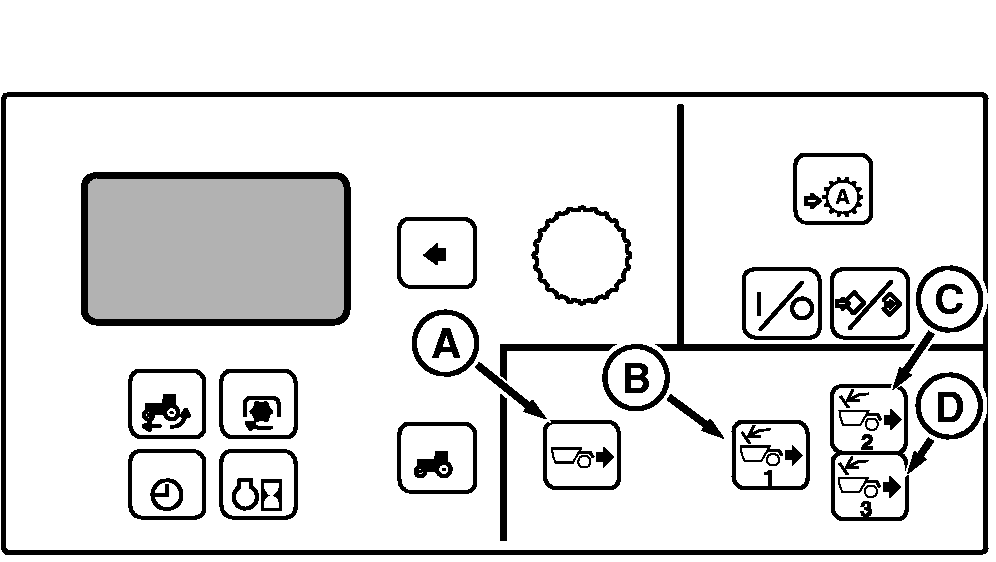
OPERATOR SETTINGS-User InputsTo adjust AutoLoad for different operating conditions, there are three touch switches located on the CommandCenter. To use these adjustments correctly, consider the digging process as two steps: 1.
Entering the cut.
|
|
OU1092A,00001DE -19-09OCT08-1/3 |
|
Entering the Cut
Entering the cut refers to the initial draft load settings adjusted using touch switches (B), (C) and (D). These initial draft settings are typically used to set loads over approximately the first half of the cut for a particular scraper.
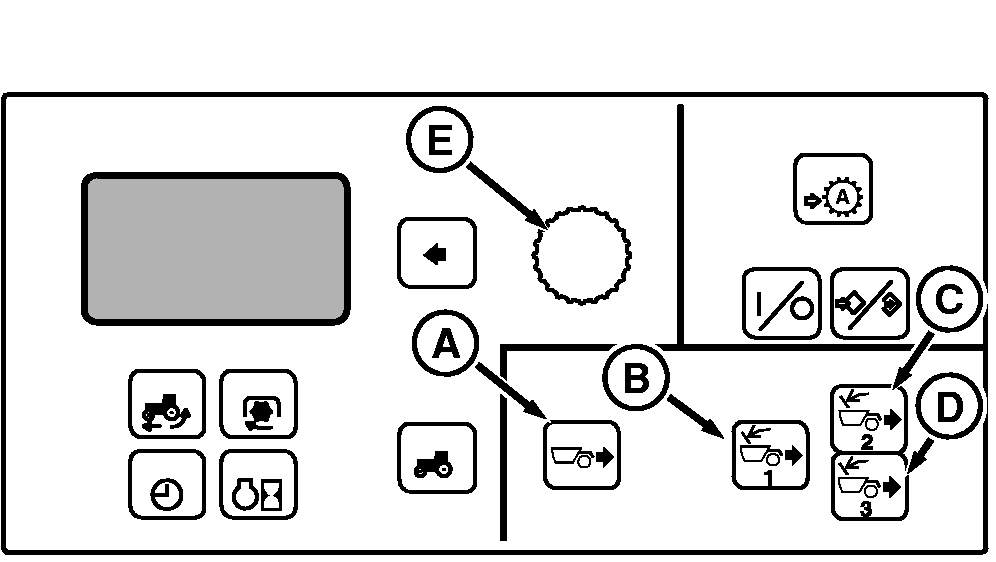
Touch switch (B) sets the initial draft load of the front scraper and is the load the tractor will achieve on entering the cut.
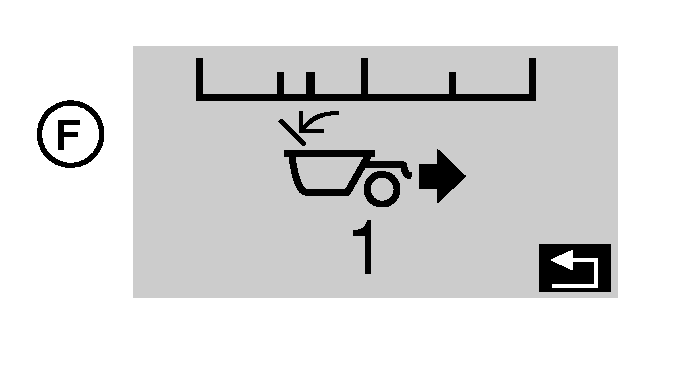
If tractor is loaded too heavy (low RPM) near the start of the cut, lower the initial draft load by touching the touch switch and rotating command dial (E) counter-clockwise (CCW). Front scraper draft setting (F) is shown in CommandCenter display .
If the tractor is not adequately loaded (high RPM) near the start of the cut, raise the initial draft load setting by turning the command dial (CW).
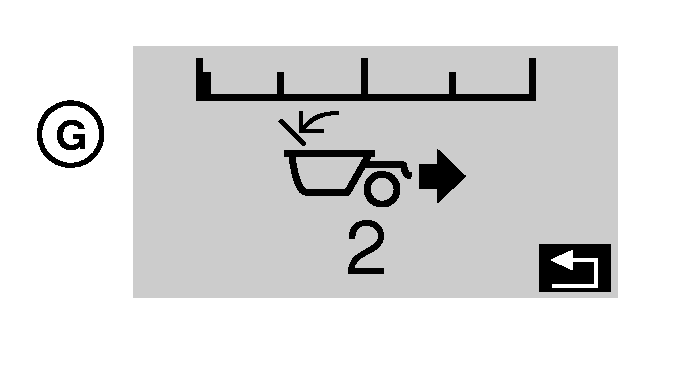
Touch switch (C) sets the initial draft load of the second scraper, otherwise, this switch works identical to switch (B). Second scraper draft setting (G) is shown in CommandCenter display .
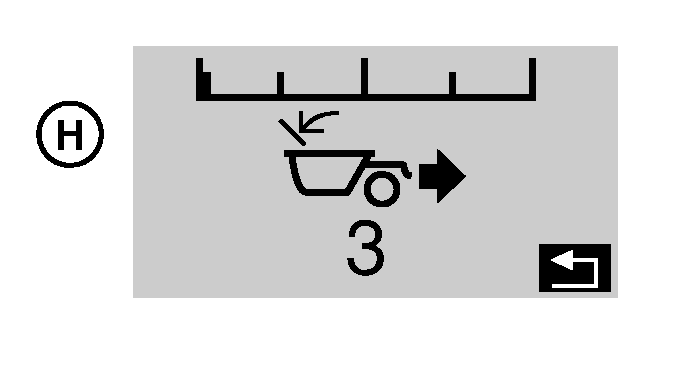
IMPORTANT: Operating tractor with three scrapers requires tractor be equipped with hydraulic trailer brakes. Reference "Towing Loads and Transporting with Ballast" Section of Operator's Manual. Touch switch (D) sets the initial draft load of the third scraper, otherwise, this switch works identical to switch (B) and (C). Third scraper draft setting (H) is shown in CommandCenter display .
|
|
OU1092A,00001DE -19-09OCT08-2/3 |
|
Maintaining the Cut
Maintaining the cut refers to the average draft load setting adjusted using touch switch (A).
The average draft load is the work load the system will maintain after the scraper has fully entered the cut.
Typically, the average draft load sets the work load over approximately the last half of the cut
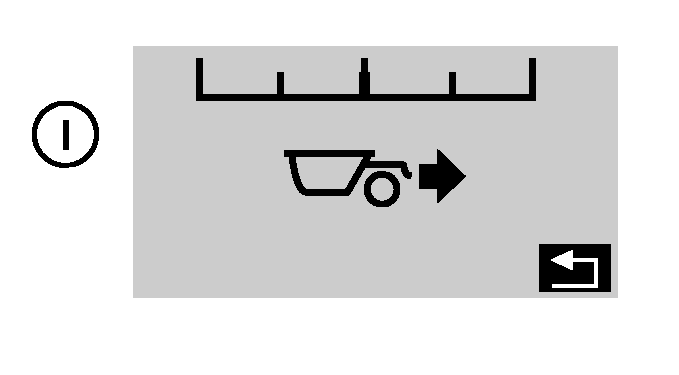
If the tractor is loaded too heavy (low RPM) near the middle or end of the cut, lower the average draft load by pushing touch switch (A) rotating the command dial counter-clockwise (CCW). Average scraper draft setting (I) is shown in CommandCenter display .
If the tractor is not adequately loaded (high RPM) near the middle or end of the cut, raise the average draft load by rotating the command dial clockwise (CW). |
OU1092A,00001DE -19-09OCT08-3/3 |