AutoLoad Operation and Controls
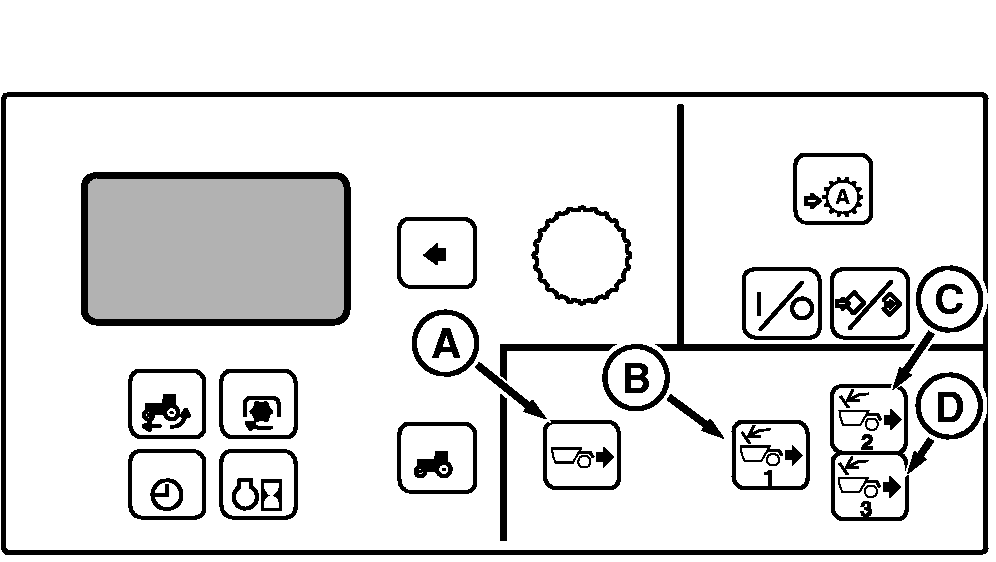
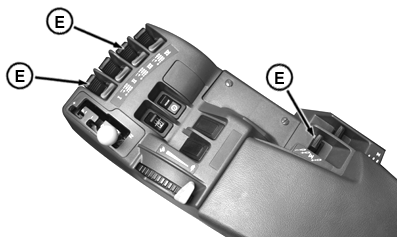
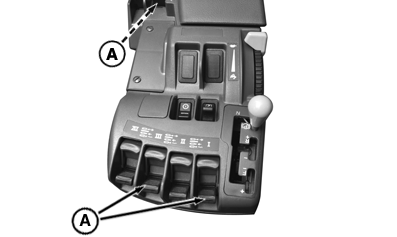
To operate AutoLoad, the system uses armrest SCV levers I, III and V (E) and four touch switches (A), (B), (C) and (D) on the CommandCenter.
Touch switches (A), (B), (C) and (D) are used to set the initial and average draft settings. This is explained previously in a OPERATOR SETTINGS Section. NOTE: If the settings for these inputs are unknown, set switch settings in mid-range and make adjustments as required. All adjustments should be made between dig cycles. Avoid making adjustments while a dig is in process. The SCV I, III and V levers (E) are used to move the scraper between set points, to engage the automated dig, to disengage the automated dig, and to manually operate the scrapers. Using The Set Points
The tractor controller can store two user definable positions for each scraper called the upper and lower set points .
The set points are positions stored in controller software which are used to quickly return the scrapers to known locations (e.g. transport height and dump height).
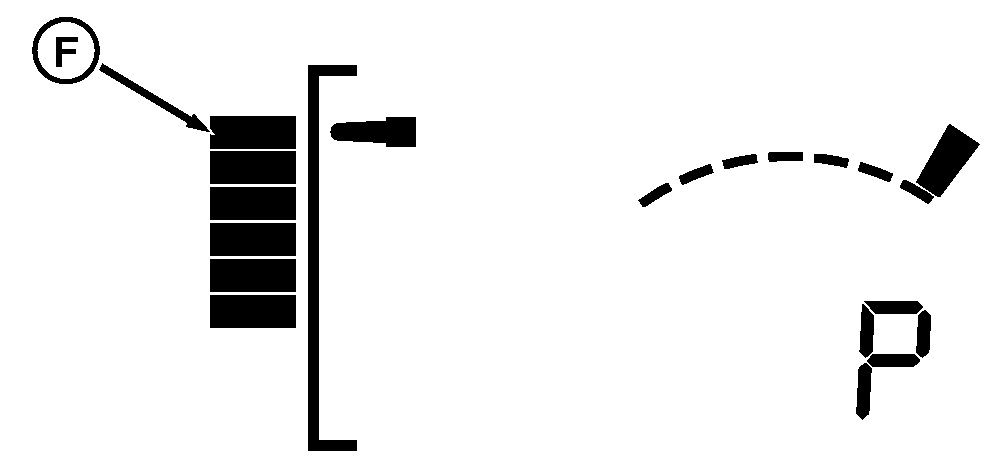
To move the scraper to the upper set point (F), detent rearward (extend). The scraper will then raise to and maintain this position. When at the upper set point, the position display graph will point to the uppermost position and a "P" will be displayed.
|
|
OU1092A,00001E0 -19-17SEP08-1/4 |
|
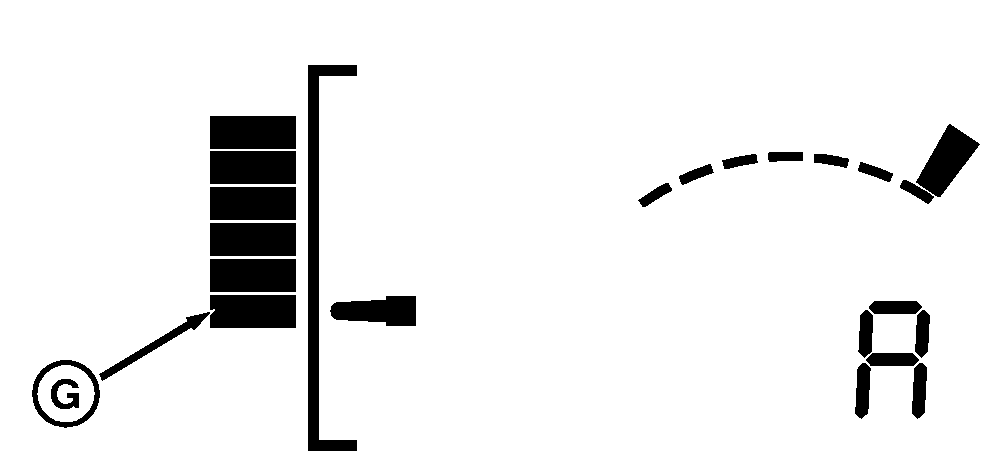
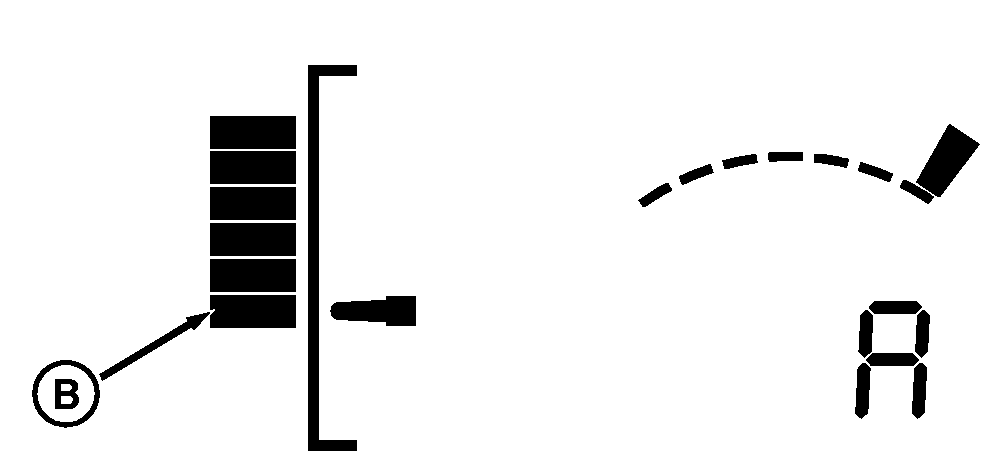
To move the scraper to the lower set point (G), detent forward (retract). The scraper will then lower to and maintain this position. When at the lower set point, the position display graph will point to the lowest bottom position and an "A" will be displayed when the system becomes armed. |
OU1092A,00001E0 -19-17SEP08-2/4 |
|
NOTE: The response of the system to a detent depends on the current position of the scraper,
Activate Automated Dig
To activate AutoLoad, the scraper must first be armed; an "A" will be displayed in the SCV setup panel for the respective SCV. NOTE: To arm the system, move the scraper to the lower set point. IMPORTANT: The tractor must be at full throttle and in gears 6th through 13th when using AutoLoad. Gears 6th, 7th or 8th are recommended. If outside this gear range, the automated dig cannot be engaged. Shifting gears while in the automated dig will default the system back to manual operation. Once the a scraper is armed, the automated dig can be activated with a forward detent (retract) of the respective SCV lever (A). NOTE: SCV I is used for the front scraper, SCV III for the second scraper and SCV V for the third scraper.
Once the automated dig is activated, the setup display panel will change from the armed status "A" to load control status "L" . |
|
OU1092A,00001E0 -19-17SEP08-3/4 |
|
NOTE: If different gears are used from one dig to another, you may need to fine tune the initial and average draft settings.
Disengage Automated Dig
If required, the automated dig can easily be disengaged through manual intervention. If the clutch is depressed or the SCV lever (SCV I for front scraper, SCV III for the second scraper or SCV V for the third scraper) is used, the system will default to manual operation. NOTE: Operation of SCV II, SCV IV and SCV VI (operating gate) will not disengage the automated dig. Autoload will also disengage if the gear is shifted while in the automated dig.
To re-engage the system, the SCV must be armed and then a detent forward (retract) will again activate the automated dig. |
OU1092A,00001E0 -19-17SEP08-4/4 |