Setting the Clock-Early Model Tractors1.
Switch ignition to ON position.
Display clock function in a 12 or 24 hour mode The 12 hour mode distinguishes between AM and PM and 24 hour mode operates as military time. To change mode press and hold the "DSPL/TM SET" button for 2 seconds, digits should start flashing. Press the "5" button to toggle between 12 and 24 hour modes. After 5 seconds of no activity the radio will return to normal set mode. |
|
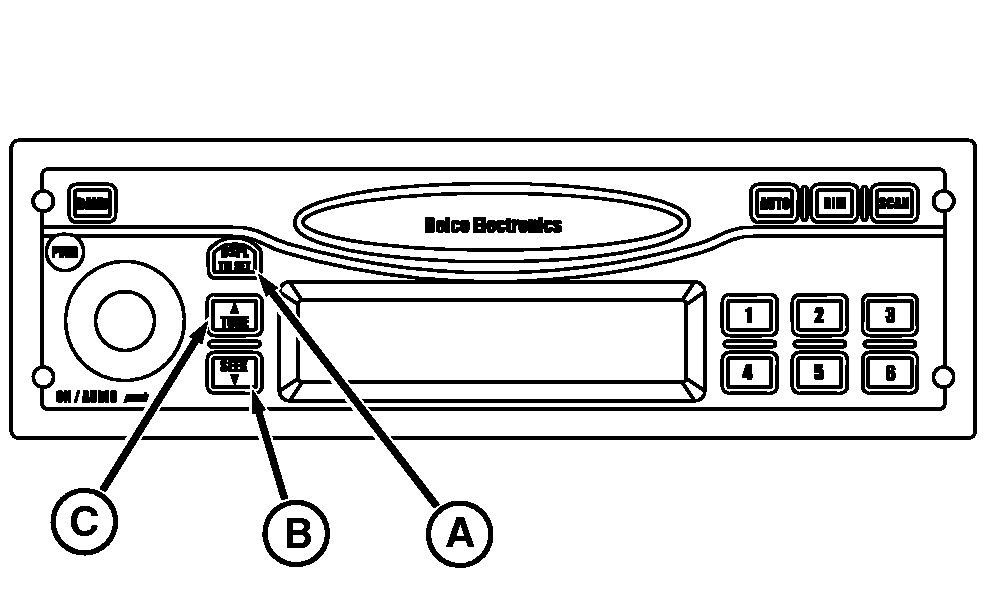
OURX935,000045F -19-12MAR09-1/1 |