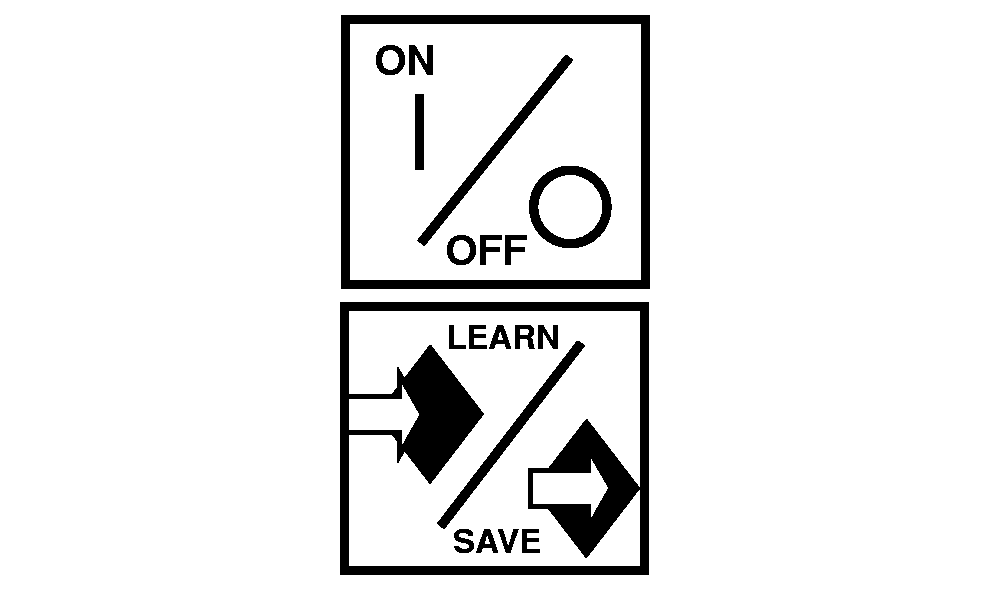
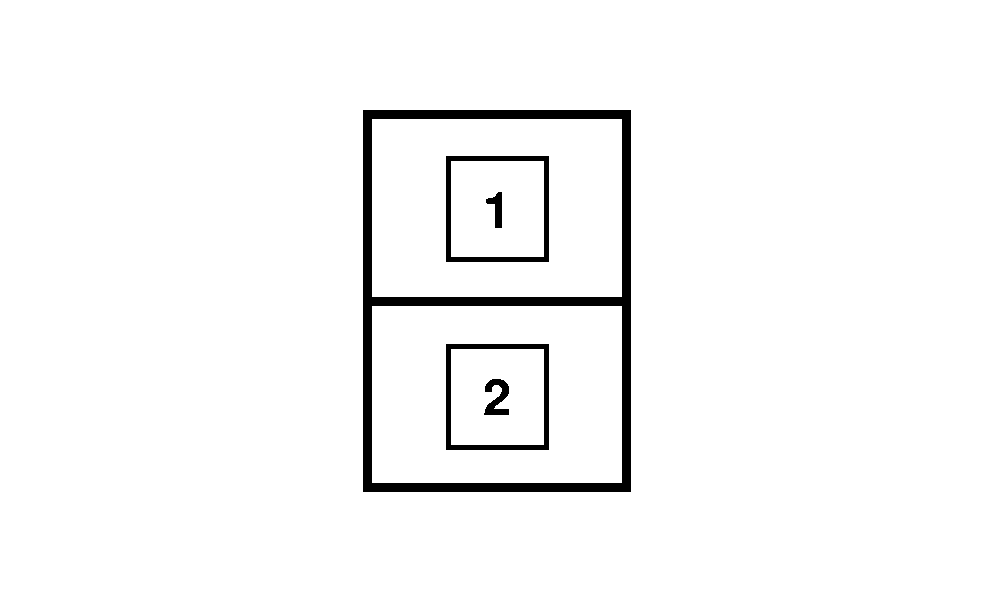
Use of IMS in Scraper OperationCycle consists of: Cutting/Loading area, Transporting Loaded distance, Fill/Dump area and Transport Un-loaded/empty distance back to Cut/Loading area. Set-up to "Learn" Sequence # 1 (Finishing cut & going to transport): 1. While still moving, finishing cut & before raising scraper: Depress ON/OFF Touch Switch. (On right console. Turns IMS "On")2. Depress Learn/Save touch switch. (On right console. Enters Learn Mode) 3. Depress Sequence 1 rocker switch. (Located on CommandARM) 4. Pull SCV #2 (Gate) to detent "click". (Closes gate) 5. Pull SCV #1 (Raise) to detent "click". (Raises scraper) 6. Tap brake pedal to turn off differential lock. 7. Shift up to Transport Gear (Or push resume switch to turn APS back on if previously set for transport). 8. Depress "Learn/Save" touch switch again. (Saves this as Sequence 1) Set-up to "Learn" Sequence # 2 (Returning from transport to begin cut): 1. While still driving back in transport gear: Depress ON/OFF Touch Switch. (Turns IMS "On")2. Depress Learn/Save touch switch. (Enters Learn Mode) 3. Depress Sequence 2 rocker switch. (Located on CommandARM) 4. Shift down to proper loading gear. (Example: 8th Forward) 5. Depress Diff. Lock button-switch with foot. (Turns on Diff. Lock) |
|
RW29387,0000002 -19-27APR07-1/2 |
|
6.
Push SCV #2 Forward to detent "click". (Opens Gate)
7. Push SCV #1 Forward to detent "click". (Lowers Scraper) 8. Depress "Learn/Save" touch switch again. (Saves this as Sequence 1) NOTE: Be ready to pull SCV #1 back and begin manually controlling the scraper height again if it is set to dig in deeper than engine is ready to handle. To Use IMS in either sequence (Once sequences have been saved):
|
RW29387,0000002 -19-27APR07-2/2 |