Using FieldCruise™ and Foot Decelerator |

|
A-Command Dial
B-FieldCruise Screen
C-SELECT Switch
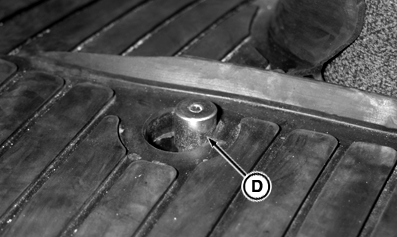
D-Foot Decelerator
|
FieldCruise -Rotate Command dial (A) to bring FieldCruise screen (B) to bottom-half display.
Foot Decelerator -Push button (D) to lower engine rpm until released. Speed resumes when released. |
|
|
Field Cruise is a trademark of Deere & Company | RW29387,000026C -19-26MAR09-1/2 |
|
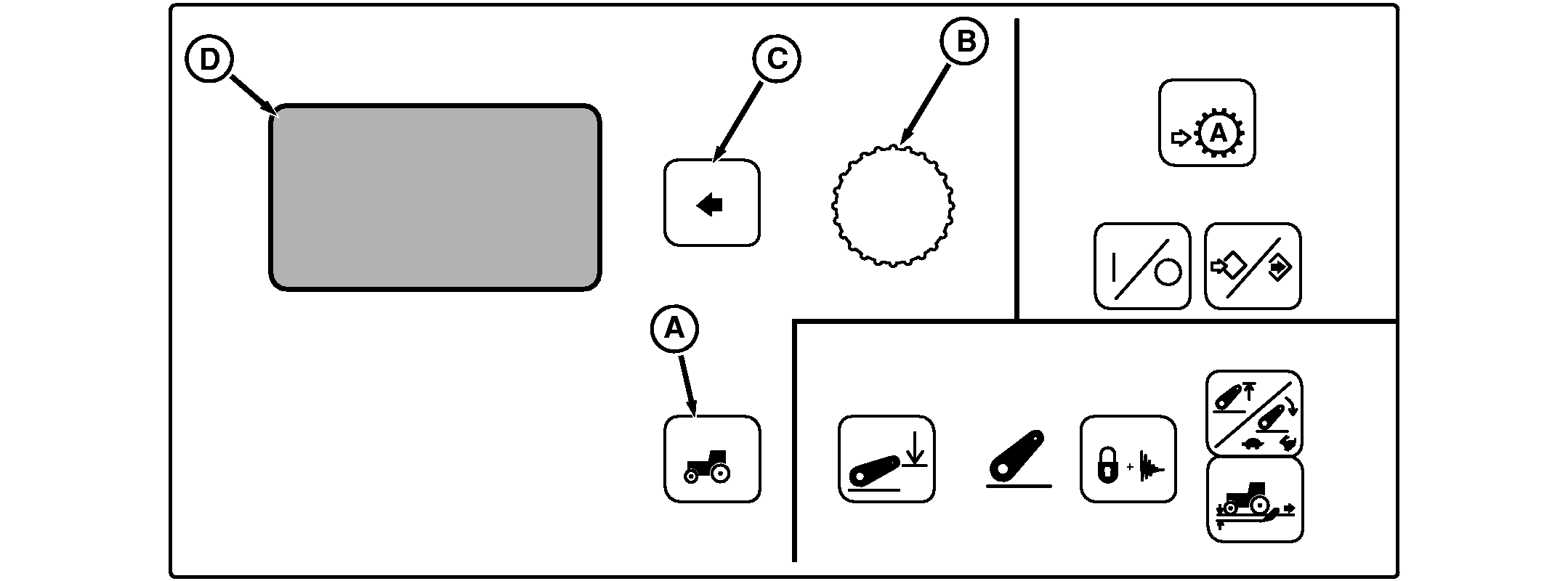
A-Settings Switch
B-Command Dial
C-Select Switch
D-Display
|
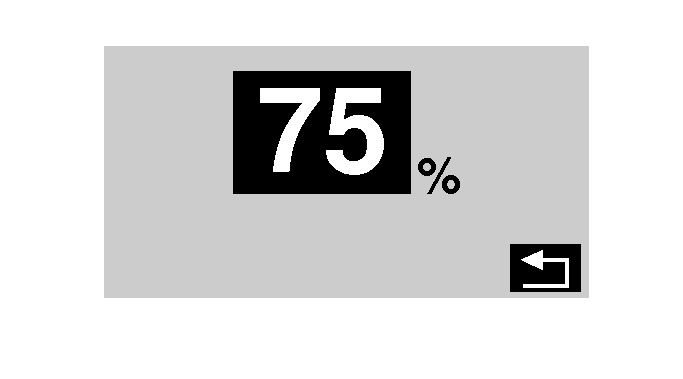
Setting Decelerator Press Settings Switch (A) to view menu items on Display (D). Rotate Command Dial (B) to highlight Decel Switch and press Select Switch (C). Decelerator is adjustable from 50 to 95 percent of maximum engine (throttle) speed by rotating Command Dial and pressing Select Switch to save setting. |
|
RW29387,000026C -19-26MAR09-2/2 |