Access Manager
CQ293112-19-13FEB12
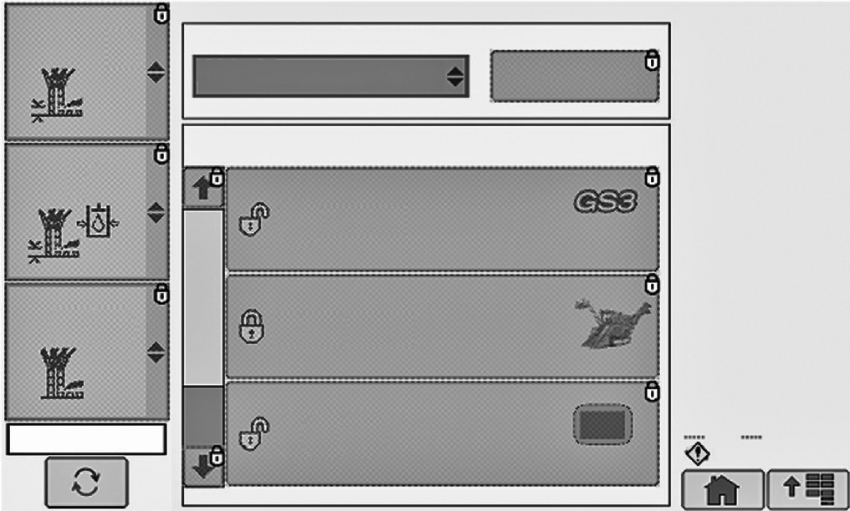
To lock one or all screens:
- Select the screens you want to lock or unlock, GreenStar, Sugar Cane Display etc. See following slides.
- Change Current Access Level from Owner to Operator
- Select Accept to switch to Operator and lock screens.
You will need a password to switch back to Owner and make changes or unlock all screens.
To Unlock Screens:
- Change Access Level from Operator to Owner
- Type in Password. The default password is 0000 (Four Zero’s).
- The password can be changed by selecting Change Password on Access Manager Home Page
|
AS60558,0002797-19-20120123 |