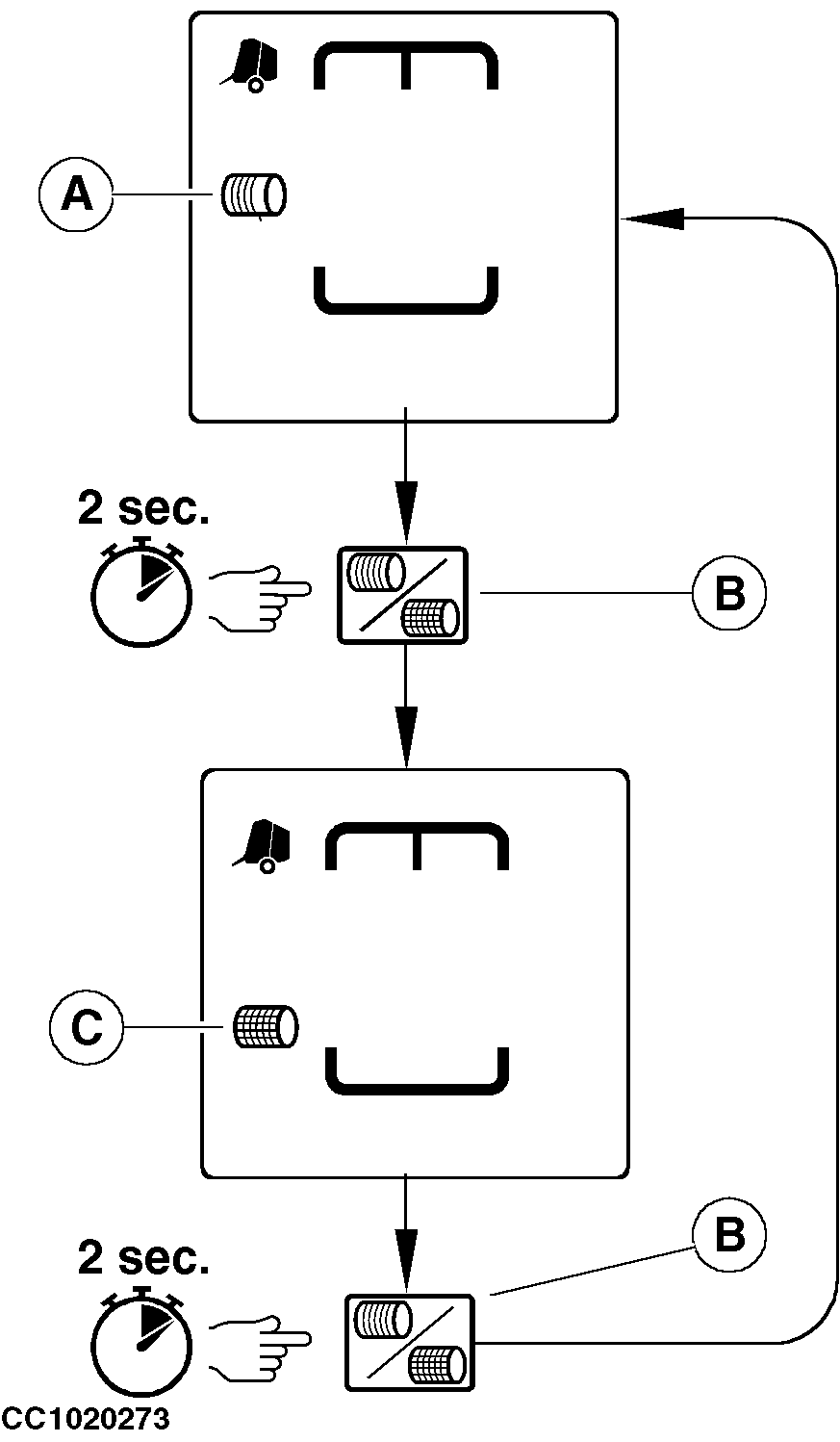
Selecting Tying SystemPress and hold "TWINE OR NET TYING" key (B) for about 2 seconds to switch from net to twine tying or from twine to net tying. When the twine tying is selected, the twine tying pictogram (A) is displayed. When the net tying is selected, the net tying pictogram (C) is displayed. NOTE: If a pressure on "TWINE OR NET TYING" key does not select the desired tying system, see your John Deere dealer.
|
|
OUCC006,0000741 -19-01AUG02-1/1 |