Removing and Installing Net Knife (Baler with CoverEdge Net Tying Device)
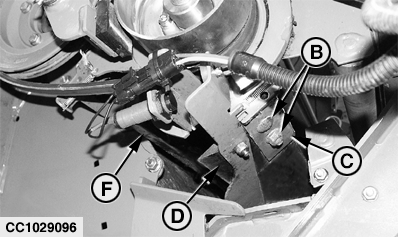
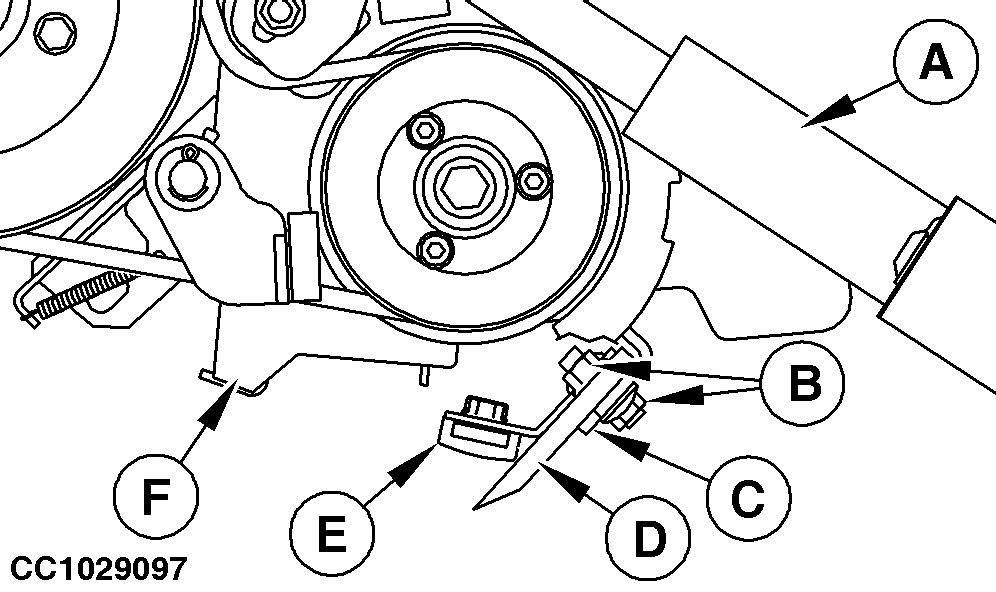
2. Extend net actuator (A) so that fixing screws (B) are fully accessible, then disconnect actuator plug. 3. Remove fixing screws (B) on each side of knife (D). 4. Remove knife (D) and rubber pad (E) from bracket (C). 5. Install knife (D) and rubber pad (E) on bracket (C), in the same position as before removal. IMPORTANT: Take care that knife (D) and rubber pad (E) are correctly centered in relation to counter-knife (F). 6. Tighten fixing screws (B) on both sides. 7. Reconnect actuator plug and retract actuator (A). 8. Adjust rubber pad (E). See "Adjusting Counter-Knife Position" in this section.
|
|
 CAUTION:
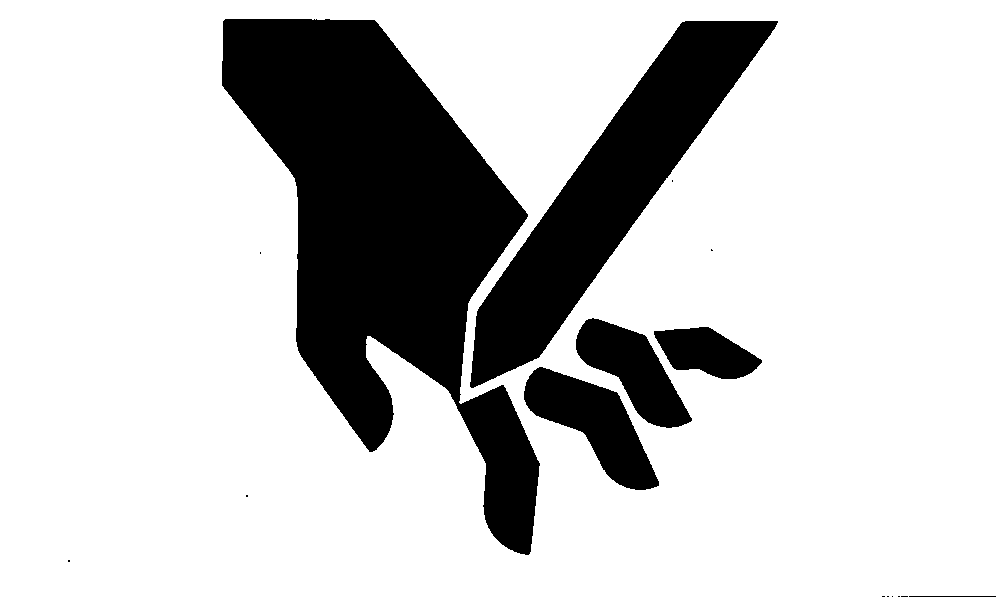
Prevent personal injury by wearing gloves to handle net knife.
CAUTION:
Prevent personal injury by wearing gloves to handle net knife.
OUCC006,0001241 -19-16JAN07-1/1 |