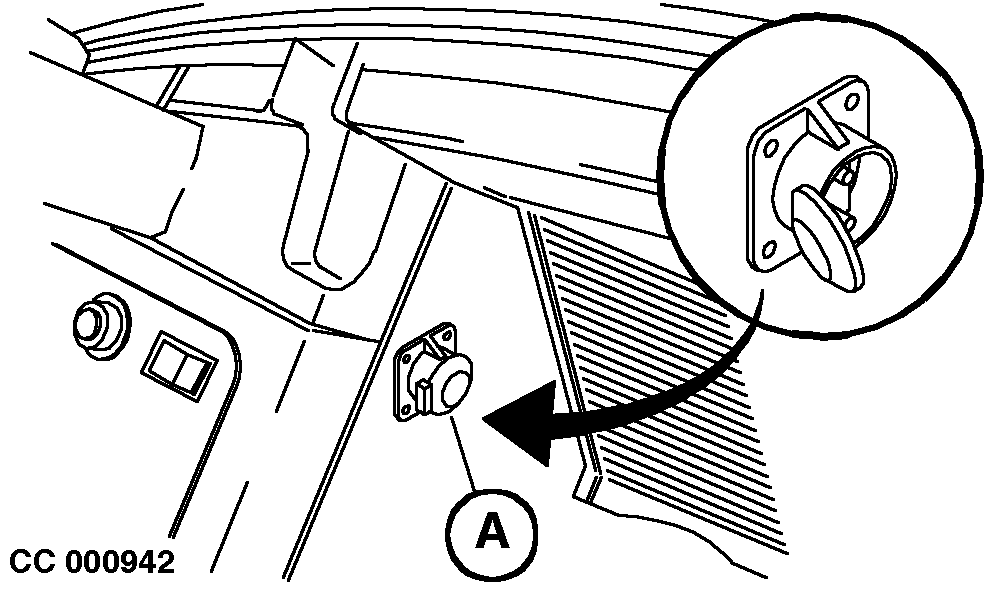
Installing Battery Wiring Harness for Connection of Control MonitorThe BaleTrak monitor as well as the ELC monitor must be connected to the tractor convenience outlet. Install special battery harness (B) with convenience outlet (A), if not equipped. Proceed as follows: 1. Drill a hole into the side wall of the tractor cab, at any convenient place, to install convenience outlet (A).2. Connect the wires (C)-(D)-(E) to the outlet (A) as shown opposite. 3. Route wiring harness (B) through the cab up to the battery. 4. Clamp relevant pins (F)-(G)-(H) to the wires. Connect red wire (H) to the positive strap of the battery, red wire (F) to the "ON" position of the dashboard main switch and black wire (G) to the negative strap of the battery. IMPORTANT: Do not connect the positive wires (F) and (H) (RED) to the starter motor solenoid! NOTE: The special harness (B) is also available as an option for further tractor installation. NOTE: Disconnect battery harness and BaleTrak wiring harness connector when welding on machine.
|
|

OUCC006,0001261 -19-17JAN07-1/1 |