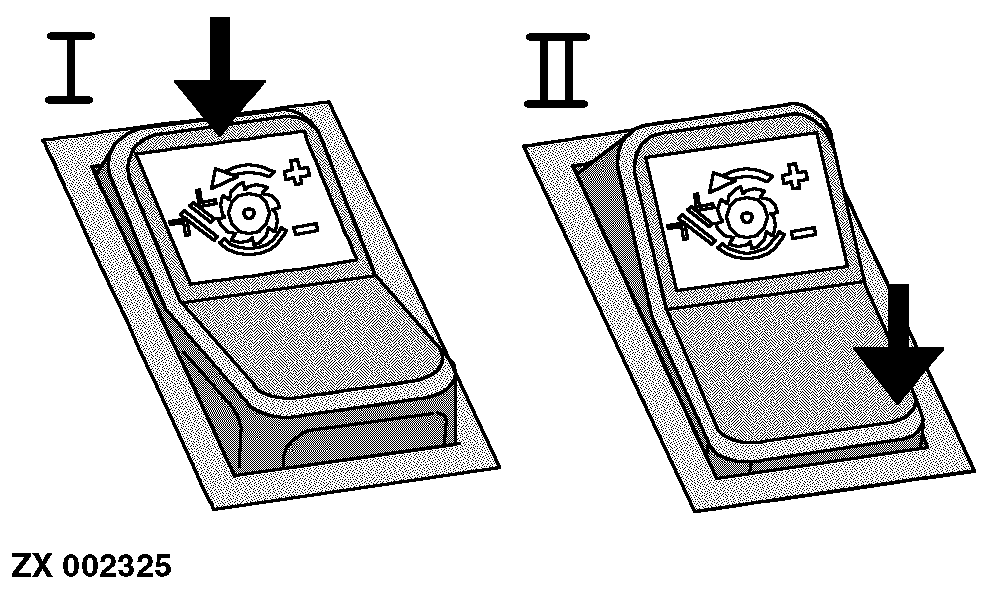
Concave Clearance Adjusting SwitchTo adjust concave clearance, starter switch must be in position I or II. NOTE: The current concave clearance can be displayed on the infotrak monitor. Briefly touch switch (top or bottom part) to display actual setting for 5 seconds. The number 4 indicates minimum and the number 51 maximum concave clearance. With manual adjustment, concave clearance is shown on infotrak monitor. |
|
AG,CO03622,1649 -19-30OCT02-1/1 |