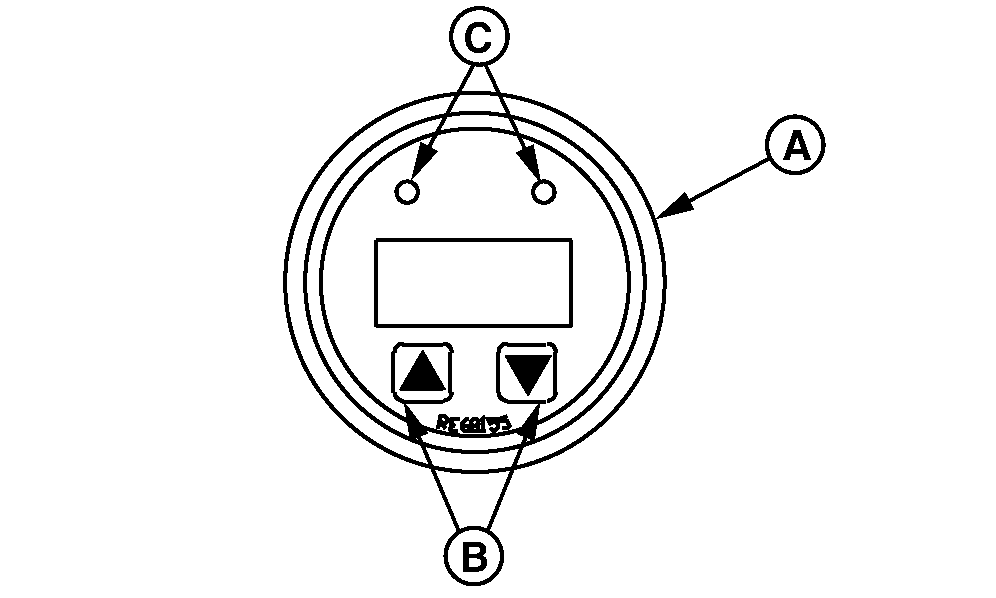
Viewing Active DTCs on Diagnostic GaugeAccessing Active Diagnostic Trouble Codes (DTCs): 1. Scroll through the main menu of engine parameters by pressing either the right or the left touch switch2. Select "SrvcCodes" sub-menu by simultaneously pressing the right and the left touch switch. 3. Scroll through the "Srvc Codes"sub-menu to view active DTCs by pressing either the right or the left touch switch until all codes are found. 4. In order to exit "SrvcCodes" sub menu, simultaneously press the right and left touch switch. |
|
DPSG,OUOD007,2842 -19-15NOV00-1/1 |