Reel Speed AdjustmentManual Mode
|
|
MB03730,000037A -19-26SEP03-1/3 |
|
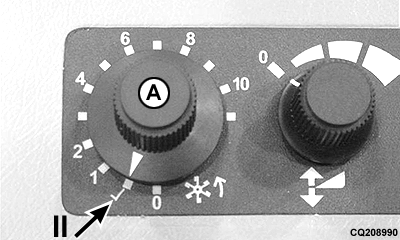
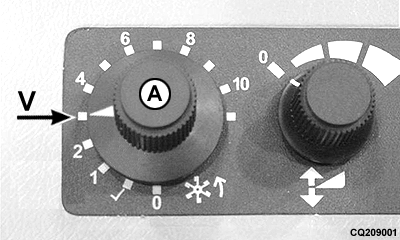
Automatic Mode The Dial-A-Speed knob (A) also controls the reel speed to ground speed ratio. To operate, start the engine and drive forward with the separator and header engaged. Turn the Dial-A-Speed knob (A) to position V. Watch the speed of the reel and adjust the Dial-A-Speed knob (A) to a position between 1 and 11 until desired ratio with ground speed is achieved. The reel will now speed up or slow down in relation to ground speed. |
|
MB03730,000037A -19-26SEP03-2/3 |
|
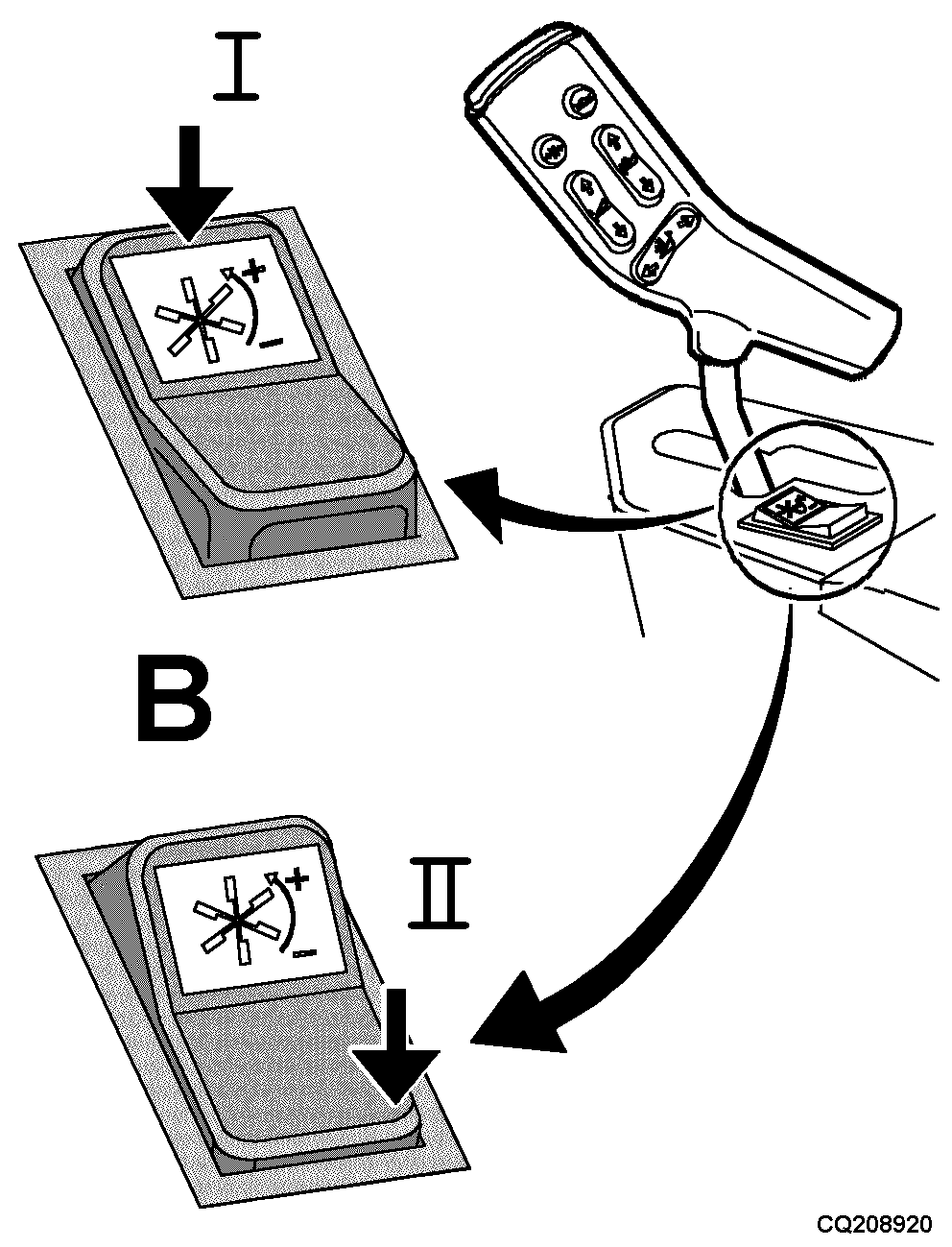
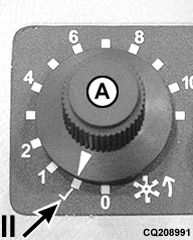
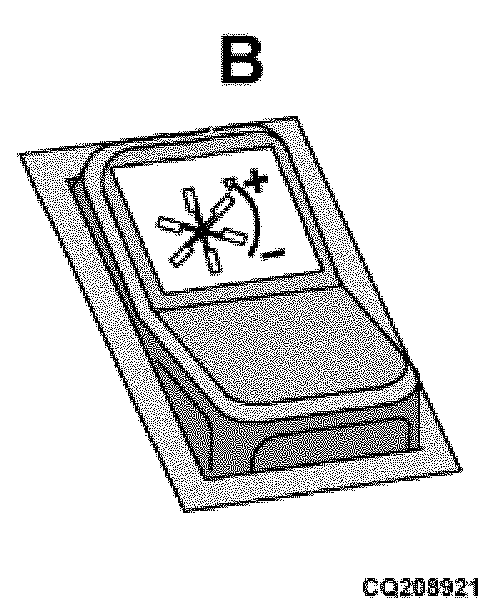
This system does not operate if ground speed is lower than 1.2 Km/h (0.75 m.p.h.). Turn the Dial-A-Speed knob (A) to position II. Use the manual reel speed switch (B) to get the desired reel speed. The minimum reel speed can be increased when operating at slower speeds. To alter minimum speed: Press the manual switch (B) for 2 or 3 seconds to get the desired minimum reel speed. Return the Dial-A-Speed knob (A) to the prior setting and continue operating. This minimum speed is kept until the engine is shut off. NOTE: It is not possible to select manual or automatic mode when knob (A) is in position (0). |
|
MB03730,000037A -19-26SEP03-3/3 |