Adjusting and Checking CCS Vacuum and Pressure Level—Planters with up to 18 Rows
CQ227531-UN-21FEB05
IMPORTANT: The machine must be ready to start planting and filled up with seeds.
-
Connect hoses to tractor's SCV.
NOTE: See Coupling Planter.
-
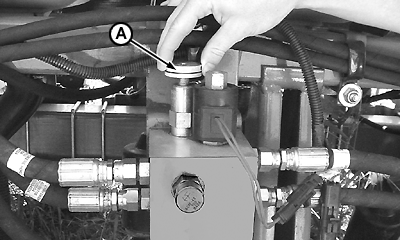
Restrict oil passage in SCV.
-
Adjust knob (A) to position of totally open that will only engage CCS.
-
Start up engine and set tractor to working speed (the speed used for planting).
-
CQ225921-UN-24FEB05
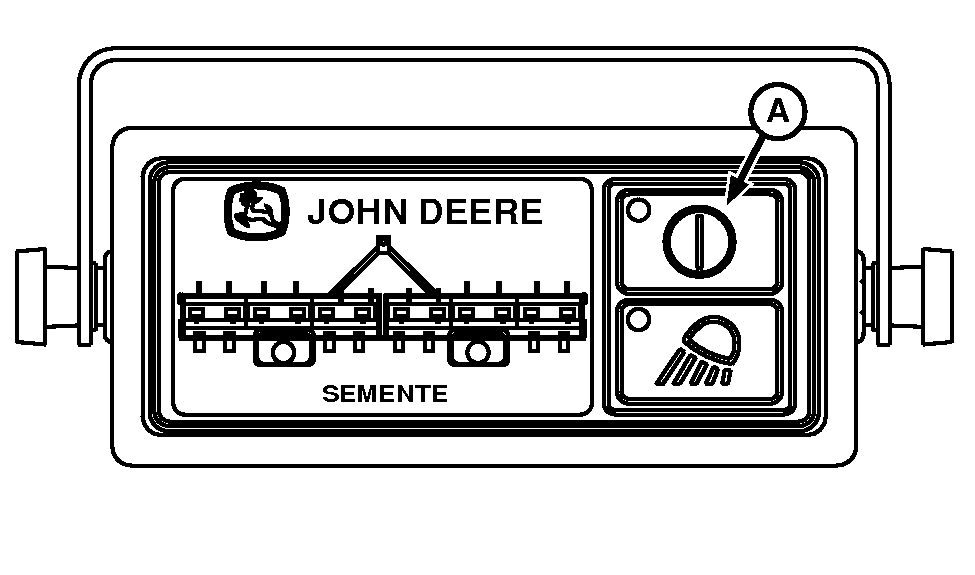
Engage CCS system via key (A) on corner post.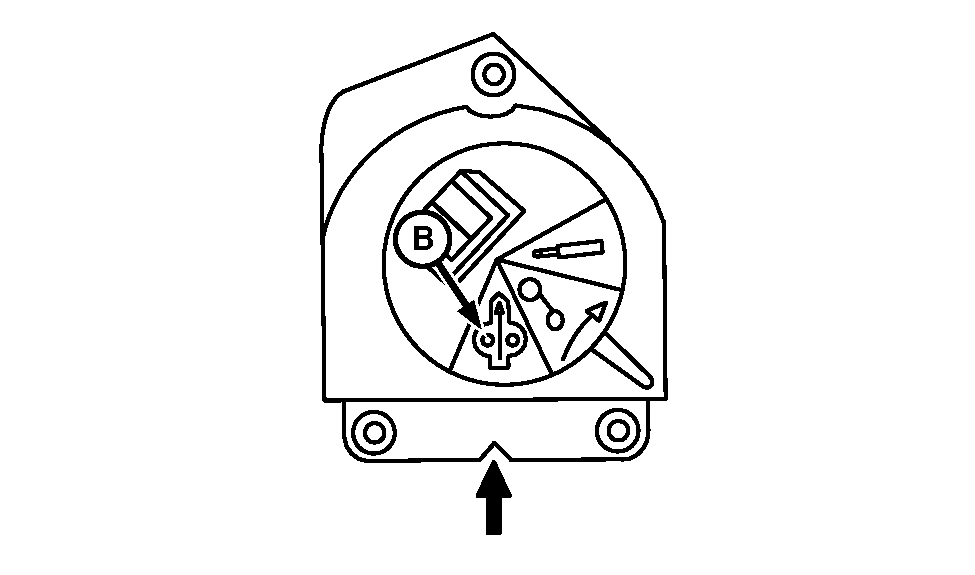
CQ235740-UN-24FEB05 -
Check that the tractor selective control valve is in the constant flow position (B). Shift to this position if it is not already there.
-
Actuate tractor level to release oil pressure in continuous flow.
-
 CAUTION: DO NOT surpass the pressure of 30 inches of water for
the CCS tank. Any pressure greater than this may damage the hydraulic
motor.
CAUTION: DO NOT surpass the pressure of 30 inches of water for
the CCS tank. Any pressure greater than this may damage the hydraulic
motor.NOTE: Check CCS pressure value indicated for each crop in Tank Pressure Table.
CQ235690-UN-24FEB05
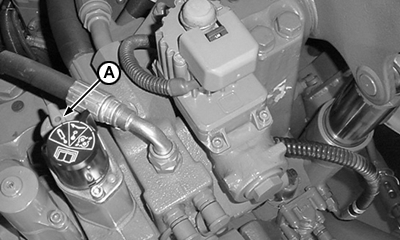
Turn handle (A) on SCV until initial CCS pressure of 20 inches of water is reached.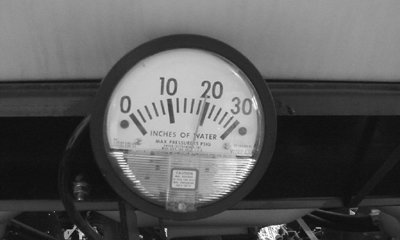
CQ227510-UN-29OCT04 -
Turn knob (A) until reaching vacuum turbine speed.
CQ227531-UN-21FEB05NOTE: Pressure gauge does not show correct vacuum value because seed disk cells are open.
-
Check if there are seeds in seed meter boxes.
-
Plant for some meters or turn disks until seed disks are completely filled with seeds.
NOTE: Check double eliminator setting. Consult Section Preparing Seed Meter, Using Double Eliminator, for more information.
-
Turn know (A) and carry out fine tuning of vacuum level.
NOTE: Check the vacuum value indicated for each crop type in Seed Rate - Vacuum Meter Section.
-
Lock knob (A) after reaching recommended pressure.
-
CQ235690-UN-24FEB05
Turn knob (A) until the required vacuum level is achieved, paying close attention to the position of the needle on the gauge.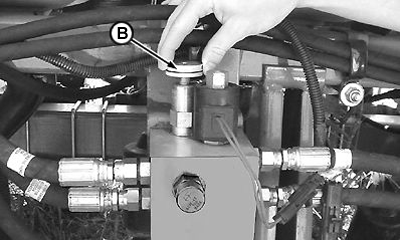
CQ290246-UN-31MAR14NOTE: If necessary repeat procedure to reach vacuum level in planter valve and CCS at tractor SCV.
|
DV15698,0000067-19-20140401 |