Installing Seed Disk
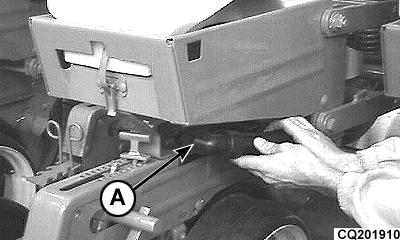
CQ201910-UN-14FEB01
-
Disconnect vacuum hose (A) from meter.
-
Remove seed box from planter by releasing clip (A) and lifting the box upwards and rearwards.
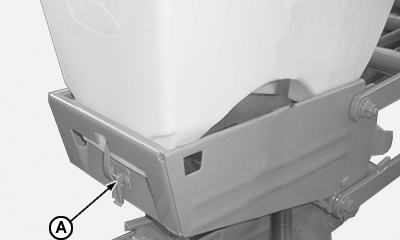
CQ201901-UN-23NOV04 -
Disconnect hose (A) at connector (B).
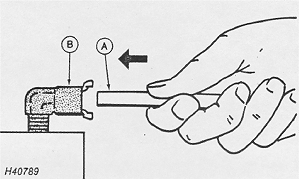
H40789-UN-05APR89 -
Release bolt (A) and open vacuum chamber.
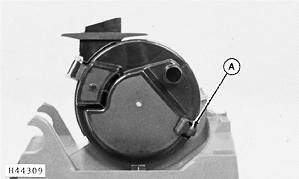
H44309-UN-14APR92 -
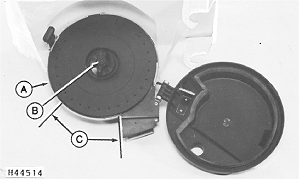
Slot seed disk (A) into box and fix in place with hub nut (B), holding the disk immobile and rotating the nut.
H44514-UN-01JUL92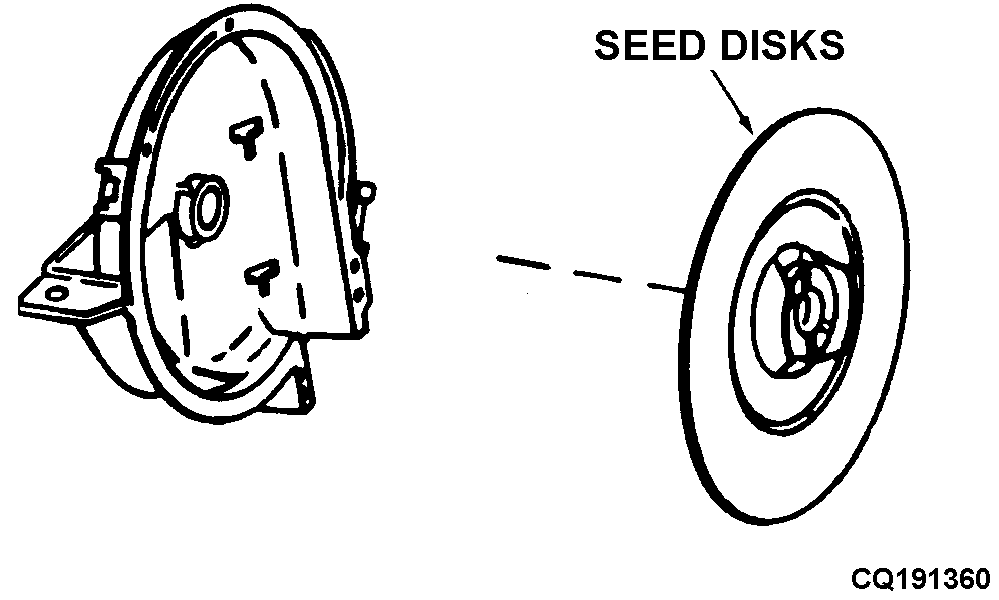
CQ191360-19-06OCT03 -
Inspect space between the seed disk and box after making the disk rotate in the box.
NOTE: Seed disk must turn smoothly when touching slightly or with a small clearance between disk (A) and metering box. Turn disk manually and check clearance between disk and seed meter in section (C). Seeds must not escape along seed meter circumference.
When small seeds are being planted, such as sorghum or beet, disk must touch case slightly so as to prevent escape of seeds. If disk only turns with difficulty or if seeds escape through disk clearance then readjust hub position. (See "Seed Meter Hub Adjustment" for more information).
-
Seal vacuum chamber and install clip (see step 4).
-
Put grain box back into machine and fix in place with clip (see step 2).
-
Connect the vacuum hose to seed meter (see step 1).
|
ML70882,0000455-19-20080512 |