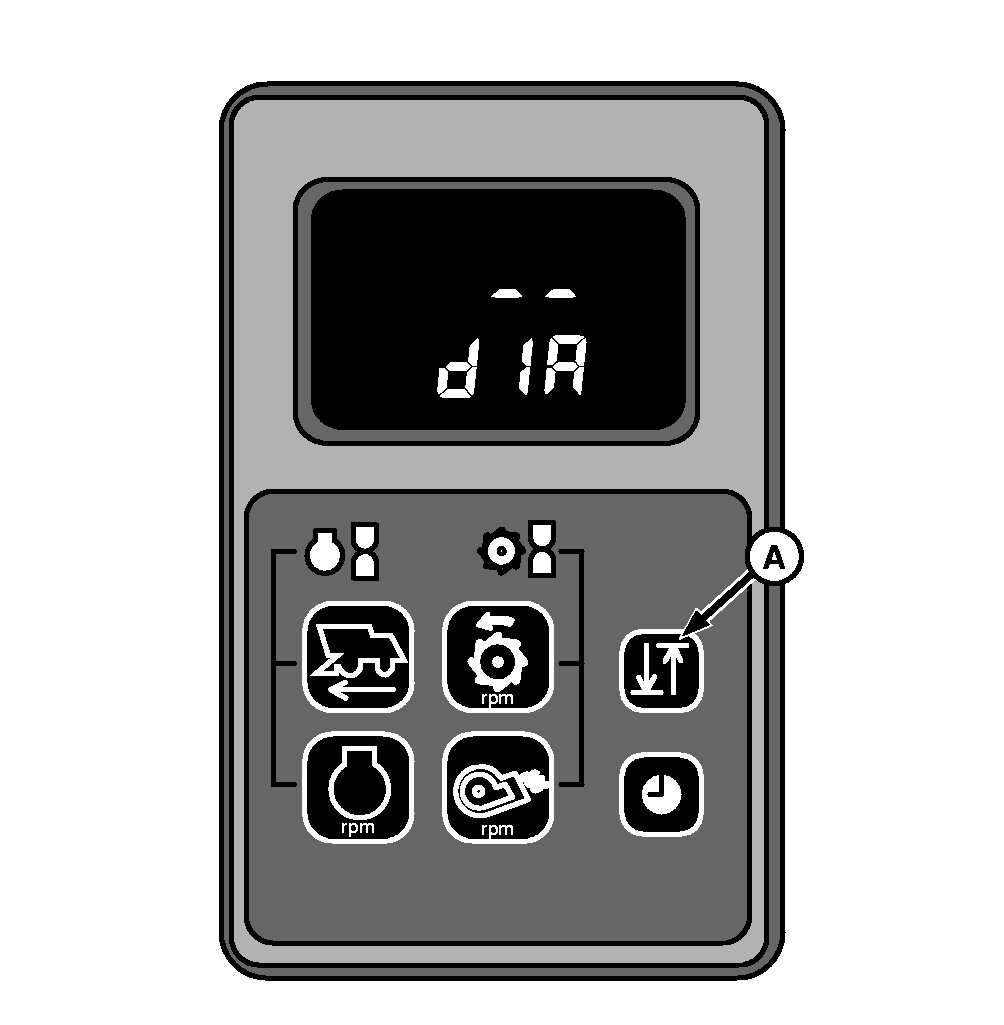
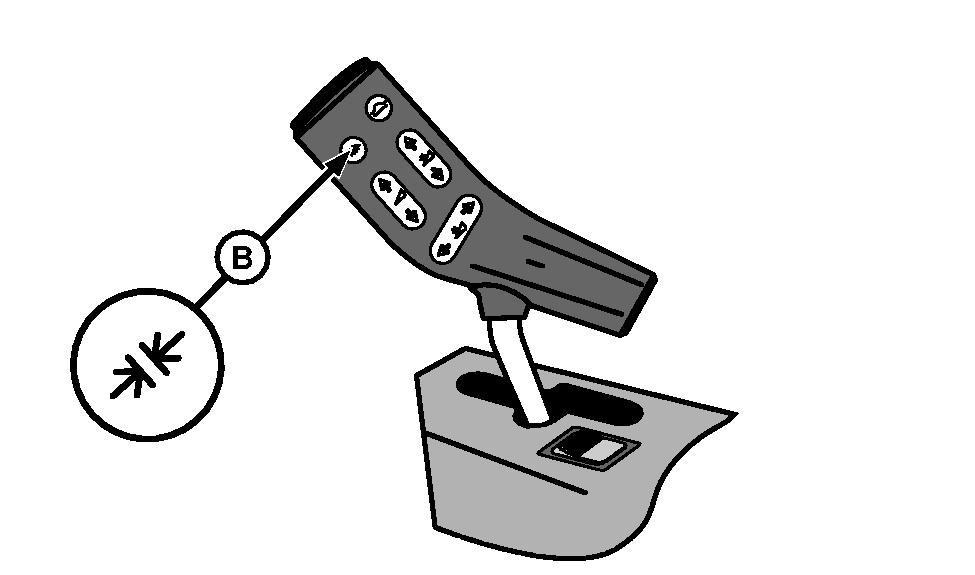
HCU Diagnostic Mode Access ProceduresTo enter diagnostic modePress key (A) and turn starter key from position (0) to position "II" or start engine. "- - dIA" (diagnostics) appears on the display. When entering diagnostic mode, cab buzzer sounds in priority 8 (two pulses). Press return to cut key (B) on multi-function control handle to access diagnostic mode with combine running. Press key (B) for 6 seconds and then press key (A). |
|
AS60558,00011EA -19-28JAN09-1/4 |
|
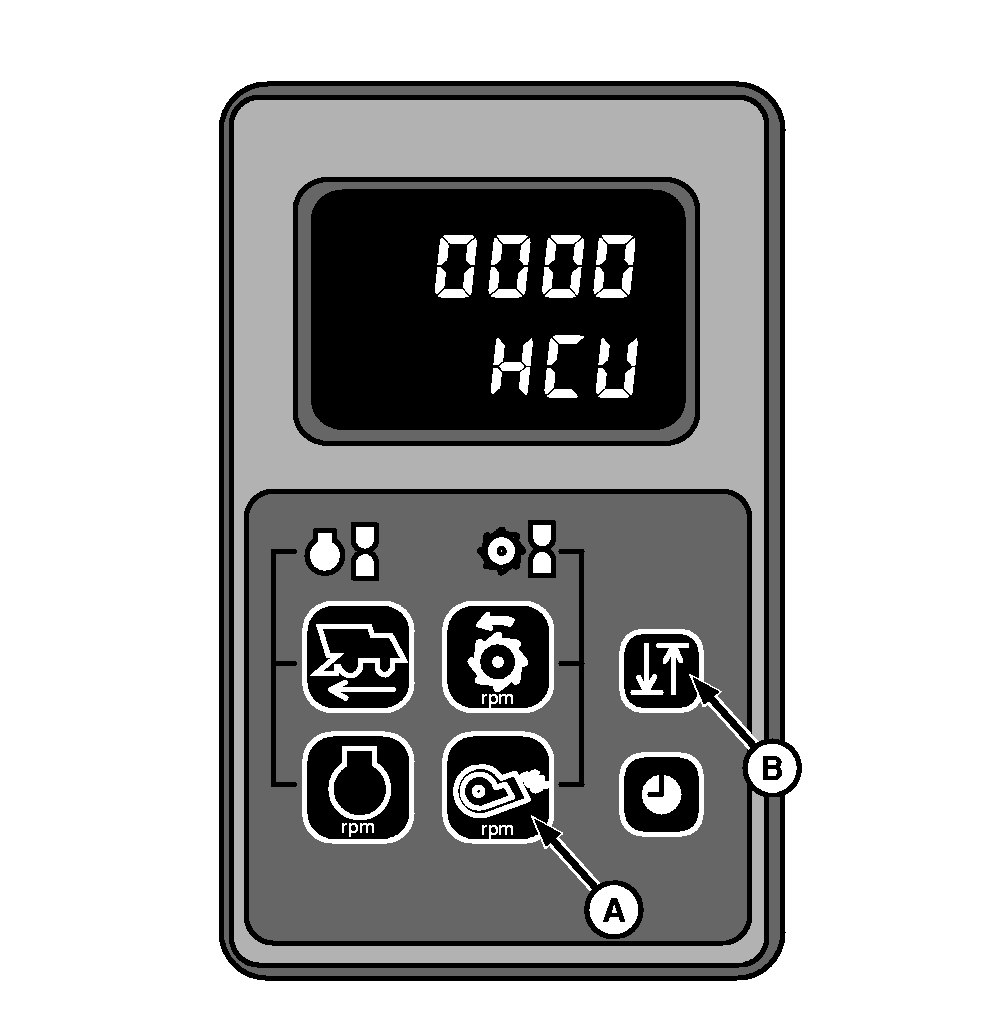
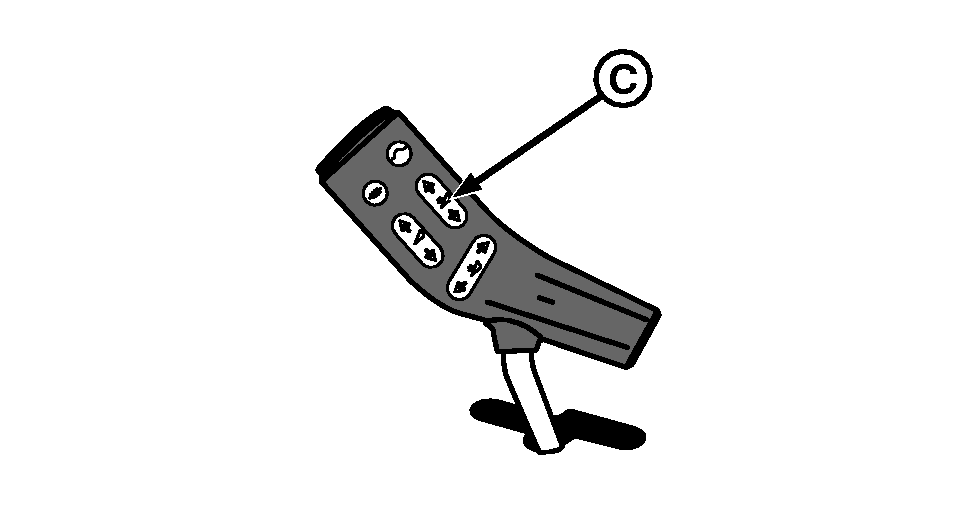
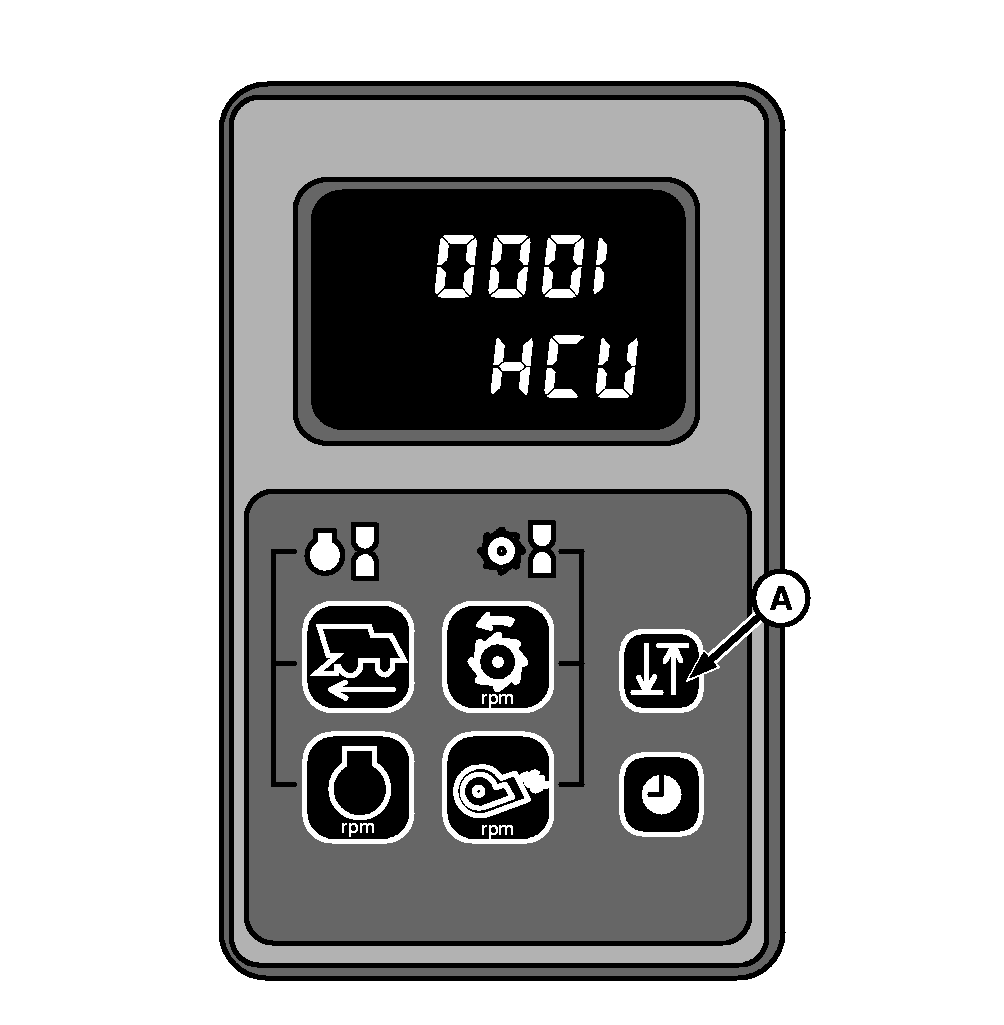
Press key (A) to select HCU mode. Pressing key (A) again CCU mode will be selected. Select HCU mode. "0000 HCU" appears on the display. Press key (B) to access addresses. Key (B) may be used to scroll through the addresses, only in ascending order. Ascending and descending browsing is possible using reel height adjustment key (C). |
|
AS60558,00011EA -19-28JAN09-2/4 |
|
Press key (A) or reel raise/lower key to access address 0001 and remaining addresses. "0001 HCU" appears on the display. |
|
AS60558,00011EA -19-28JAN09-3/4 |
|
To leave diagnostic mode
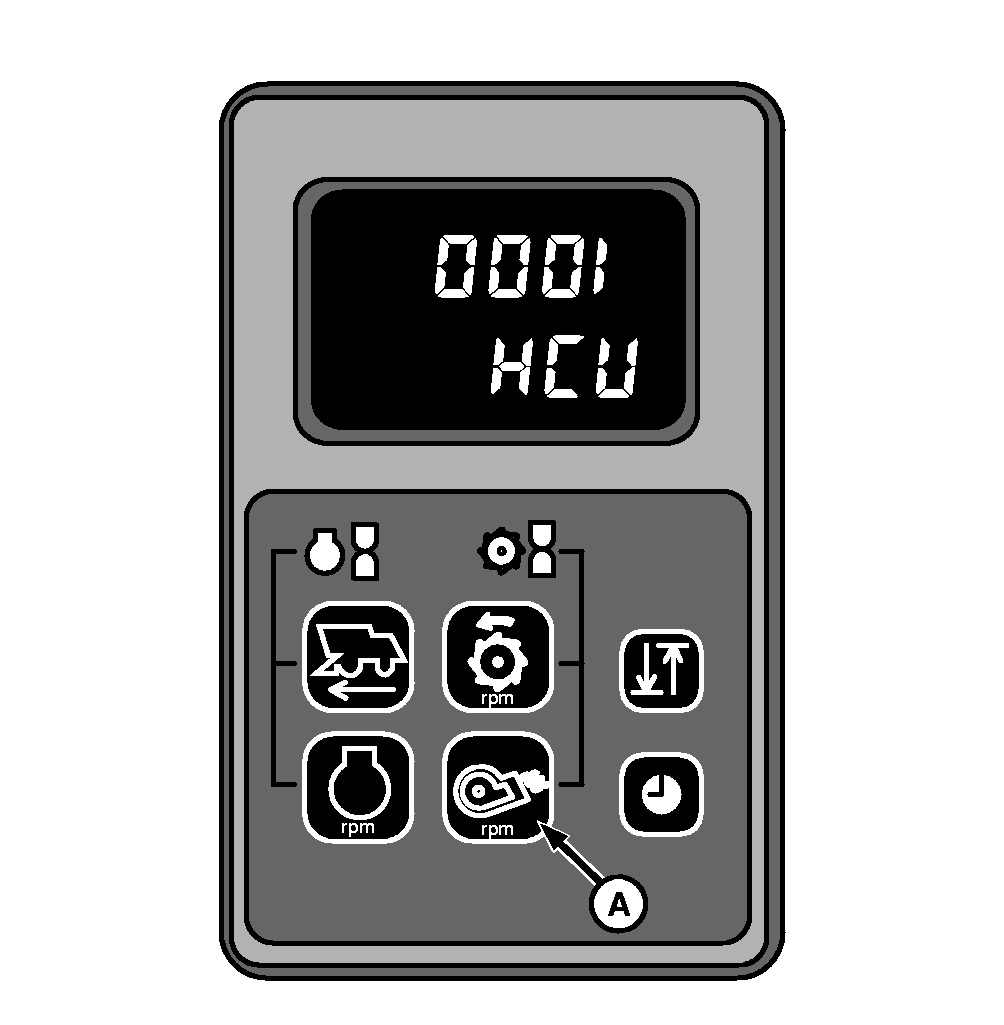
Mode 1: Disengage and engage starter key. Mode 2: Press fan key (A) for three seconds. After this screen will go dark for 0.5 seconds and cab buzzer sounds in priority 8 (two pulses). |
|
AS60558,00011EA -19-28JAN09-4/4 |