Main Menu Navigation
1.
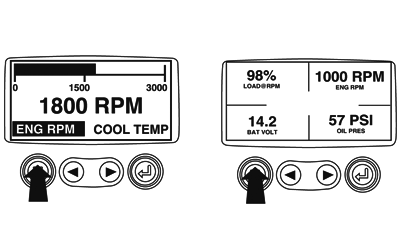
Starting at the single or four engine parameter display, touch "Menu".
|
|
|
|
GB52027,0000554 -19-14FEB08-1/4
|
|
2.
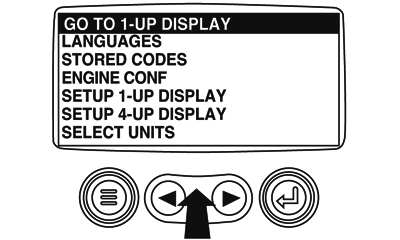
The first seven items of the "Main Menu" will be displayed. Touching the "Arrow Buttons" will scroll through the menu selection.
|
|
|
|
GB52027,0000554 -19-14FEB08-2/4
|
|
3.
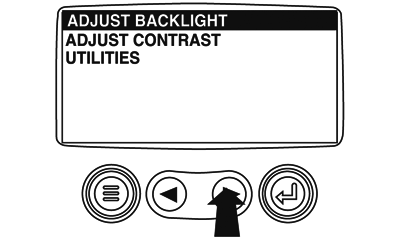
Touching the right arrow button will scroll down to reveal the last items of "Main Menu" screen highlighting the next item down.
|
|
|
|
GB52027,0000554 -19-14FEB08-3/4
|
|
4.
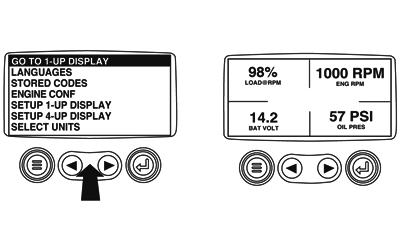
Touch the "Arrow" to scroll to the desired menu item or touch "Menu" to exit the Main menu and return to the engine parameter display.
|
|
|
|
GB52027,0000554 -19-14FEB08-4/4
|
|