Multi-function Lever Setup
NOTE:
H96245-UN-03MAY10
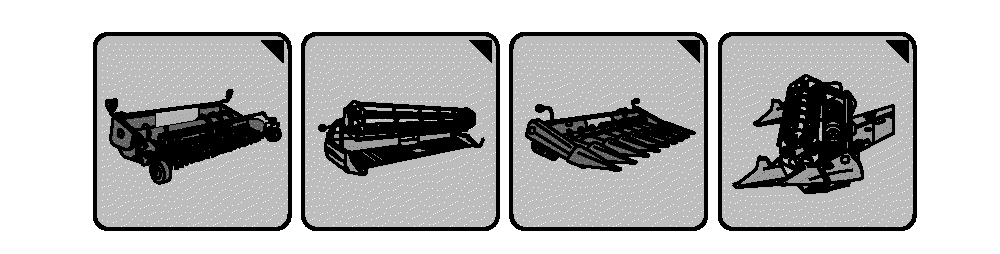
Header Setup Icons
H109751-UN-28FEB14
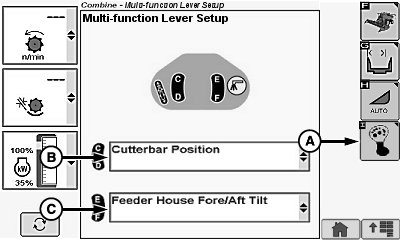
A - Multi-function Lever Setup Icon
B - Switch Menu
Header setup icon changes based on type of header connected to machine.Depending on machine options and header types, switches on rear of multi-function lever are programmable to control:
- Hydraulic Feeder House Fore/Aft Tilt (If Equipped)
Switches (C and D) by default are assigned:
Switches (E and F) by default are assigned:
- Hydraulic Feeder House Fore/Aft Tilt (If Equipped)
Touch or press confirm switch when header setup icon is highlighted.
Touch or press confirm switch when multi-function lever setup icon (A) is highlighted.
Touch or press confirm switch when switch menu (B or C) is highlighted.
Switch menu displays the following:
- Hydraulic Feeder House Fore/Aft Tilt (If Equipped)
Once desired selection is chosen, touch or press confirm switch.
|
DF67602,0000386-19-20141107 |