Checking Net Wrap V-Belt Idler Arm AdjustmentIf belt idler is out of adjustment, net knife may restrict flow of net wrap material causing net material to wrap on rubber rolls. IMPORTANT: Current overload protection to net actuator is bypassed when using channel 14. Extended use of channel 14 may cause actuator damage. To check idler adjustment: 1. Open net wrap cover.2. Turn tractor key to ON position. 3. Press and hold DEERE key while turning monitor selector switch to NET. "CH 01" will appear in the digital display. 4. Continue to hold DEERE key and press PLUS key to advance to "CH 14". Release DEERE key. |
AG,OUO6040,474 -19-25OCT99-1/4 |
|
5.
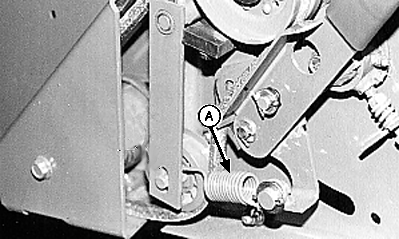
Press EXTEND or RETRACT keys until belt is just tight (coils on spring (A) are separated slightly).
6. Turn tractor key to OFF position and remove key. Turn off monitor.
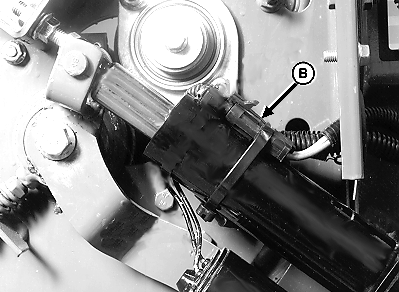
7. Disconnect wiring connector (B).
|
|
 CAUTION:
To avoid personal injury from unexpected knife movement, disconnect actuator connector.
CAUTION:
To avoid personal injury from unexpected knife movement, disconnect actuator connector.
AG,OUO6040,474 -19-25OCT99-2/4 |
|
|

|
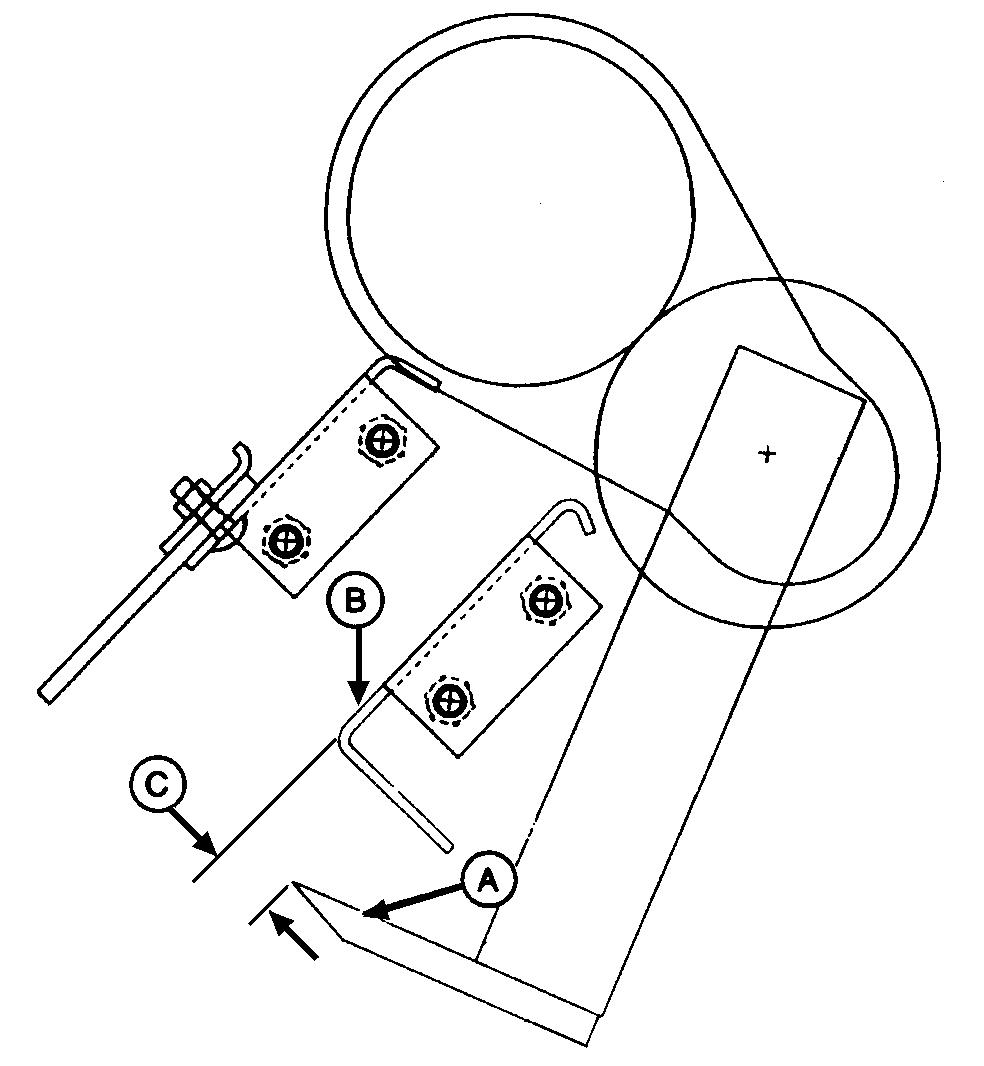
8. Cutting edge of knife (A) should be behind rear guide (B) according to specification distance (C). Specification
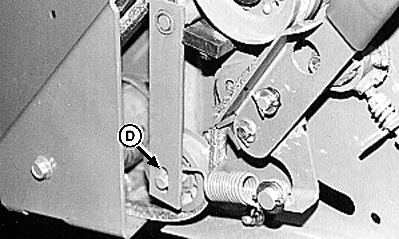
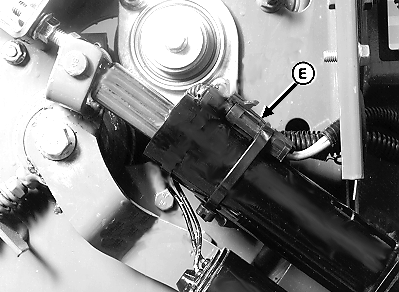
9. If top edge of knife (A) is less than specification behind guide (B), the belt is too short. Adjust idler upward in idler arm slot (D) until dimension (C) is according to specification when spring coils begin to separate. 10. If dimension (C) cannot be obtained, replace belt. (See REMOVING AND INSTALLING NET WRAP V-BELT in this section.) IMPORTANT: Tie band, conduit, and connectors must not interfere with switch or switch arm movement. 11. Connect wiring connector (E). 12. Close net wrap cover.
|
|
AG,OUO6040,474 -19-25OCT99-3/4 |
|
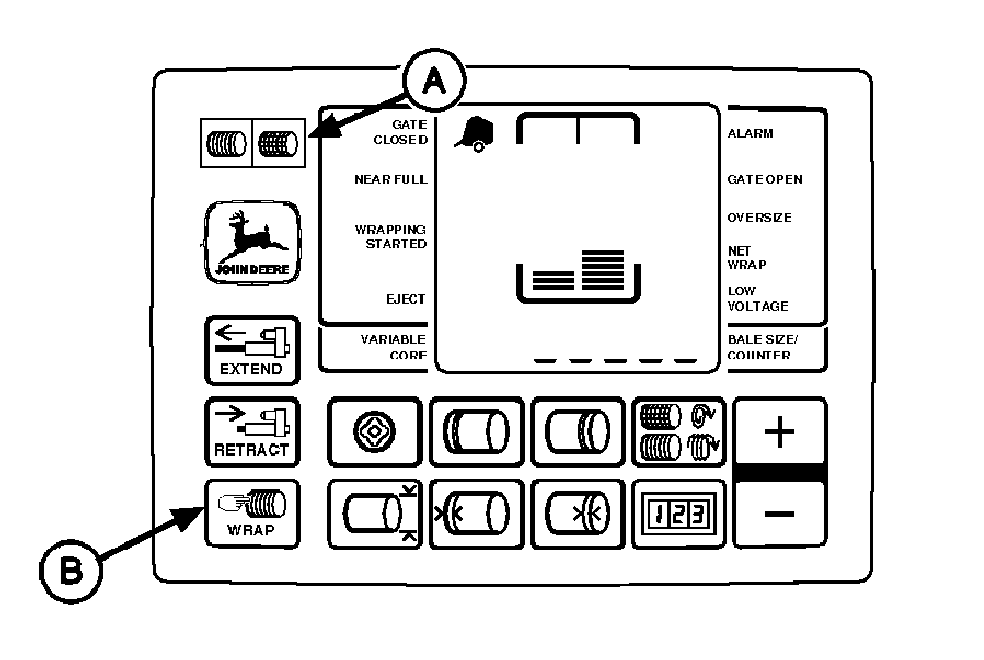
IMPORTANT: After adjusting idler, turn monitor selector switch to NET. Press WRAP key to return net knife arms to home position. Turn off monitor to cancel STOP alarm. If this procedure is not followed, the net will be fed continuously during the next bale. 13. Turn tractor key to ON position. Turn monitor selector switch to NET (A). 14. Press WRAP key (B) to return net knife arms to home (forward) position. 15. Turn off monitor. Turn tractor key to OFF position. |
|
AG,OUO6040,474 -19-25OCT99-4/4 |