Straighten Cutoff Indicator Channel1. Turn tractor key to ON position. Do not start tractor engine. 2. Momentarily press WRAP switch to move knife to the home (forward) position. 3. Turn tractor key to OFF position. Remove key. Disconnect net wrap controller power plug from tractor convenience outlet. 4. Open net wrap cover. |
AG,OUMX005,1385 -19-19MAR00-1/2 |
|
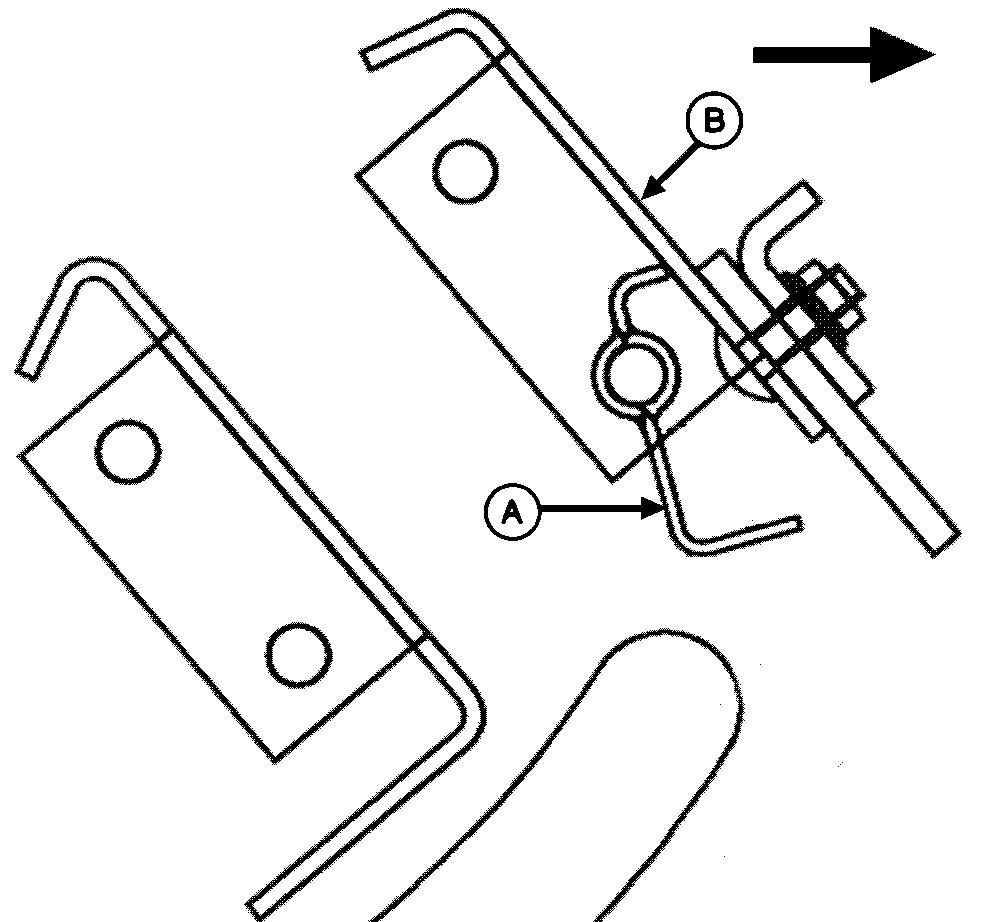
5. To straighten channel, insert screwdriver between channel (A) and net guide (B). Straighten channel. 6. Adjust net wrap switch. (See CHECKING AND ADJUSTING NET WRAP SWITCH in this section.) IMPORTANT: Make sure to move net wrap knife fully forward to "home" position. If baler is operated with knife at the rear position, net will feed continuously during baling. 7. Connect net wrap controller power plug to tractor convenience outlet. Turn tractor key to ON position. 8. Momentarily press WRAP switch to cycle net wrap actuator. Knife at home (forward) position. 9. Turn tractor key to OFF position. Remove key. 10. Close net wrap cover.
|
|
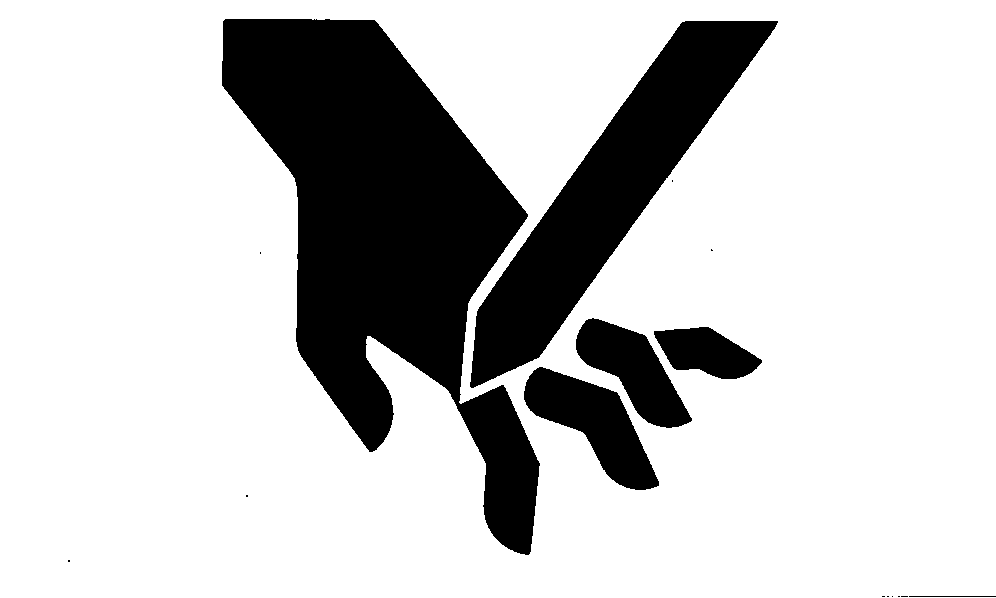
 CAUTION:
Be careful when working around the knife. It is sharp. Wear gloves when handling knife.
CAUTION:
Be careful when working around the knife. It is sharp. Wear gloves when handling knife.
AG,OUMX005,1385 -19-19MAR00-2/2 |