Adjusting Platform FloatUse lightest float setting that allows platform to remain firmly on the ground without bouncing. The platform should follow uneven ground without gouging or scraping. An initial starting point should be within specifications at each end of platform. Specification
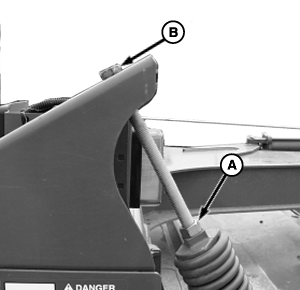
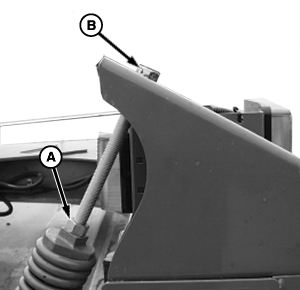
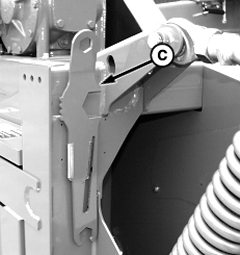
NOTE: Adjustment tool (C) is located on left side, rear, of platform. 1. Unlock jam nut (A).
2. Lock jam nut (A). 3. Repeat on opposite side. NOTE: When the shoe position or the turnbuckle length is changed, the platform float must be readjusted.
|
|
OUO6085,000025B -19-14OCT04-1/1 |