Installing and Synchronizing Disks
|
|
|
|
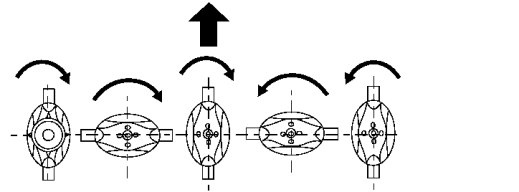
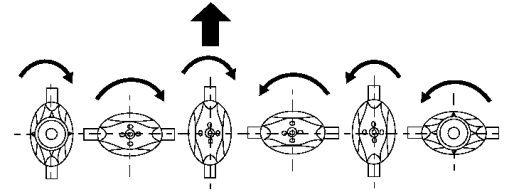
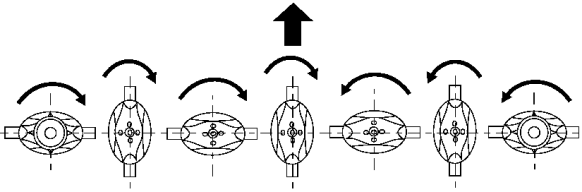
IMPORTANT: Each disk must be installed at right angles to the adjoining disk. NOTE: Disk life can be extended by moving disk to a location of opposite rotation. 1. Clean bearing surface of foreign material. Install disk in its original position.IMPORTANT: Disk-to-driver cap screws are treated with thread-locking compound and can be used up to five times. Replace with the John Deere cap screw specified for this application. |
2. Fasten with four locking cap screws. Tighten cap screws to specifications. Specification
3. Remove wood block. |
OUO6085,00002B3 -19-01DEC04-1/2 |
| 4. Rotate disks several times by hand to check synchronization. Make sure there is no interference between knives. |
5. Lower front doors. |
OUO6085,00002B3 -19-01DEC04-2/2 |