Removing Knives
-
 CAUTION: Knives have two cutting edges. Be careful when working
around the knives. Knives are sharp and can cause serious injury.
Wear gloves when handling knives.
CAUTION: Knives have two cutting edges. Be careful when working
around the knives. Knives are sharp and can cause serious injury.
Wear gloves when handling knives.
To avoid serious injury, rotate both knives on all disks, so they are positioned UNDER the disks.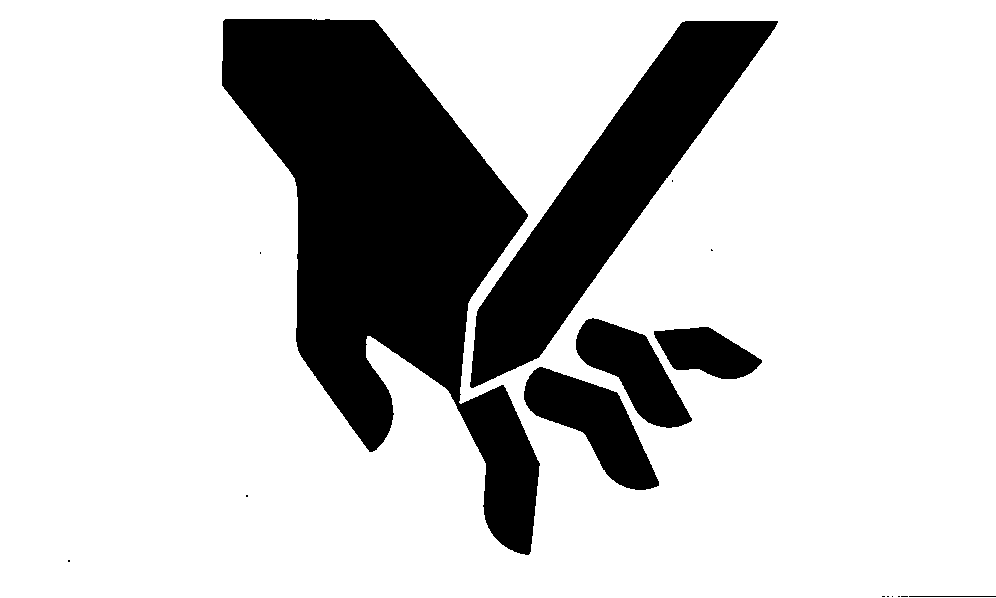
TS268-UN-23AUG88 -
Put a piece of wood between either end disk and outer side sheet.
-
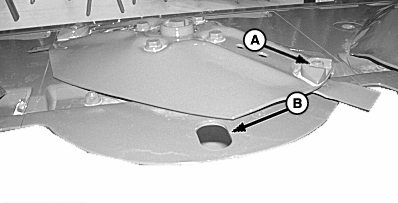
E55691-UN-25APR08A - Special Lock Nut
B - Hole
Clean area around special lock nut (A). -
Rotate disk so knife bolt is over hole (B). Remove knife bolt and nut with socket wrench. Remove knife. If knife bolt is tight, move wear shield or crop accelerator toward center of disk using a hammer.
-
Inspect knives and hardware for wear or damage. (See CHECKING KNIFE WEAR in this section.)
|
OUO6085,00008A2-19-20080424 |