Install BaleTrak™ Pro Monitor-Controller in ComfortGard™ Cab
-
NOTE: On some tractors, it is necessary to remove the foam corner post panel to gain access to the mounting studs. The panel will need holes drilled in order to fasten bracket (see photo).
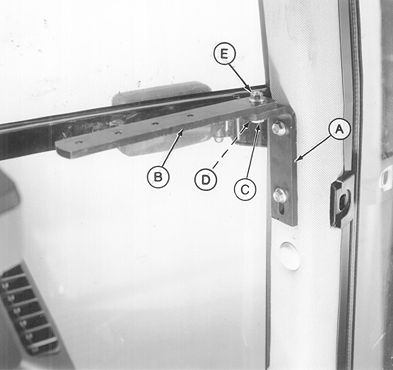
E38450-UN-25APR95A - Angle
B - Monitor-Controller Strap
C - Cap Screw, M10 x 35
D - Washer
E - Flange Nut
Remove top two plugs from lower right-hand front cab post. -
Install angle (A) to cab post. Fasten with two M10 x 20 flange-head cap screws.
-
Install monitor-controller strap (B) to angle (A). Fasten with M10 x 35 cap screw (C), washer (D) and flange nut (E).
-
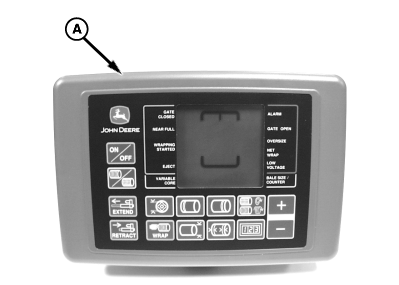
E52435-UN-16JUN03A - Monitor-Controller
Put monitor-controller (A) pivot bracket on top of mounting bracket. Fasten with M6 x 16 cap screw. -
Route harness along right-hand side of cab, away from operating levers, and toward the rear of cab.
-
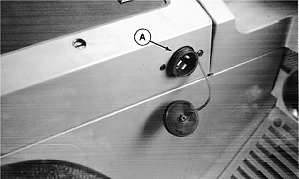
RW22076-UN-04DEC92John Deere 7000 Series Tractor
A - Convenience Outlet
Connect harness power plug to convenience outlet (A). -
Route harness through grommet in back of cab, or drill a 44 mm (1-3/4 in.) diameter hole in rear wall if necessary.
|
PP98408,0000EB0-19-20150930 |