Operate Bale Chute
ZX1046435-UN-12JAN12
ZX1046436-UN-14JAN12
ZX1046439-UN-12JAN12
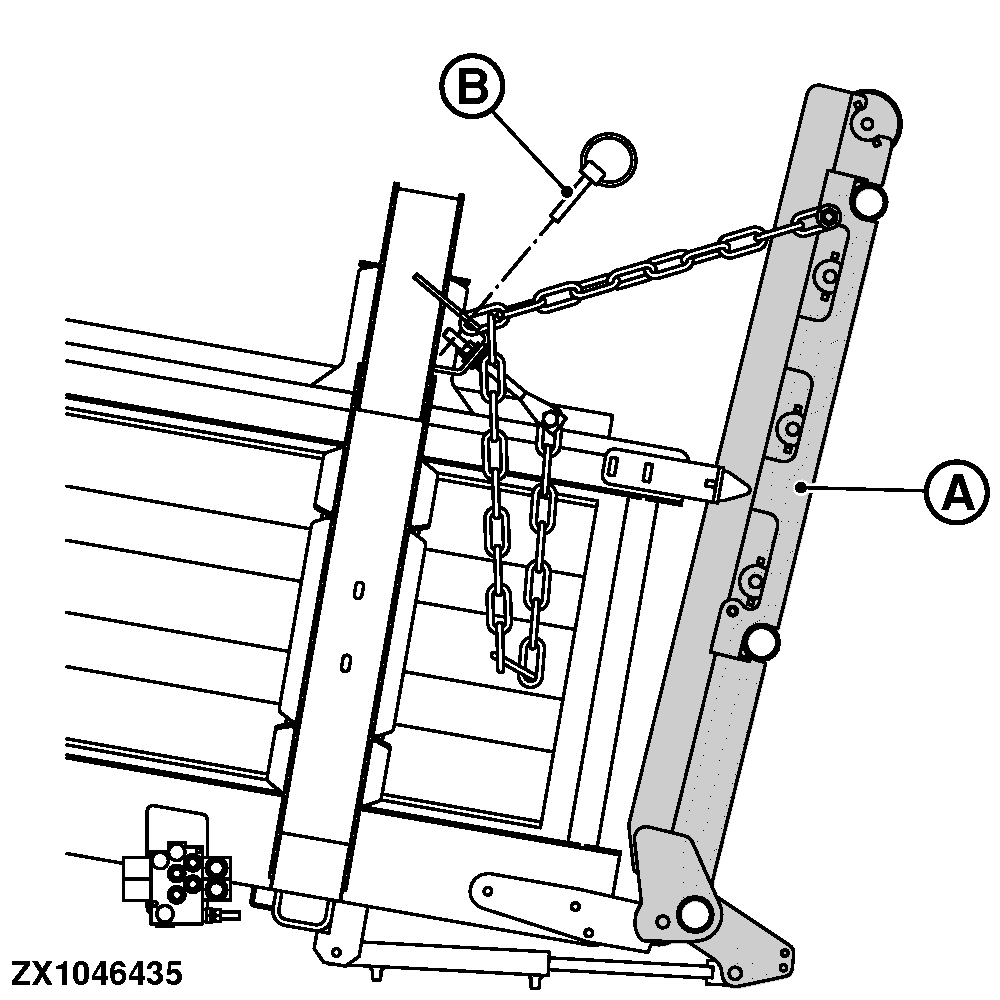
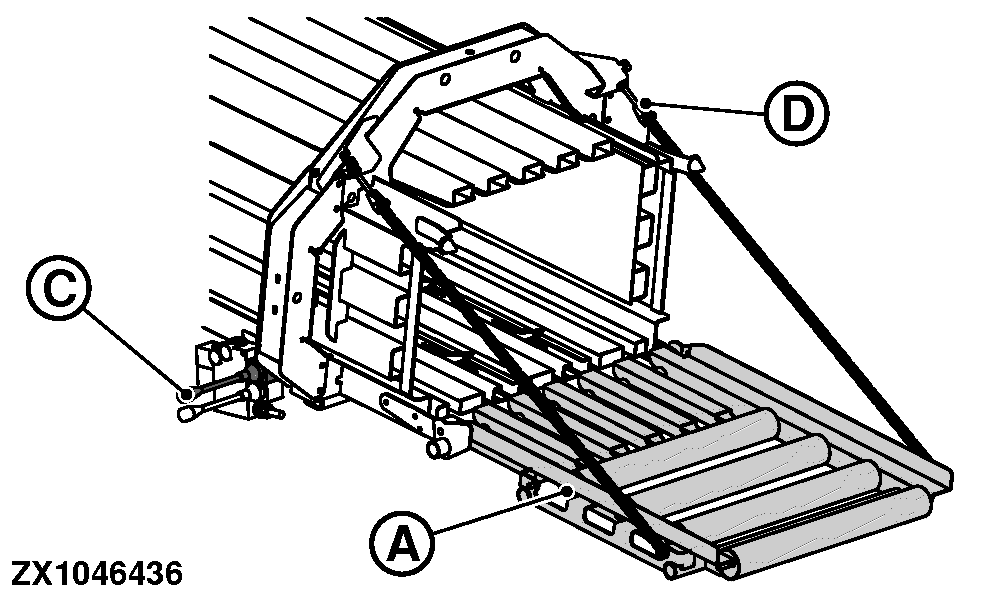
A - Bale Chute
B - Lock Pin
C - Lever
D - Yoke
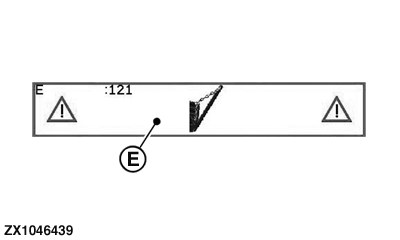
E - E121 Message (Bale Chute Up)
For field operation, fully lower and set the bale chute (A) horizontally.
 Bale chute is heavy. Prevent personal injury to you
or others, ensure bystanders stand clear of chute when lowering.
Bale chute is heavy. Prevent personal injury to you
or others, ensure bystanders stand clear of chute when lowering.
If the bale chute is not lowered, the monitor is under Operating Display mode, and the PTO is running above 100 rpm then the error message E121 (E) appears on-screen. Lower the bale chute.
-
On both sides, remove the lock pins (B).
-
Activate the relevant tractor Selective Control Valve, see Attaching and Detaching section.
-
Fold down the bale chute (A). Use the lever (C) to lower the bale chute.
-
If necessary, align bale chute with the bale chamber bottom using the chain adjusting yokes (D).
-
ZX1046437-UN-12JAN12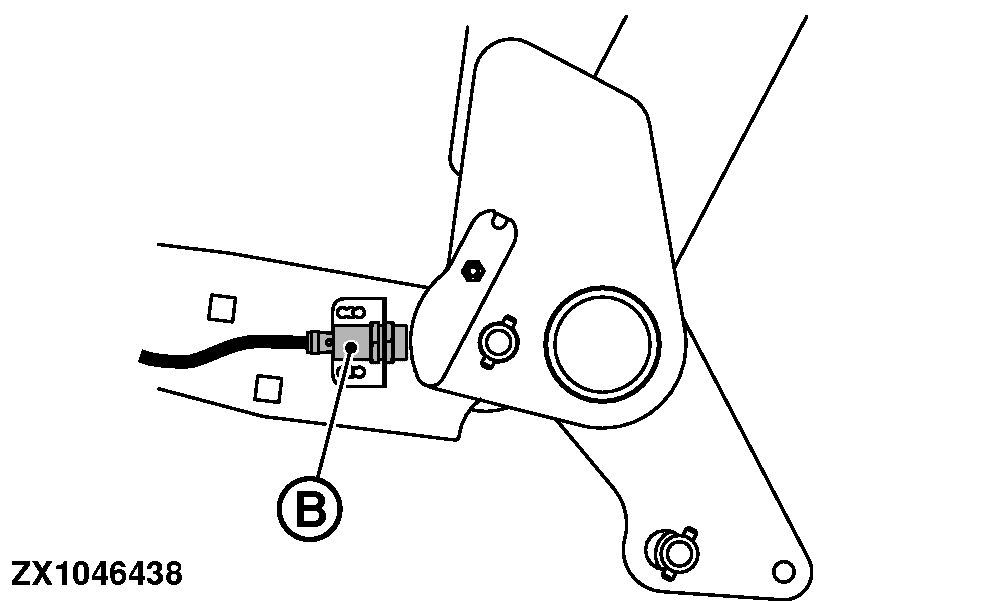
ZX1046438-UN-12JAN12A - Bale Chute Indicator
B - Sensor
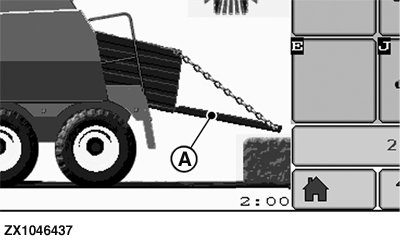
With the monitor in Operating Display mode, (see Operating Mode Page in Electronic Control System section), check that bale chute indicator in lower position (A) is displayed.If not, check bale chute sensor (B).
|
SF04007,00009FB-19-20151222 |