Remove or Install Precutter Knives (15-Knife Precutter)
E77215-UN-30SEP14
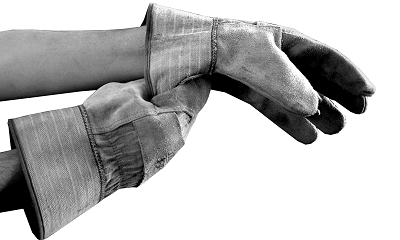
 Knives can be sharp.
Prevent bodily injury by wearing suitable gloves to handle knives.
Remove knives to:
- Change cutting lengths
- Sharpening
- Replacement
- Exchanging knives for slot fillers
Remove Knives
ZX1046015-UN-03JAN12
ZX1046016-UN-03JAN12
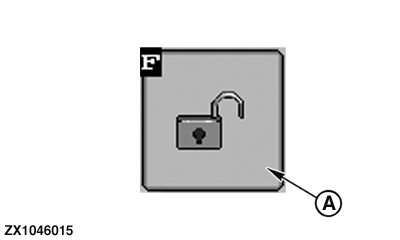
A - Unlock Button
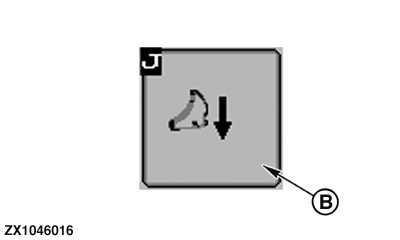
B - Disengage Knives Button
-
Refer to Operate Baler Application section for control monitor operating.
Engage tractor PTO.
-
Press unlock button (A) to switch from basic to operating display.
-
Press Disengage Knives button (B) to move knives from cutting floor to storage position.
-
Wait until knife symbol disappears from icon area of screen and directional arrow stops flashing.
-
Fully lift pickup to maximum height.
-
Switch off PTO.
-
Engage flywheel brake.
-
Open hydraulic flow valve at tractor for bale ejector, bale chute, and knife drawer.
-
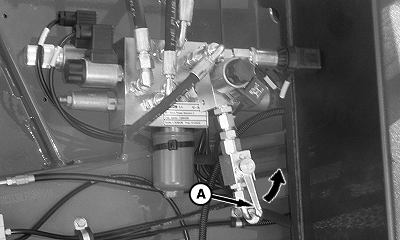
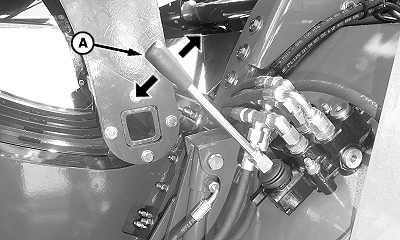
E79877-UN-17SEP15A - Valve Lever
Close flow valve lever (A) at main hydraulic valve. -
E79879-UN-17SEP15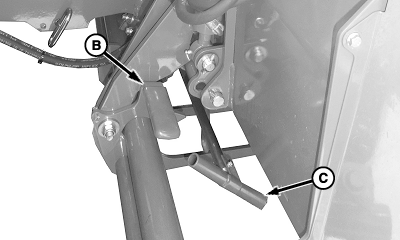
E79880-UN-17SEP15A - Hydraulic Lever
B - Locking Lever
C - T-Handle
Push hydraulic lever (A) on hydraulic block upwards to lift knife drawer to maximum height. -
Pull locking lever (B) back and push hydraulic lever (A) down until knife drawer bottoms.
-
Pull T-handle (C) outward until drawer stops.
-
E79881-UN-17SEP15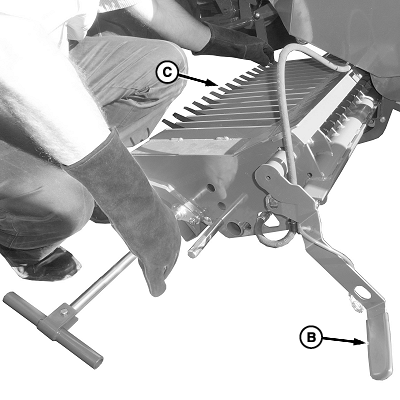
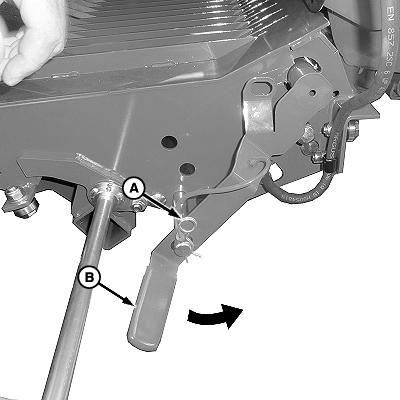
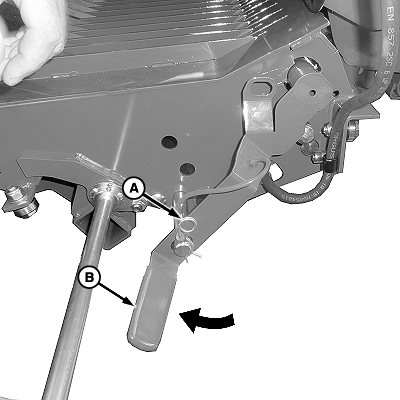
E79883-UN-25SEP15A - Pin
B - Lever
C - Knife End (up to 15 used)
To unlock knives from knife drawer: Remove pin (A), disconnect knife lock shaft lever (B) from safety pin, and push down and forward until it stops. -
Grab knife end (C) and pivot up until knife can be removed from the knife lock shaft.
-
Always keep the precutter knives sharp. Sharp knives save power and provide a higher capacity. See Service section.
Sharpen knives as necessary. (See Service section.) - Replace knives as necessary.
- Exchange knives with knife slot filler to aid in keeping knife slots clean and to ensure good crop flow over cutting unit floor.
-
Install Knives
E79882-UN-17SEP15
E79883-UN-25SEP15
A - Pin
B - Lever
C - Knives (up to 15 used)
The cutting length is determined by varying the amount position of the knives in knife drawer.
Minimum cutting length of about 45 mm (1.75 in) is reached by using 15 knives only.
Number of knives, and cutting length, is chosen as desired. All variations from zero through 15 knives are possible.
-
Install knives (C), as needed, onto knife locking shaft.
-
To lock knives in knife drawer: Pull knife lock shaft lever (B) toward back of machine, engage lever with safety pin, and fasten in place using pin (A).
-
E79879-UN-17SEP15
E79880-UN-17SEP15A - Hydraulic Lever
B - Locking Lever
C - T-Handle
Close knife drawer by pushing T-handle (C) toward center of machine until it stops. -
Push knife drawer hydraulic lever (A) upwards to maximum height.
-
Push locking lever (B) forward to engage lock.
-
Push knife drawer hydraulic lever (A) downwards to lock drawer.
-
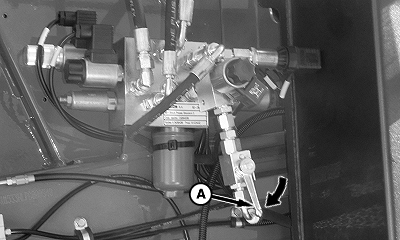
E79878-UN-17SEP15A - Valve Lever
Open flow valve lever (A) at main hydraulic valve. -
Close hydraulic flow valve at tractor.
-
Disengage flywheel brake.
-
Start tractor engine.
-
ZX1046015-UN-03JAN12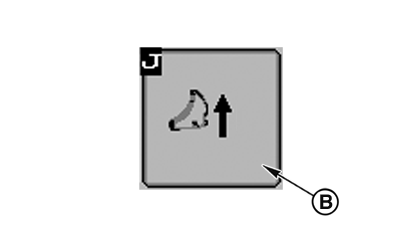
E79884-UN-17SEP15A - Unlock Button
B - Engage Knives Button
Press unlock button (A) to switch from basic to operating display (see Operate Baler Application section). -
Engage tractor PTO.
-
Press engage knives button (B) to move knives into cutting position. Wait until knife symbol appears in icon area of screen and directional arrow stops flashing.
|
SF04007,0000A71-19-20160106 |