Baler Application Access
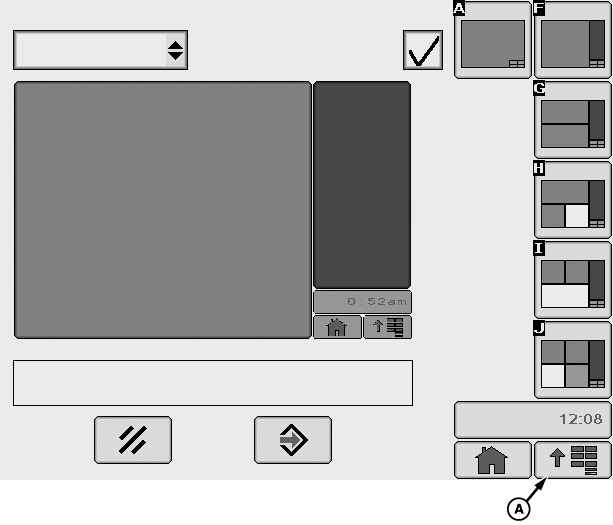
E64573-UN-11MAY12
GreenStar™ 3 2630 Display Shown
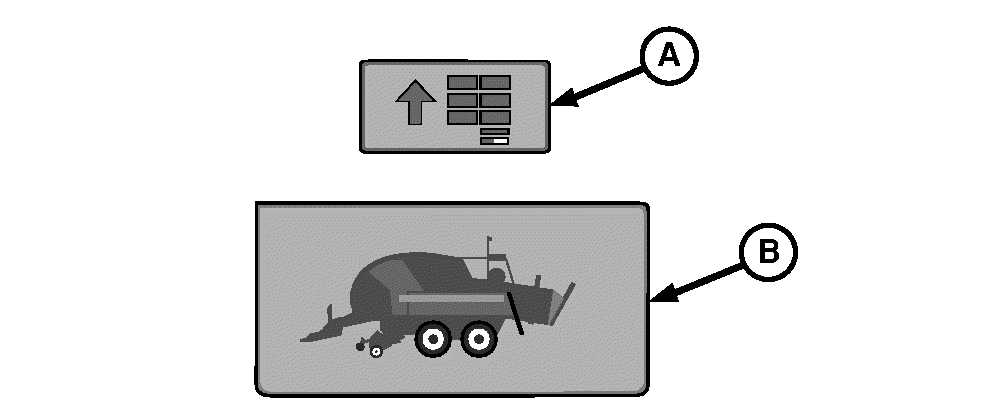
E76887-UN-15OCT14
A - Display Menu Softkey or Button
B - Baler Application Softkey
John Deere monitors are automatically switched ON when ignition key is turned ON.
Graphics are same between GreenStar™ 2 1800, GreenStar™ 2 2600, and GreenStar™ 3 2630 display units. GreenStar™ 2 1800 display unit access is by soft key buttons and scroll wheel. GreenStar™ 2 2600 and GreenStar™ 3 2630 display unit access is by touch screen.
The first time baler is connected to the monitor or after a software update, it is necessary to wait (5—10 minutes) until baler application is loaded.
If baler is connected to a different tractor or monitor, it is necessary to wait (5—10 minutes) until baler application is loaded.
If baler application is not automatically displayed, select display menu softkey or button (A), then select baler application softkey (B).
For more information about the display menu access, see your monitor operator’s manual.
|
SF04007,0000A87-19-20160106 |