Baler Application Access
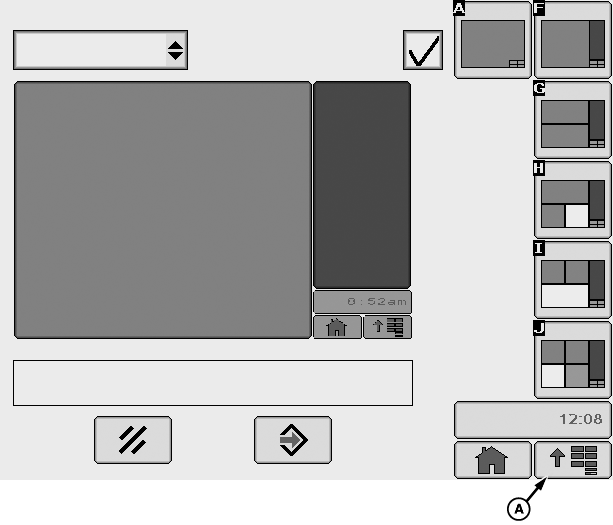
E64573-UN-11MAY12
GreenStar™ 3 2630 Display Shown
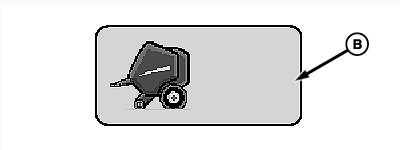
E84864-UN-11OCT17
A - Display Menu Button
B - Baler Application Button
John Deere monitors are automatically switched ON when the ignition key is turned ON.
Graphics are the same between the GreenStar™ 2 1800, GreenStar™ 2 2600, GreenStar™ 3 2630, and GreenStar™ 4600 display units. GreenStar™ 2 1800 display unit access is by soft key buttons and a scroll wheel. GreenStar™ 2 2600, GreenStar™ 3 2630, and GreenStar™ 4600 display unit access is by touch screen.
The baler application is an ISOBUS program and can be accessed on any ISOBUS monitor. The graphics are the same on different monitors, but the softkey order is dependent on the monitor and the number of softkeys displayed.
The first time a baler is connected to the monitor or after a software update, it is necessary to wait (5—10 minutes) until the baler application is loaded.
If a baler is connected to a different tractor or monitor, it is necessary to wait (5—10 minutes) until the baler application is loaded.
If the baler application is not automatically displayed, select display menu button (A), then select baler application button (B) on the menu displayed.
For more information about the display menu access, see your monitor operator’s manual.
|
DP99999,0000E3D-19-20171107 |