Set Number of Twine End Wraps
-
Turn the tractor ignition key to the ON position. Do not start the tractor engine.
-
Select the Baler Application Main Page softkey.
E84866-UN-05OCT17 -
Select the Wrap Setup softkey on the baler application main page. Ensure that the twine system icon is shown on the wrap setup page.
E84878-UN-05OCT17 -
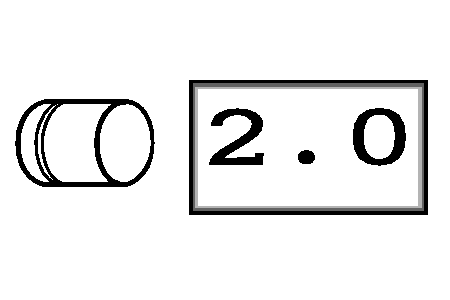
E66972-UN-09AUG12Left-Hand End Wraps Input Box
Enter the desired number of left-hand end wraps (1—7) in the left-hand end wraps input box on the setup page.The speed compensation program applies the desired number of wraps regardless of PTO speed.
The setting for the number of end wraps is approximate for each twine arm. The number of end wraps applied to the bale is twice the number indicated on the monitor.
-
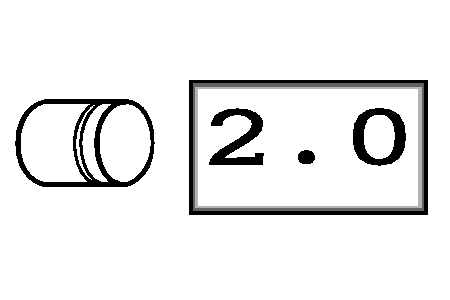
E66973-UN-09AUG12Right-Hand End Wraps Input Box
Enter the desired number of right-hand end wraps (1—7) in the right-hand end wraps input box on the setup page. -
Select the main page softkey to return to the baler application main page.
|
DP99999,0000E4E-19-20171115 |