Activate Twine Re-Extension Feature
Re-Extension is a feature that can help prevent twine unrolling. It places a wrap of twine back toward the middle of the bale from the left-hand end wrap location by the distance indicated by the setting. This procedure is done after the specified number of end wraps have been applied.
To activate the twine re-extension feature and set the distance or to deactivate the feature:
-
Turn the tractor ignition key to the ON position. Do not start the tractor engine.
-
Select the Baler Application Main Page softkey.
E84866-UN-05OCT17 -
Select the Wrap Setup softkey on the baler application main page. Ensure that the twine system icon is shown on the wrap setup page.
E84878-UN-05OCT17 -
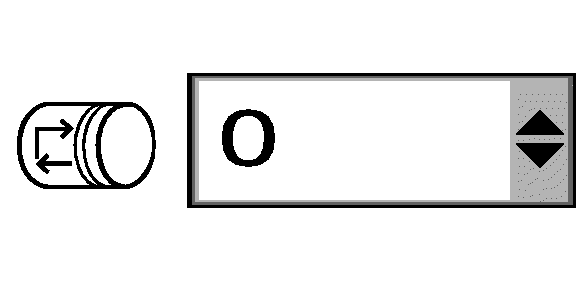
E66976-UN-09AUG12Re-Extension Distance Setting Box
Select the drop-down arrows on the re-extension distance setting box. -
Select the desired setting from the drop-down menu.
Setting
Feature
0
OFF
7.9
Approximately 20 cm (7.9 in) of re-extension
15.7
Approximately 40 cm (15.7 in) of re-extension
23.6
Approximately 60 cm (23.6 in) of re-extension
|
DP99999,0000E50-19-20171012 |