Activate Dry Straw Twine Wrap Program
When baling dry straw, it can be desirable to place twine across the full width of the bale to prevent straw from flaking off in the baler.
The dry straw twine program provides for full speed twine arm movement from right to left, after the normal full speed starting pass from left to right. The twine arms return to the right side, pause to place the set number of right-hand end wraps on the bale, and continue to apply twine as set in the monitor-controller.
To activate or deactivate the dry straw twine wrap program:
-
Turn tractor key to ON position. Do not start tractor engine. The monitor receives power through the key-controlled circuit.
-
Select the Baler Application Main Page softkey.
E84866-UN-05OCT17 -
Select the Wrap Setup softkey on the baler application main page. Ensure that the twine system icon is shown on the wrap setup page.
E84878-UN-05OCT17 -
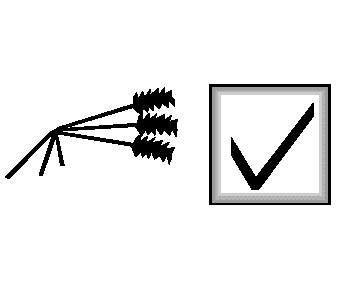
E66977-UN-09AUG12Dry Straw Program Check Box
Select the dry straw program check box to activate or deactivate the dry straw program. A check mark in the box indicates that the program is ON.
|
DP99999,0000E52-19-20171012 |