Operate Baler in Hilly Terrain—Automation Pause Function
(Automation Level 1 or Level 2)
(Manual Bale Unload)

E32671-UN-29NOV88
E32692-UN-06DEC88
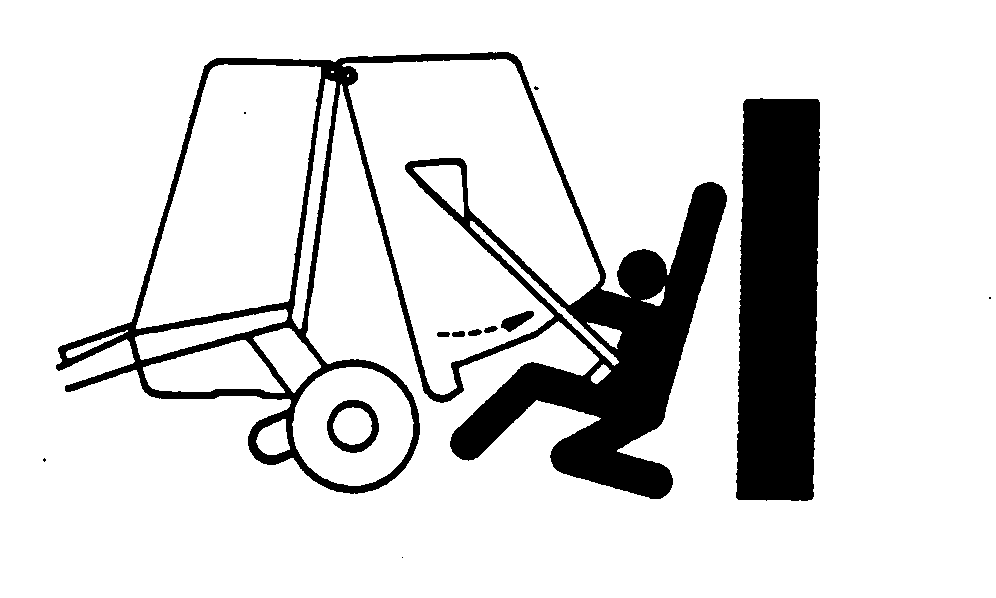
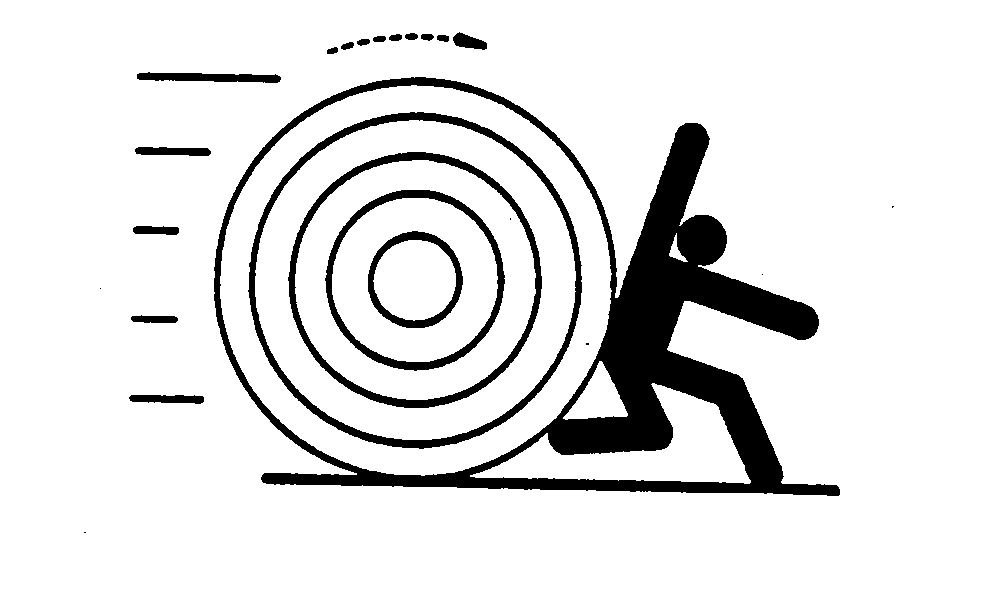
To prevent injury or damage from a rolling bale, discharge bales on level ground or in such a manner that the bale does not roll.
Baler automation using net or twine requires the use of the push bar to move the bale from under the gate before the gate can be closed. The Automation Pause function can be used to help bale placement by allowing the operator to maneuver the baler before opening the gate and discharging the bale with a pushbar. Operating the baler in Automation mode is not be appropriate for field conditions where there is a potential for rolling bales.
Automation level 1 or 2 can be used in rolling or hilly terrain but using automation pause is recommended to allow the operator to maneuver and position baler in a location where the bale is less likely to roll after discharge.
E67670-UN-22AUG14
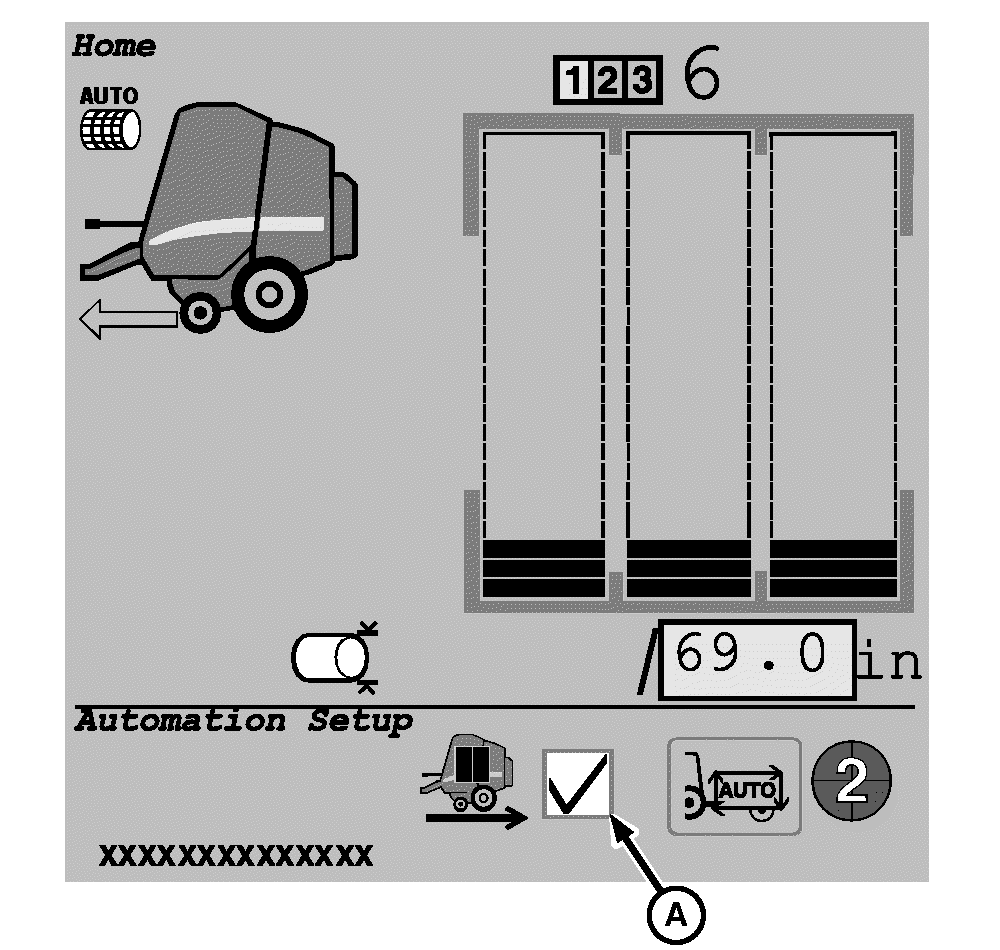
A - Automation Pause Mode
To activate the Automation Pause function, check box (A) on the baler automation main page display.The operator can easily turn the automation pause function ON or OFF to control discharge of the wrapped bale in a field with changing terrain.
This page is displayed on the monitor when operating in the Automation Mode.
-
Select the Main Page softkey. Automation pause can also be enabled on the automation settings page.
E84866-UN-05OCT17 -
Select the Settings softkey.
E84879-UN-09OCT17 -
From the machine settings page, select the Automation Settings softkey.
E84914-UN-16OCT17 -
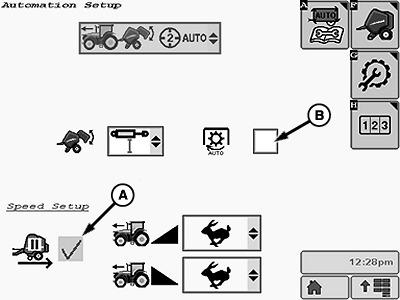
E85049-UN-18OCT17A - Manual Bale Unload Check Box
B - Auto-PTO Check Box
To use the automation pause function to unload the bale, select the manual bale unload check box (A). -
If automation is being used to apply B-Wrap, check box (B) must be selected to stop the PTO.
-

E76701-UN-29JUL14Automation Resume Switch Shown
The automation pause function puts automation in a paused state when the target bale diameter is reached and bale is wrapped. The operator can maneuver the tractor into the desired location to unload the bale (Automation level 1 and level 2). -
Automation Level 2 Only: Press firmly on both brake pedals simultaneously (and hold through the entire bale unloading cycle), then move the tractor reverser lever to the forward position.
-
Automation Level 1 and Level 2: Activate the tractor—implement automation resume switch to unload the bale.
-
The baler opens the gate to unload the bale, push the bale clear of the gate with the push bar, and close the gate. The baler Ready-To-Go arrow illuminates on the monitor.
-
Automation Level 2 Only: Release the brakes.
-
Automation Level 1 and Level 2: Resume baling.
|
DP99999,0000E5E-19-20171017 |