Test Sensors and Switches
-
From the baler application main page, select the Settings softkey.
E84879-UN-09OCT17 -
Select the Baler Diagnostics softkey.
E64643-UN-11MAY12 -
Select the Test Input softkey.
E84889-UN-09OCT17 -
E85237-UN-26OCT17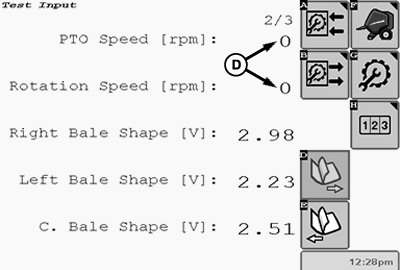
E85238-UN-09NOV17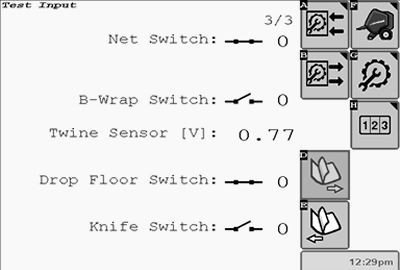
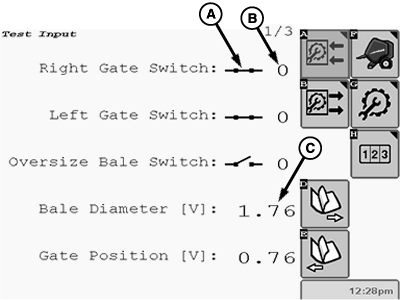
E85573-UN-09NOV17A - Switch Symbol
B - Counter
C - Voltage
D - RPM
The Test Input function is used to test sensors and switches.- Symbol (A) shows the switch position (open or closed).
- Counter (B) shows the number of switch cycles.
- Analog position sensors show a voltage (C) which corresponds to the position of a machine component.
- Speed sensors show the speed in rpm (D).
-
Select the Next Page or the Previous Page softkey to switch from one page to another.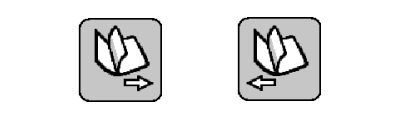
E84888-UN-09OCT17 -
Select the Main Page softkey to return to the baler application main page.
E84866-UN-05OCT17
|
DP99999,0000E77-19-20171109 |