Calibrate Twine Arm Actuator
-
From baler application main page, select the Settings softkey.
E84879-UN-09OCT17 -
Select the Baler Calibration softkey.
E64646-UN-11MAY12 -
Select the Twine Actuator Calibration softkey.
E64647-UN-11MAY12 -
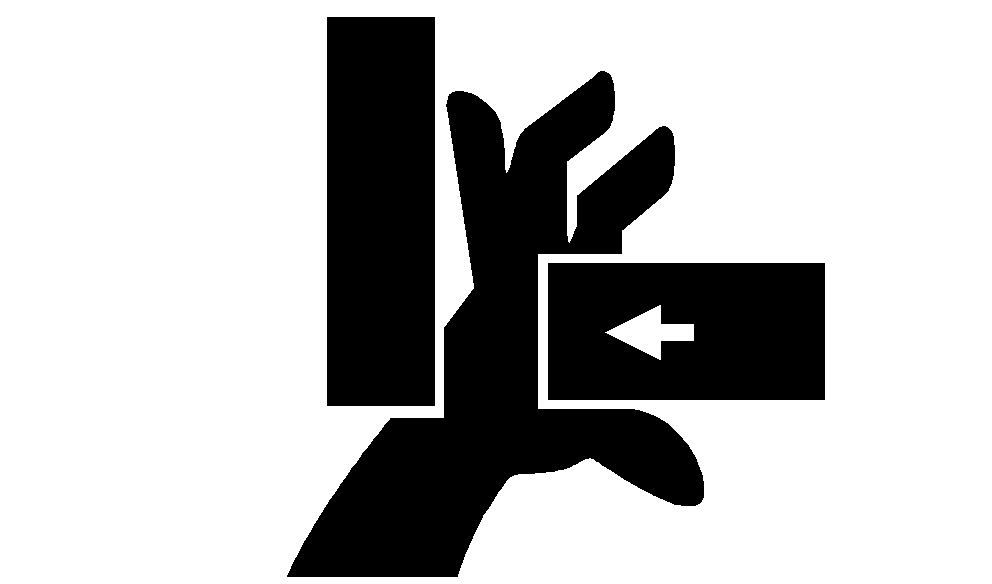
 Twine arms can move unexpectedly. Keep hands out of
the twine arm path to avoid crushing. Turn off power BEFORE servicing
or adjusting twine arms or twine cutter mechanism.
Twine arms can move unexpectedly. Keep hands out of
the twine arm path to avoid crushing. Turn off power BEFORE servicing
or adjusting twine arms or twine cutter mechanism.Stay out of the path of twine arms at all times when power to twine arms is ON.
E47598-UN-07JAN00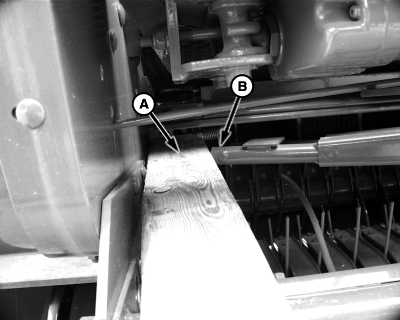
E67746-UN-06SEP12A - Wood Block, 89 mm (3-1/2 in)
B - Twine Arm
Place an 89 mm (3-1/2 in) wood block (A) on the right-hand side of the bale chamber, so twine arm (B) contacts the wood block when the actuator is extended. -
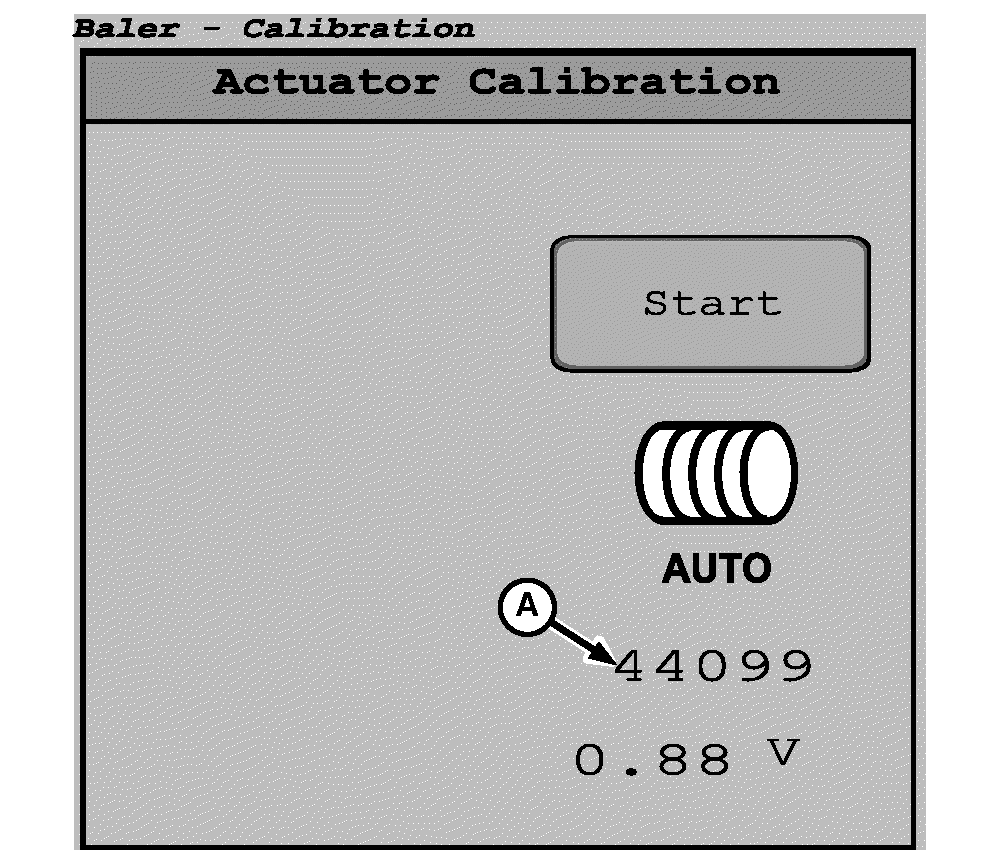
E67344-UN-16AUG12A - Numbers
Select the Start button on the actuator calibration screen.When the numbers (A) displayed on the screen stop changing, the monitor beeps once and calibration is complete.
|
DP99999,0000E80-19-20171101 |