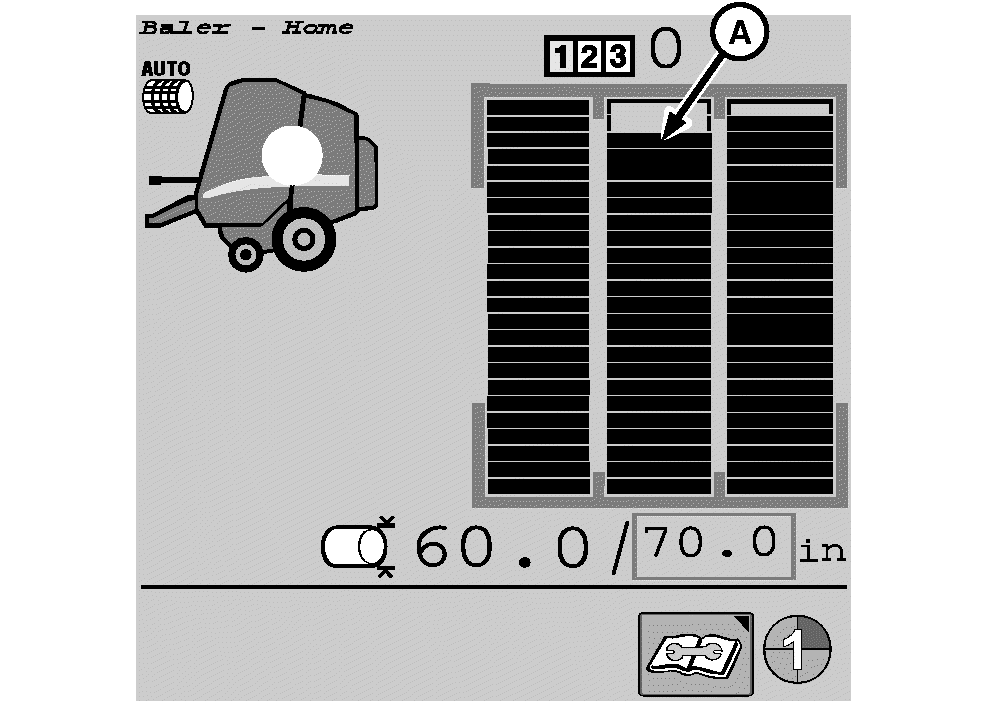
Third (Center) Bale Shape Indicator
E67352-UN-16AUG12
A - Center Bale Shape Indicator
The center bale shape indicator (A) shows the bale shape in the center position of the main page display. Activate the indicator as follows:-

E84879-UN-09OCT17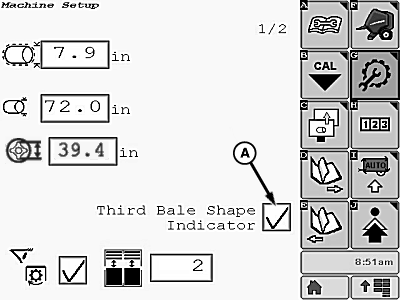
E85576-UN-09NOV17A - Check Box
From the baler application main page, select the Settings softkey. -
Select the third bale shape indicator check box (A).
-
To disable the center indicator, select the check box to remove the check mark.
|
DP99999,0000E83-19-20171109 |