Monitor Display for B-Wrap Baling
-
The bale shape bars, near-full alarm, full-size alarm, and bale eject icons on the monitor function as normal.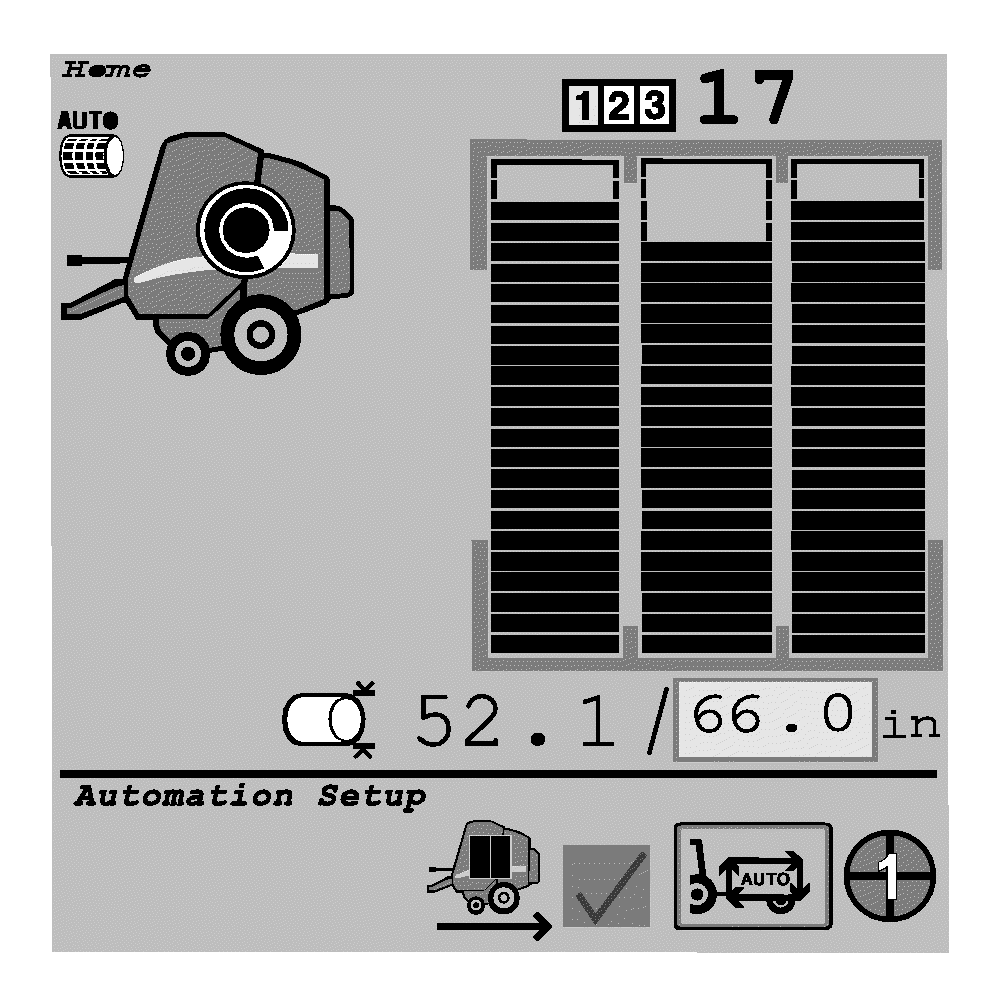
E76115-UN-25AUG14 -
Stop forward movement (baling) when the monitor indicates a full bale (167.64 cm [66 in]).
-
The wrapping cycle is automatic. The monitor indicates that wrapping is occurring.
-
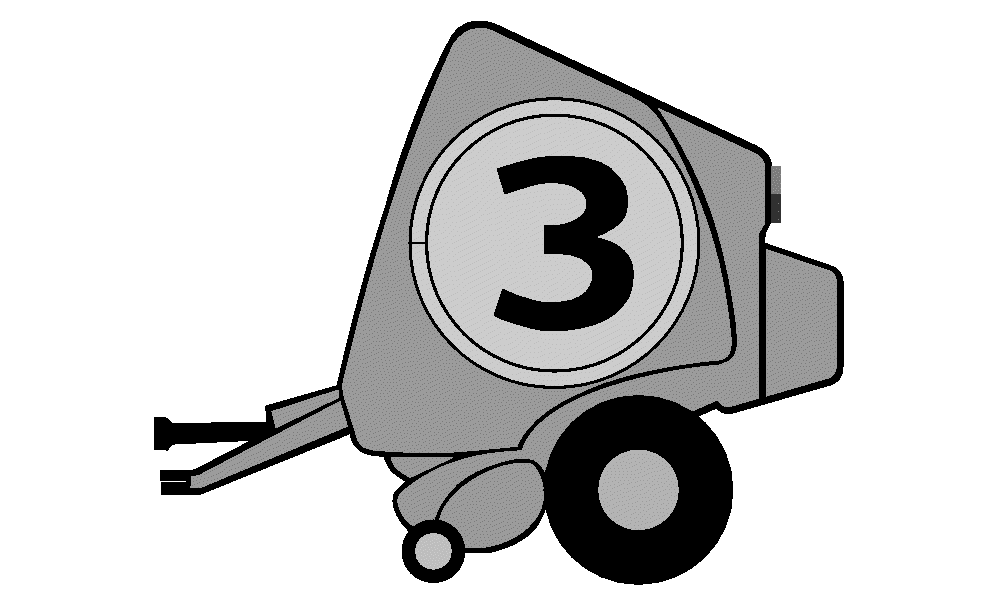
E76110-UN-11JUL14(A)—Short Beep
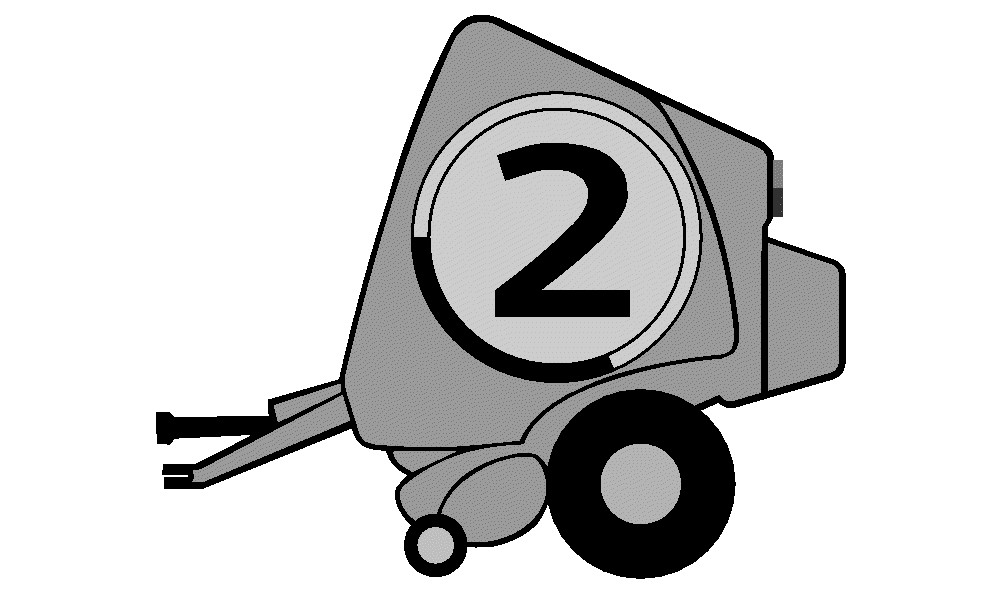
E76111-UN-11JUL14(B)—Short Beep
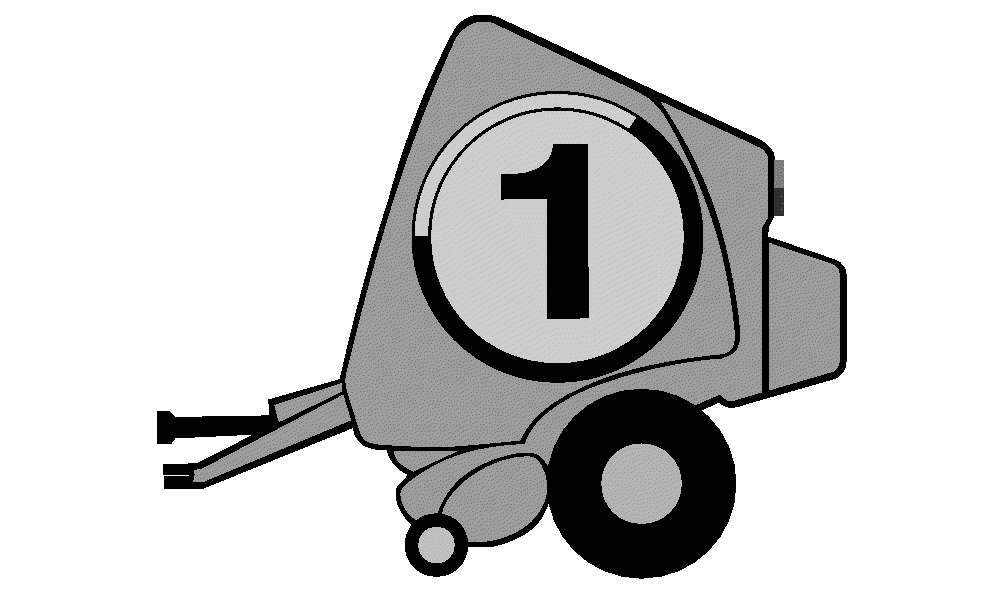
E76112-UN-11JUL14(C)—Short Beep

E76113-UN-11JUL14(D)—Long Beep
A - Short Beep
B - Short Beep
C - Short Beep
D - Stop PTO Icon
After the wrapping cycle is complete, the monitor-controller sounds a series of four audible alarms beeps and displays a visual countdown as follows:-
Three short beeps sound with a visual count down (A—C).
-
A fourth alarm beep sounds a longer tone and displays a “Stop PTO” icon (D).
-
Disengage the PTO during the fourth alarm beep, positioning the bale for ejection.
-
If the PTO is not disengaged during the first alarm cycle, the alarm cycle starts again. Disengage the PTO during the fourth alarm beep.
-
-
The Eject Bale icon activates on the monitor-controller.
-
Back up the baler (this step can be performed while the baler is wrapping the bale).
-
Eject the bale.
-
Pull the baler forward.
-
Close the gate and engage the PTO.
-
-
An error code is displayed when the last bale of wrap on the roll has been used. Stop the baler and load a new roll of material. (See Load B-Wrap Material in Preparing Baler for Net Wrap section.)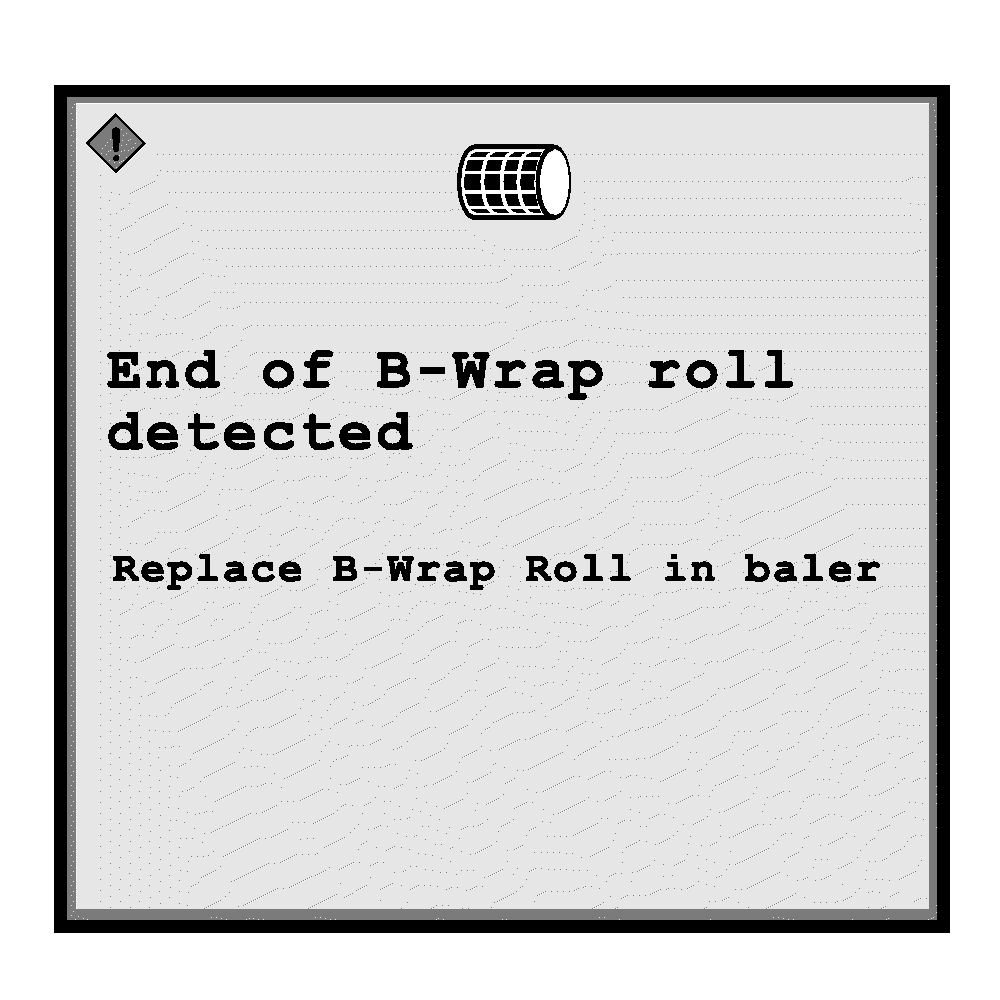
E76116-UN-07AUG14
|
DP99999,0000EA8-19-20171127 |