Operate Baler in Automation Mode Using Net or Twine (Automation Level 1)
Before attempting to operate the tractor and baler in the automation mode, the operator must be familiar with the tractor and round baler in normal operation. It is recommended that the operator make several bales before changing to the automation mode to become familiar with the tractor and baler combination.
Before automation mode activation, check following conditions:
- Desired baler settings are all selected (baler push bar must be used with automation mode).
- Automation level is selected. (See SELECT AUTOMATION LEVEL in this section.
- Baler rear gate selective control valve is selected. (See SELECT REAR GATE SELECTIVE CONTROL VALVE in this section.)
- Automation state pie (B) shows Ready-to-Enable (2/4 of pie). (See AUTOMATION STATE PIE in this section.)
-
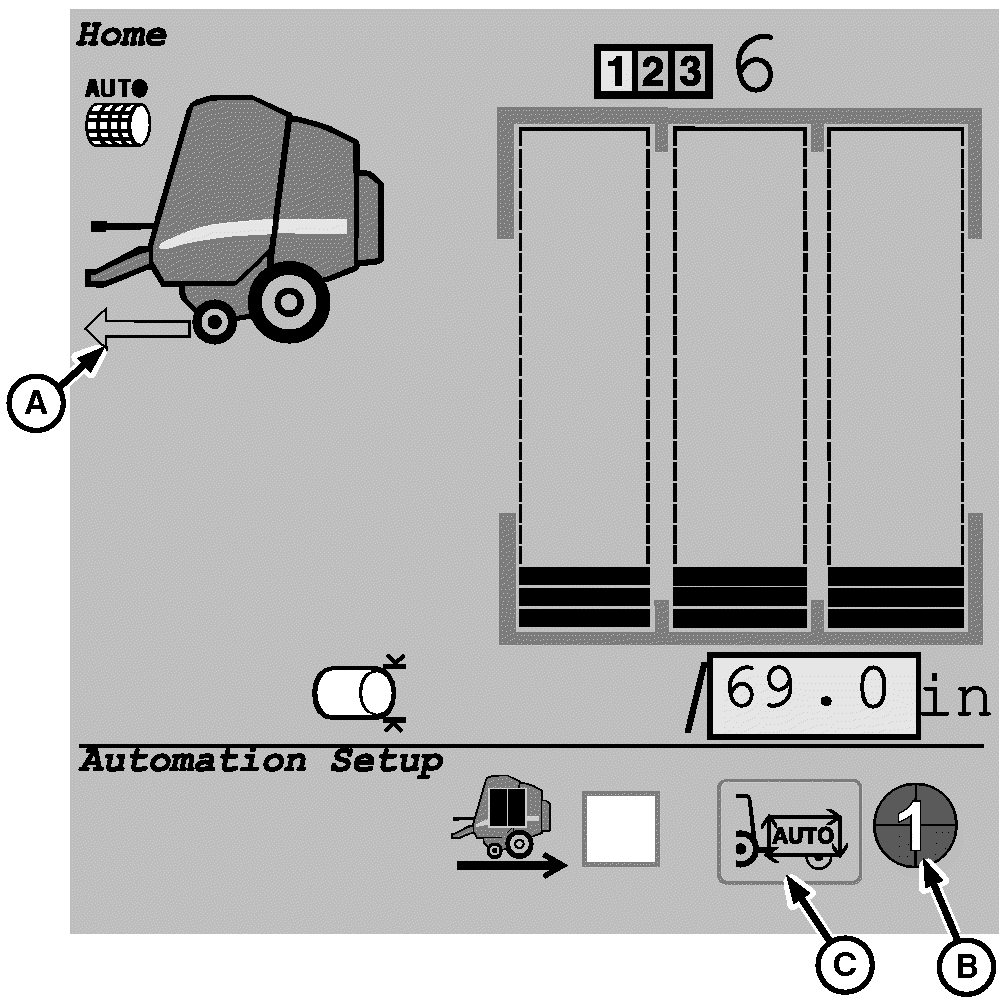
E76702-UN-29JUL14A - Baler Ready to Go
B - Automation State Pie
C - Enable or Disable Automation
Select and activate icon (C) to switch automation state (B) to Enabled (3/4 of pie). -
Engage PTO.
-

E76701-UN-29JUL14Automation Resume Switch

E64908-UN-17MAY12Active State Pie
Move tractor reverser lever to power zero or forward position and press tractor-implement automation resume switch. (See TIA—TRACTOR-IMPLEMENT AUTOMATION section in your tractor operator’s manual.) -
Automation state pie is switched to Active (4/4 of pie) and monitor beeps to indicate that automation mode is activated.
-
Increase tractor ground speed and begin baling.
-
The operator can adjust ground speed as necessary for baling normally at any time.
-
If Automation Level 1 was selected and the baler is set to wrap twine or net when the bale diameter selected is reached, decelerate and stop the tractor.
-
After the wrapping cycle is complete, the tractor SCV selected to control the baler gate will open the gate to discharge the bale and then close the gate.
 Bale push bar is activated when gate is opened. Be
sure that bystanders are clear and there is sufficient clearance behind
bale when opening the gate.
Bale push bar is activated when gate is opened. Be
sure that bystanders are clear and there is sufficient clearance behind
bale when opening the gate.To prevent injury or damage from a rolling bale, discharge bales on level ground or in such a manner that the bale does not roll.
Baler automation requires the use of the push bar to move the bale from under the gate before the gate can be closed. The Automation Pause function can be used to help bale placement by allowing the operator to maneuver the baler before opening the gate and discharging the bale with a pushbar. Operating the baler in Automation mode or Automation Pause mode may not be appropriate for field conditions where there is a potential for rolling bales.
See Automation Pause Function (Manual Bale Unload) in this section for details about its operation.
-
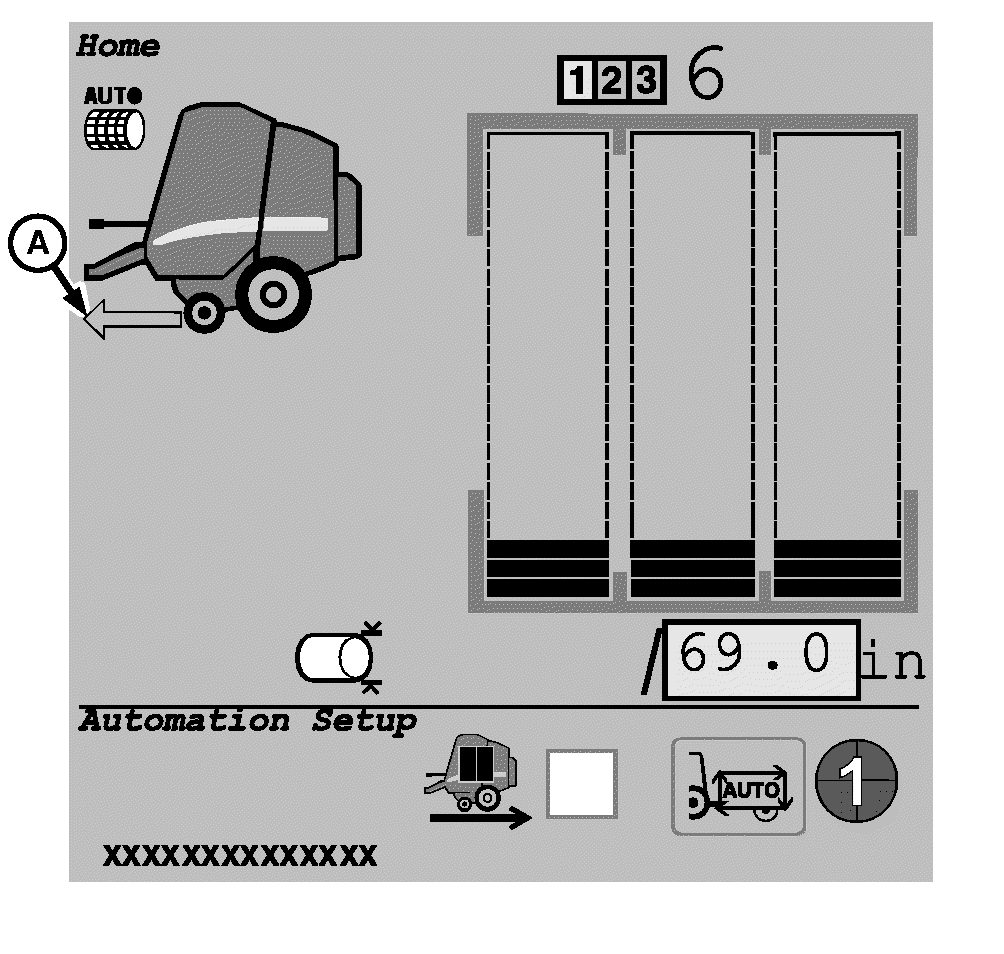
E76703-UN-29JUL14A - Baler Ready to Go
After bale unloading is complete, Baler Ready to Go arrow (A) is displayed to indicate that the baler is ready to proceed in automation mode. -
Increase tractor ground speed and resume baling.
|
PP98408,0000049-19-20140807 |