Adjust B-Wrap Cut Position
(Channel 034)
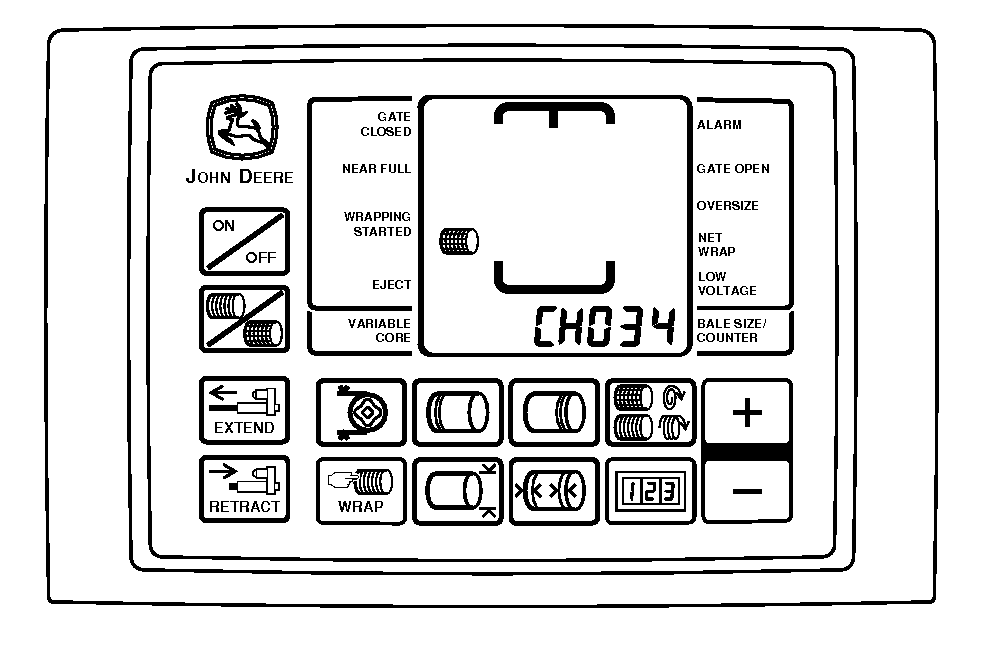
E69423-UN-20FEB13
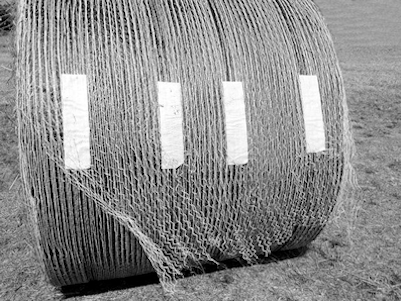
E69427-UN-25FEB13
This Tail is Too Long, Should Be 2—12 inches
The cut position setting controls the length of the net tail after the velcro. The correct setting provides a tail length of 50—300 mm (2—12 in). A longer tail can cause the wrap to pull off the bale during handling.
Set the B-wrap cut position as follows:
-
Turn the tractor ignition key to the ON position. Do not start the tractor engine.
-
Press and hold the COUNTER key while turning the monitor-controller ON.
-
Continue to hold the COUNTER key and press the PLUS key until CH034 appears in the display.
-
The setting in channel 034 must be less than the setting in channel 035.
Use the PLUS and MINUS keys to adjust the setting:
-
BaleTrak™ Pro system: The setting range is 16—160 with a default value of 126.
-
BaleTrak Plus system: The setting range is 9—88 with a default value of 69.
Changing the setting increases or decreases the length of the tail by approximately 228 mm (9 in) each time the PLUS or MINUS key is pressed.
-
-
Turn the monitor-controller OFF to enter the setting into memory.
|
DP99999,0000E0F-19-20170901 |