Monitor Display for B-Wrap Baling
-
Monitor display—Bale shape bars, near-full alarm, full-size alarm, and bale eject icons function as normal.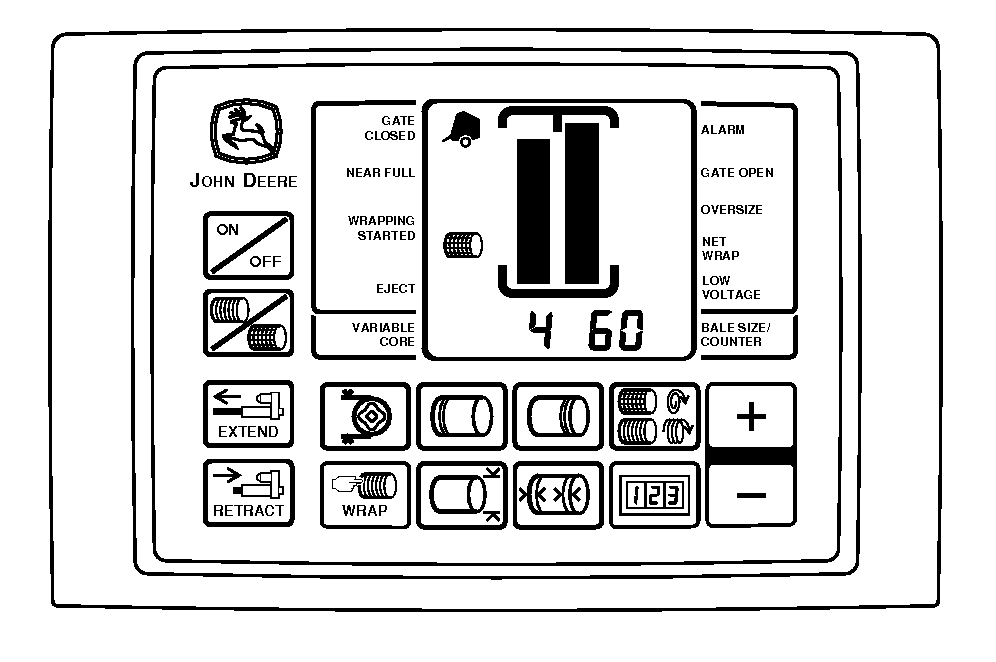
E83897-UN-02AUG17 -
Stop forward movement (baling) when the monitor signals full bale (1524 mm [60 in]).
-
B-wrap cycle is automatic—Monitor displays a series of numbers showing B-Wrap is feeding into baler:
- 1 — B-Wrap actuator starting to extend (changes quickly).
- 2 — B-Wrap feeding.
- 3 — Sensor sees the start of the metal tape (changes quickly).
- 4 — Sensor sees the end of metal tape.
- 5 — B-Wrap actuator starting to retract.
- 6 — B-Wrap cut-off.
- 7 — Start of audible alarms for bale ejection.
-
After the B-wrap cycle is complete, the monitor-controller will sound a series of four audible alarms (beeps).
- 4th alarm or beep sounds a longer tone.
- Disengage PTO during the 4th alarm (beep) positioning the bale for ejection.
-
If PTO is not disengaged during the first alarm cycle, the alarm
cycle starts again. Disengage PTO during 4th alarm (beep).
The system eventually times out and shows error code 213.
Disengage the bale push bar for B-Wrap operation. Bale push bar affects the seam location upon bale ejection and can damage the B-Wrap material.
-
Eject bale icon activates on the monitor-controller.
-
Back up baler.
-
Eject bale.
-
Pull forward.
-
Close gate and engage PTO.
-
-
LOnEt displays when the last bale of the B-Wrap on the roll has been used.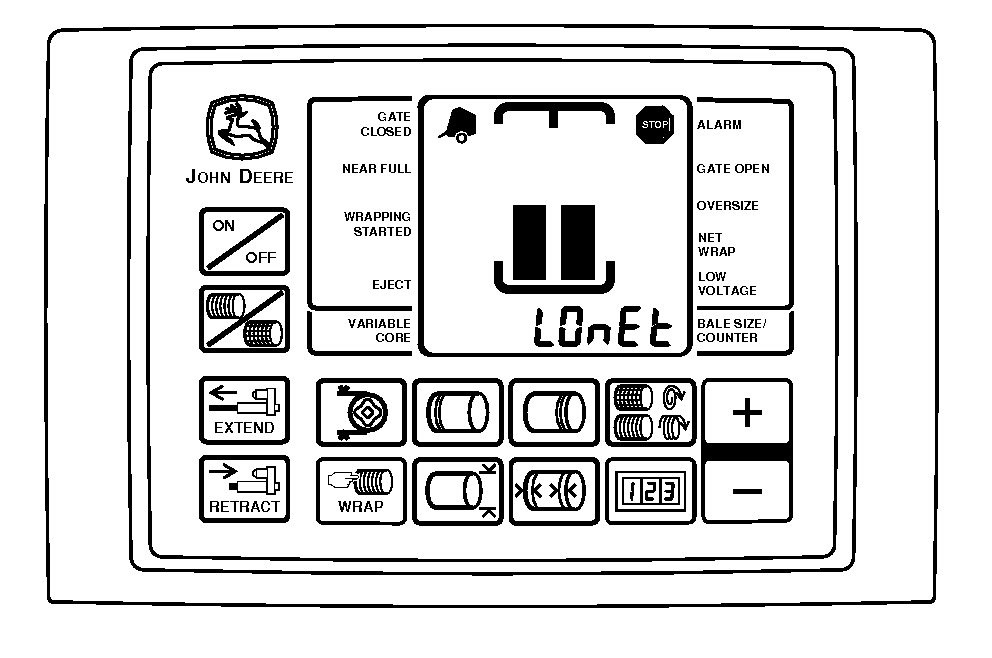
E69426-UN-25FEB13Stop machine and load a new roll of material.
|
SF04007,0000F2D-19-20170914 |