Adjust Bale Diameter Display (Channel 028)
-
Make a bale and tie or wrap.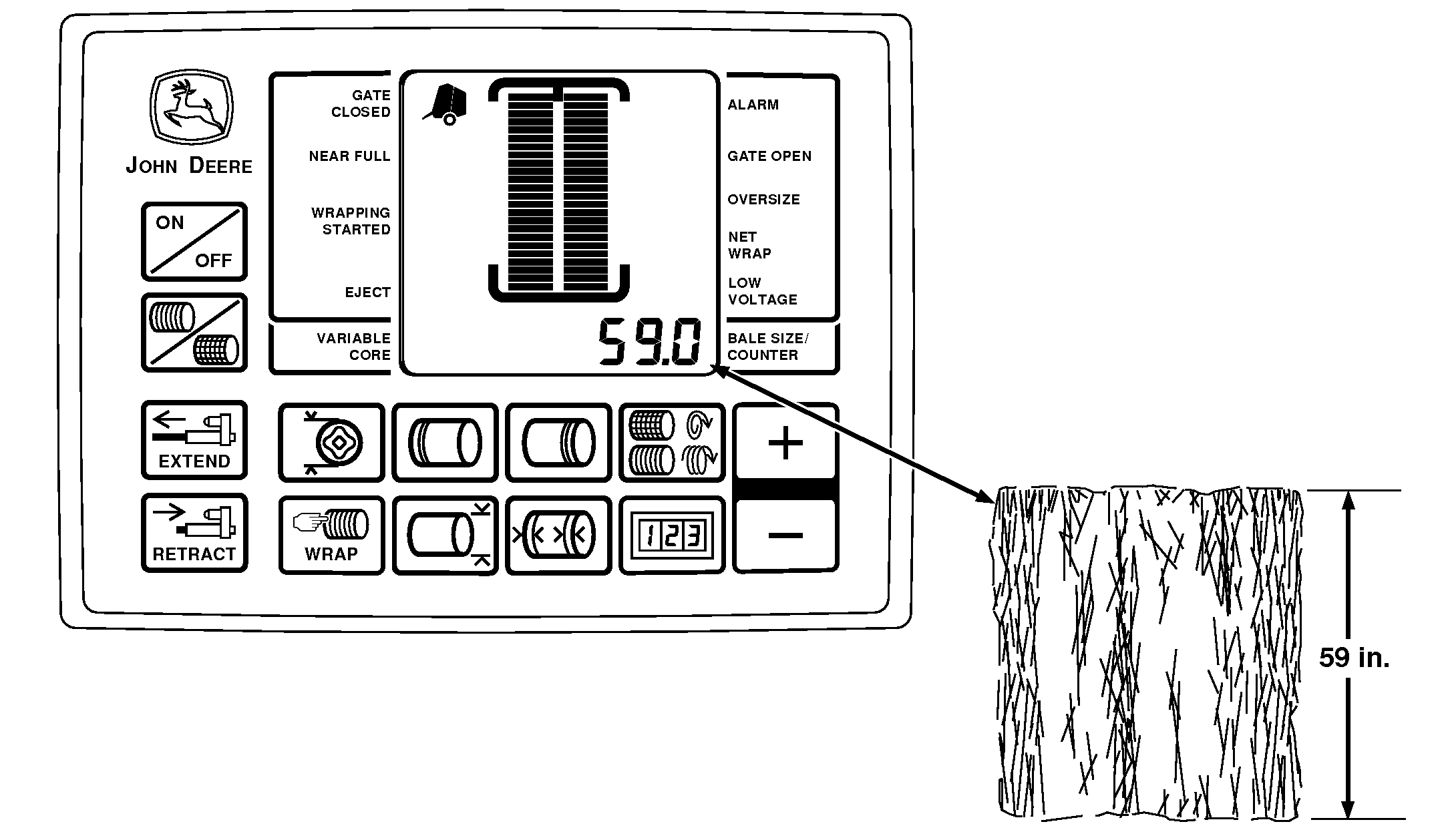
E84119-UN-25AUG17 -
Before ejecting the bale, note the monitor-controller display for bale size or diameter setting.
-
Eject the bale and compare actual size of the bale to the monitor-controller bale diameter setting.
-
To check actual bale size, measure bale horizontally and vertically on both ends. Add the four measurements together and divide by four to determine average bale diameter.
Make another bale the same size as the previous bale as indicated by the monitor-controller. Wrap it and disengage the PTO.
DO NOT EJECT THE BALE.
-
Access channel 028 on the BaleTrak™ Monitor, the displayed size is shown.
The monitor initially shows the calculated bale size.
-
To match the measured size of the bale, adjust the displayed size with the plus and minus keys. To record as the actual bale size, press the plus and minus keys simultaneously. To confirm that the size has been recorded, the monitor beeps.
-
Repeat procedure as necessary.
|
BaleTrak is a trademark of Deere & Company |
SF04007,0000F4F-19-20170828 |