Check for Left-Hand Side Counterknife Contact
If counterknife angle does not contact the knife on the left-hand side or cut is poor on the left-hand side, contact can be present between the idler sheave bolt head and the net pan bolt head or strap.
-
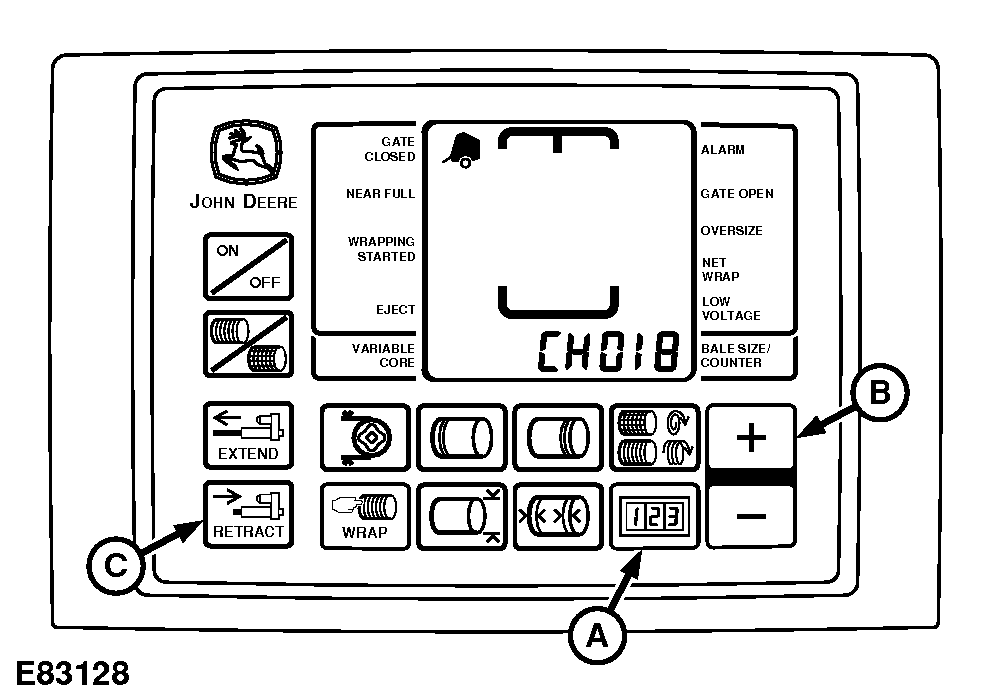
E83128-UN-11MAY17BaleTrak™ Pro Monitor-Controller
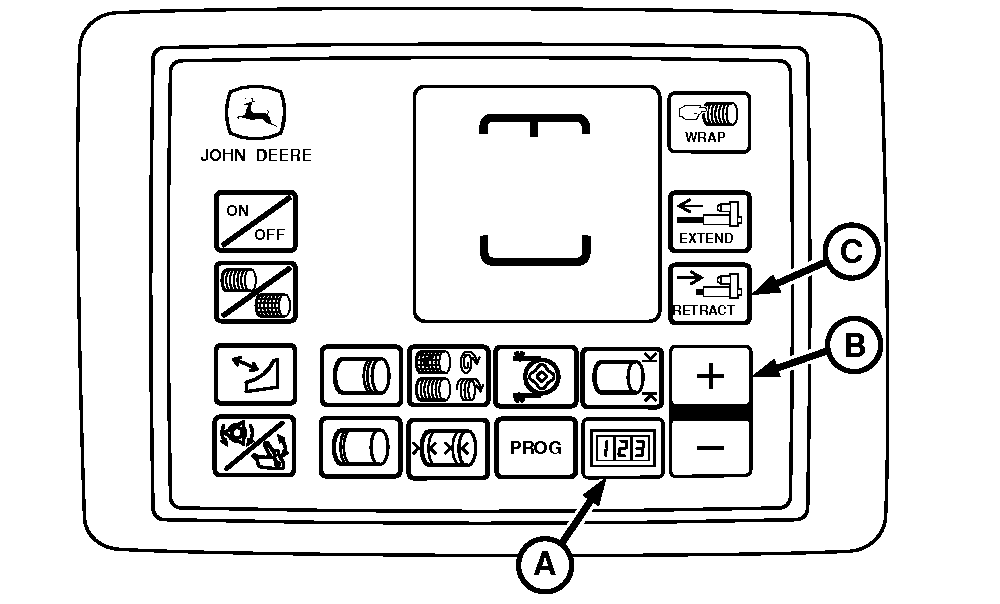
E84424-UN-06SEP17BaleTrak™ Plus Monitor-Controller
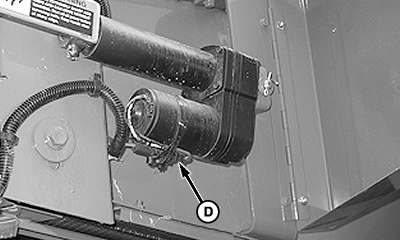
E80107-UN-29SEP15A - COUNTER Key
B - PLUS Key
C - RETRACT Key
Open the net wrap cover. -
Engage net wrap brake.
-
Turn the tractor key to the ON position. Turn the monitor-controller ON.
-
Ensure that monitor is in NET mode. Turn monitor OFF.
-
Press and hold the COUNTER key (A) while turning monitor-controller ON. CH001 appears on the display.
-
To advance to CH018, continue to hold the COUNTER key (A) and press the PLUS key (B). Release COUNTER key (A).
-
To move the counterknife angle to the down position, press and hold the RETRACT key (C).
-
 To avoid personal injury from unexpected knife movement,
disconnect the net wrap actuator wire connector or power plug when
performing adjustment or working in area.
To avoid personal injury from unexpected knife movement,
disconnect the net wrap actuator wire connector or power plug when
performing adjustment or working in area.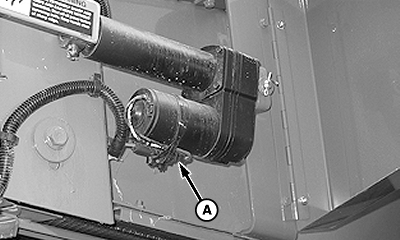
E82724-UN-02MAY17A - Net Actuator Harness Connector
Turn monitor-controller selector switch to OFF. Turn the tractor key to OFF position and remove the key. Disconnect the monitor-controller power plug from the power source or disconnect the connector (A). -
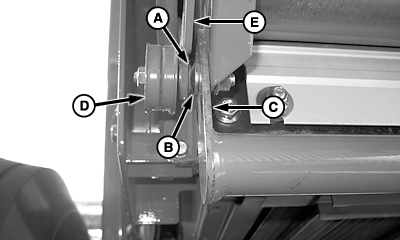
E58064-UN-09OCT09A - Idler Sheave Bolt
B - Net Pan Bolt
C - Net Pan Strap
D - Idler Sheave
E - Arm
If there is contact between the bolt head (A) and net pan bolt head (B) or strap:- Grind the net pan bolt head (B) or grind the chamfer at the front edge of the net pan strap (C). (See your John Deere dealer or qualified service provider.)
- Bend arm (E) out and remove washer between idler sheave and arm if necessary to align idler sheave (D) with v-belt. (See your John Deere dealer or qualified service provider.)
|
SF04007,0000FBD-19-20170918 |