Adjusting Bale Diameter Display
-
Make a bale and tie.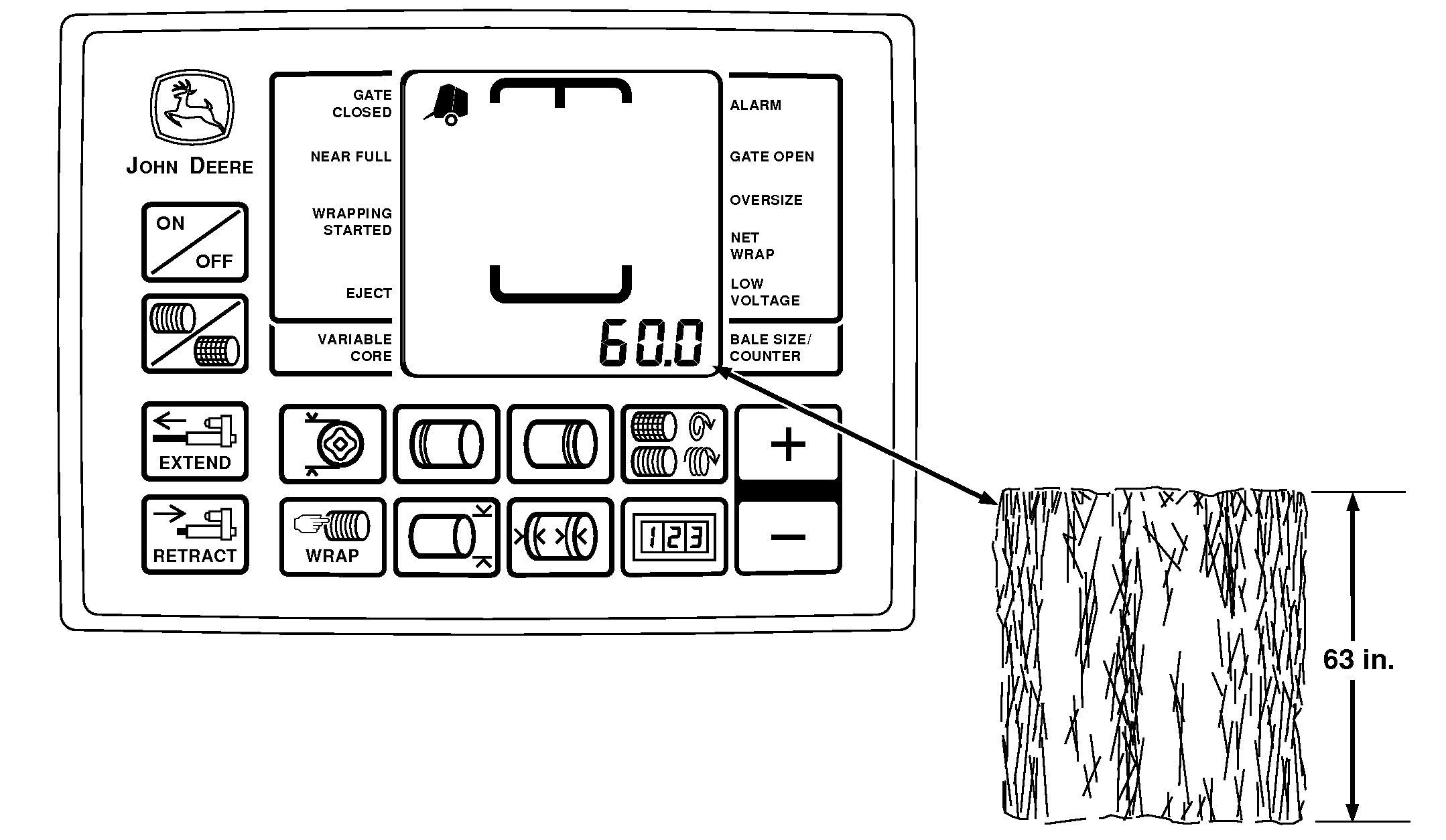
E52486-UN-02JUN08 -
Before ejecting the bale, note the monitor-controller display for bale size/diameter setting.
-
Eject the bale and compare actual size of bale to the monitor-controller bale diameter setting.
-
To check actual bale size, measure bale horizontally and vertically on both ends. Add the four measurements together and divide by four to determine average bale diameter.
Determine the actual bale size difference from the monitor-controller setting.
For example, if the bale diameter setting is 127 cm (50 in.), but the actual bale measures 134 cm (53 in.), the bale is 8 cm (3 in.) larger than the monitor bale diameter setting.
-
If bale diameter setting and actual bale size do not agree, make the following adjustment:
- Using tractor selector valve, raise belt tension arm until monitor-controller display reads between 76 and 152 cm (50 and 60 in.). Note the displayed size.
-
Adjust bale diameter sensor on the tension arm so monitor-controller displays "actual" bale diameter. (See Adjusting Bale Diameter Sensor [Channel 005] in Service—BaleTrak Pro System.) Adjusting bale diameter sensor may cause the twine
arms or net wrap actuator to cycle if set size is exceeded during
the adjustment. Stay clear of these areas.
Adjusting bale diameter sensor may cause the twine
arms or net wrap actuator to cycle if set size is exceeded during
the adjustment. Stay clear of these areas.
For example, if monitor-controller display reads 56 and the actual bale is 8 cm (3 in.) larger than the displayed diameter, adjust sensor until 59 is displayed on monitor.
- Lower belt tension arm.
-
Repeat Steps 1—5 as necessary.
|
PP98408,000011B-19-20090616 |