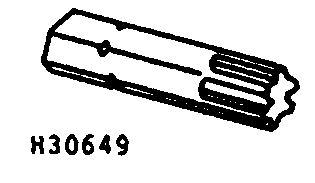
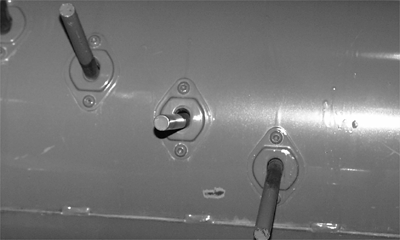
Replacing Auger Fingers1. Use JDC-3 driver to remove two finger guide screws and remove guide. NOTE: Order JDC-3 from your John Deere dealer. Use drive with 1/4 to 3/8 in. adapter. 2. Remove access hole covers in auger. 3. Remove broken parts and install new parts. Pull out on finger when installing nut on cap screw, to keep cap screw from turning. Torque cap screw to specification. Specification
|
|
ROCPHD,50ASE,L -19-29JAN97-1/1 |