Header Calibration
The header calibration must be performed when a header is first used with a combine or when any of the sensors are replaced. The Height Resume sensor must be operating.
Prepare the header for calibration:
-
Attach header to combine and connect header harness to combine harness.
-
Make sure header height sensors (if equipped) are operating.
-
Start combine and drive onto a level firm surface.
|
|
|
|
OUO6075,00013A1 -19-31JAN01-1/10
|
|
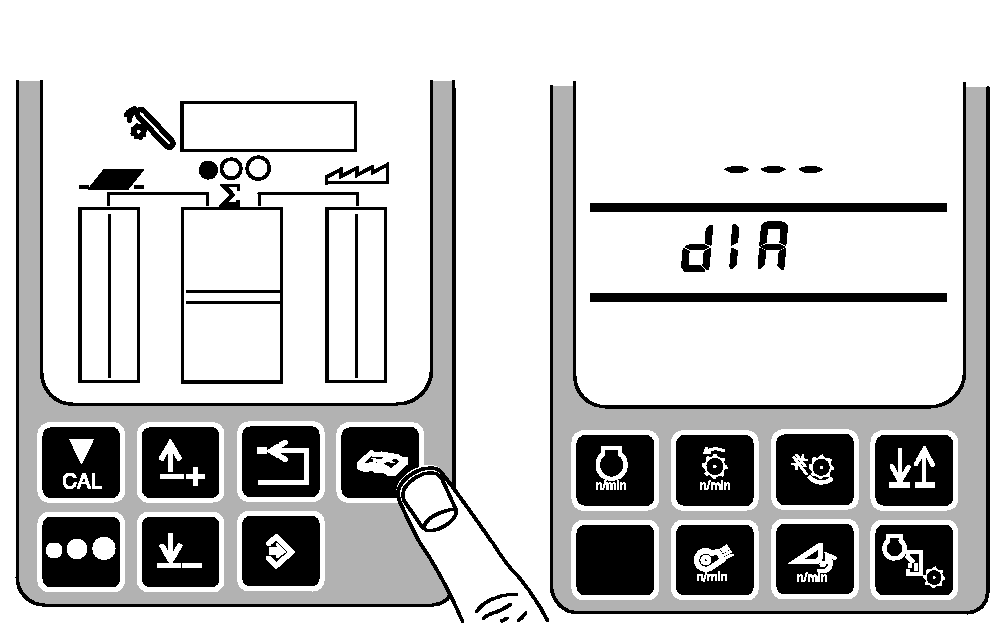
Press the diagnostic switch. DIA will appear on the triple display tachometer.
|
|
|
|
OUO6075,00013A1 -19-31JAN01-2/10
|
|
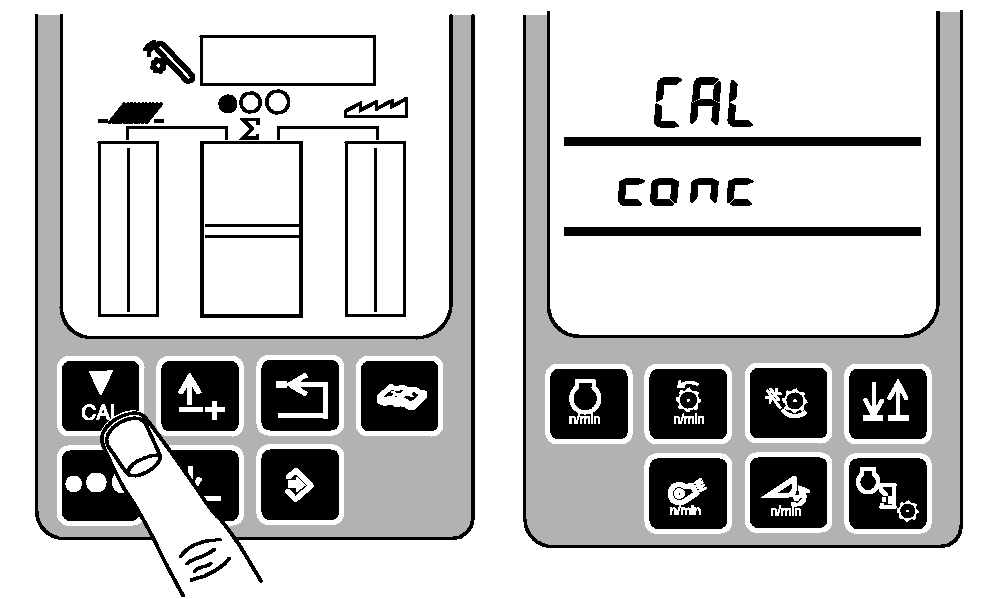
Press the calibration switch. CAL and conc will appear on the tachometer.
|
|
|
|
OUO6075,00013A1 -19-31JAN01-3/10
|
|
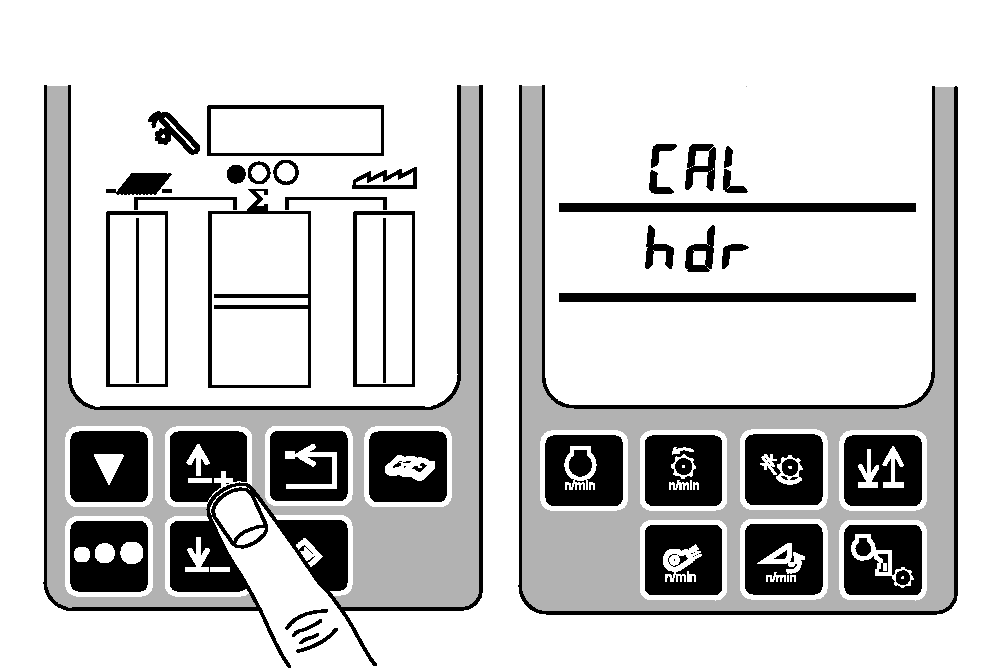
Press the up or down arrow keys until CAL and hdr appears on the tachometer.
|
|
|
|
OUO6075,00013A1 -19-31JAN01-4/10
|
|
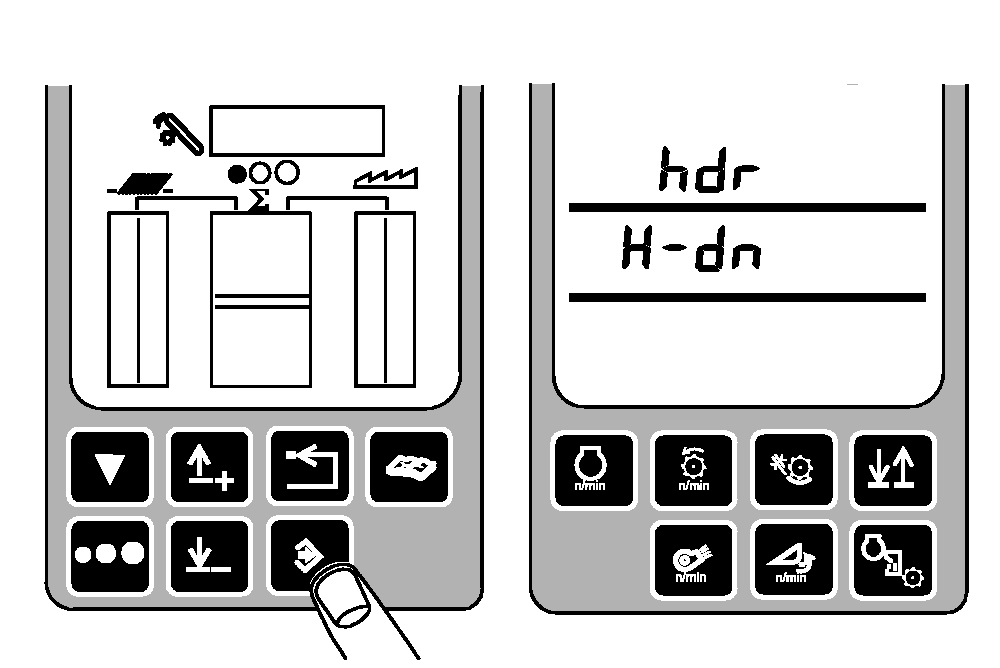
Press the enter switch to access the header calibration mode. hdr and H-dn will now appear on the tachometer.
|
|
|
|
OUO6075,00013A1 -19-31JAN01-5/10
|
|
Establish sensor minimum setting.
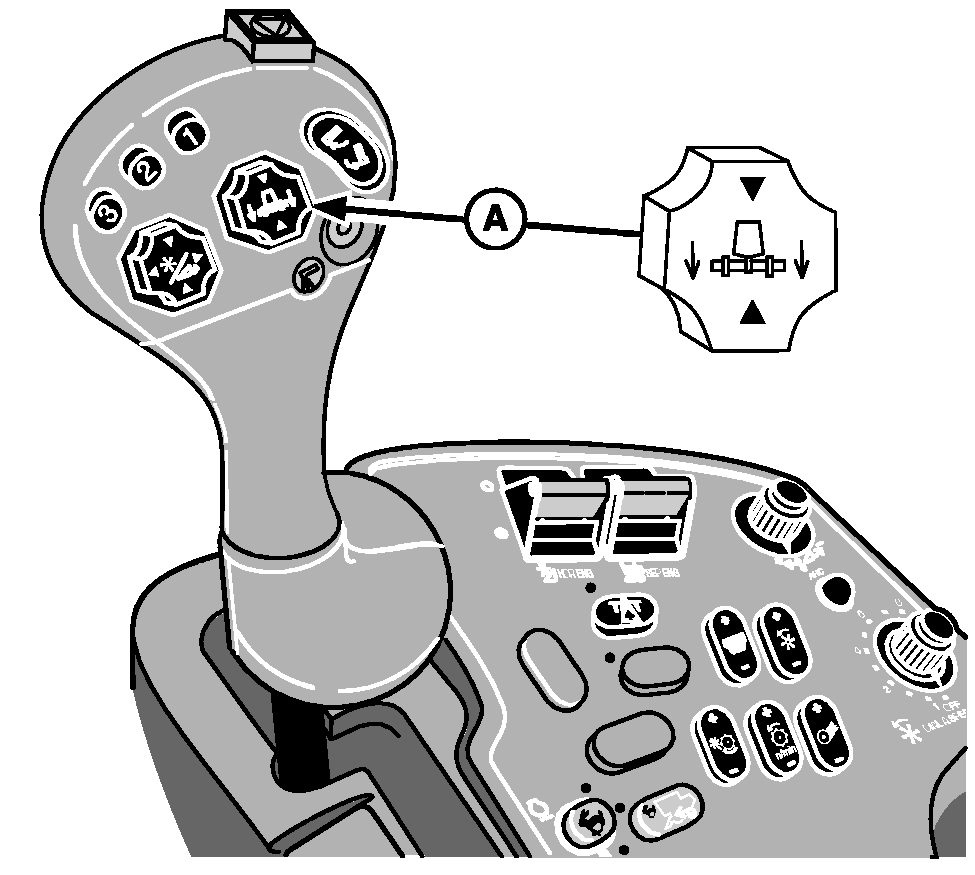
Lower and tilt the header with the header raise/lower and tilt switch (A) until it rests flat on the ground. The left-hand and right-hand sides of the header should contact the ground at the same time as the header is lowered.
A-Header Raise/Lower Switch
|
|
|
|
OUO6075,00013A1 -19-31JAN01-6/10
|
|
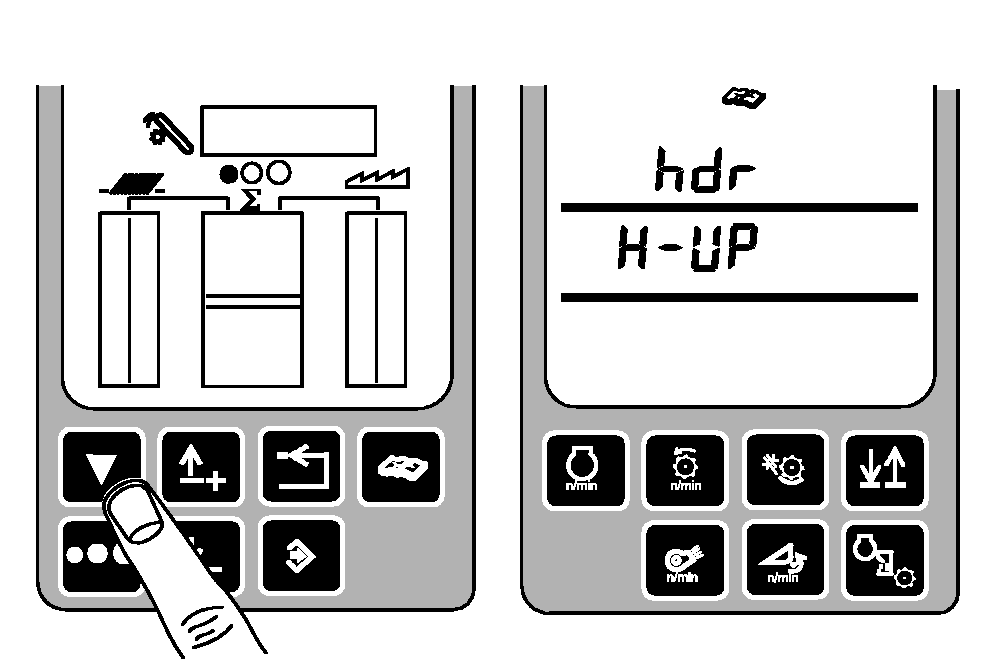
Press the calibration switch. hdr and H-UP will be displayed on the tachometer.
|
|
|
|
OUO6075,00013A1 -19-31JAN01-7/10
|
|
Establish sensor maximum setting.
Raise the header completely with the header raise/lower switch (A).
A-Header Raise/Lower Switch
|
|
|
|
OUO6075,00013A1 -19-31JAN01-8/10
|
|
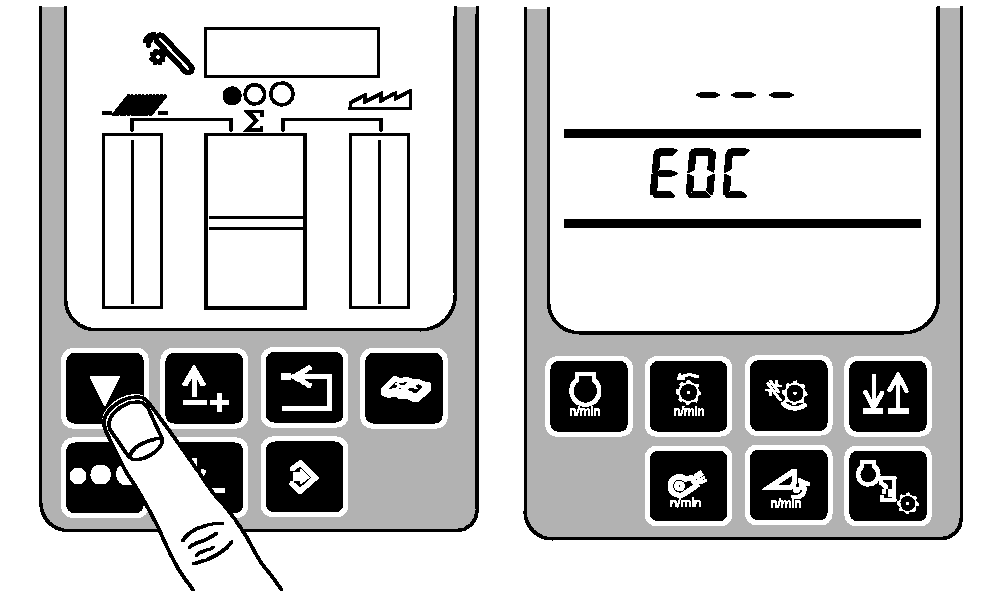
Press the calibration switch. EOC will be displayed on the tachometer.
|
|
|
|
OUO6075,00013A1 -19-31JAN01-9/10
|
|
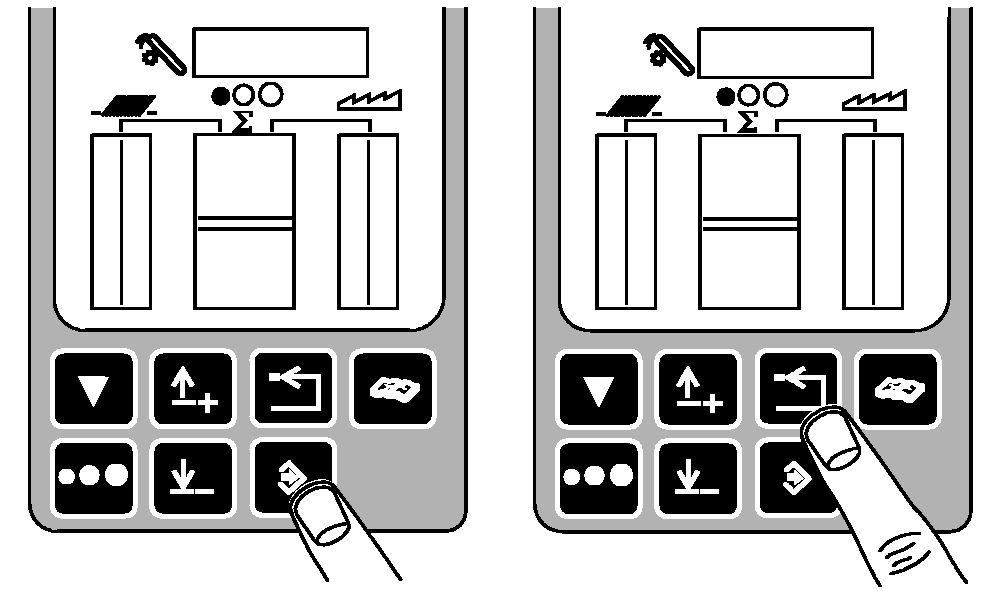
Press the enter switch to save the calibration values and return to normal operation or press the back arrow switch to abort the calibration (and not save values).
Press the back arrow switch to return to normal operation.
|
|
|
|
OUO6075,00013A1 -19-31JAN01-10/10
|
|