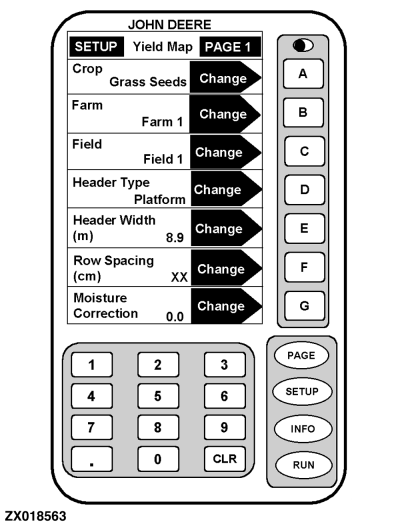
SETUP - Yield Map - PAGE 1
|
|
|
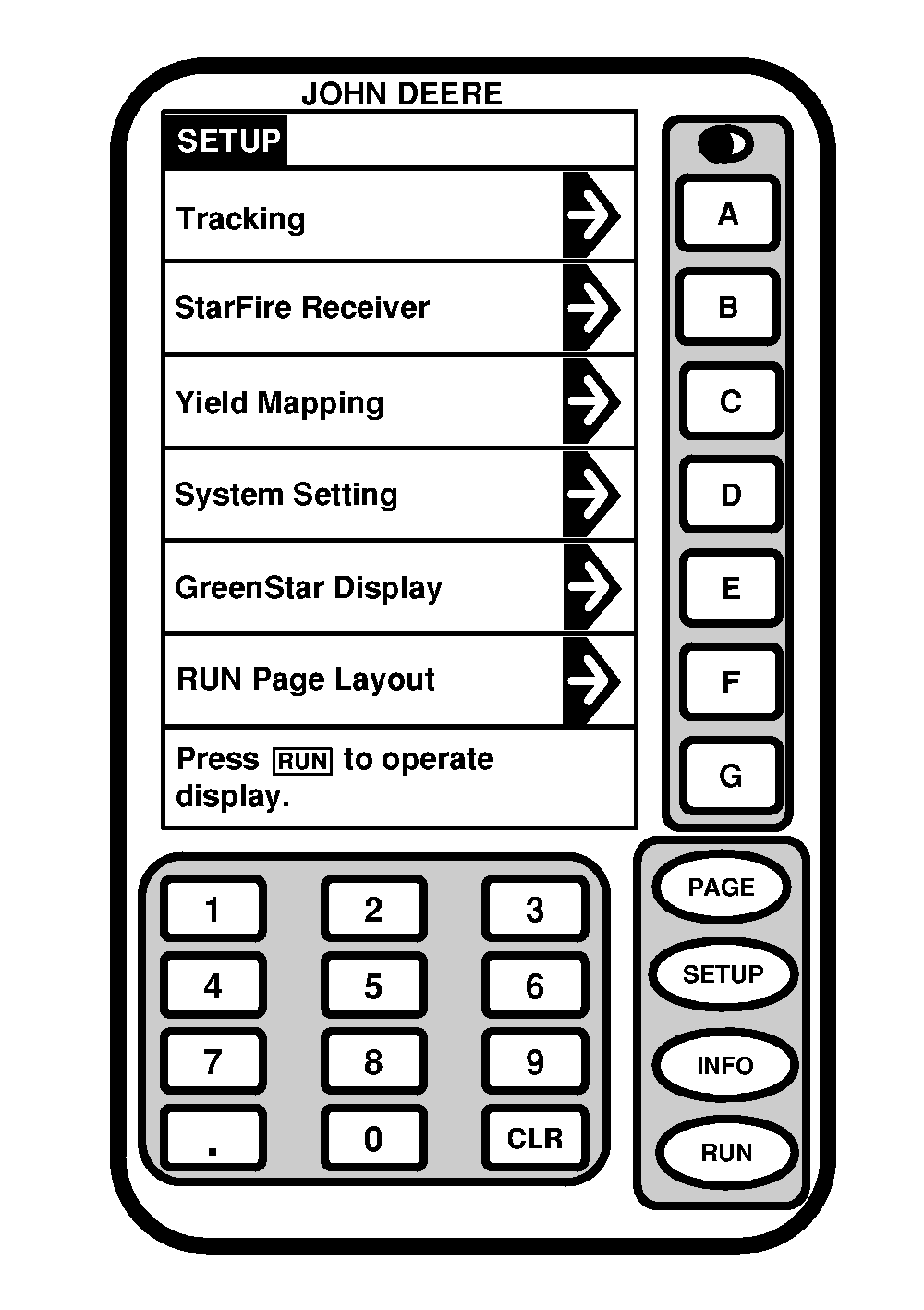
IMPORTANT: Correct header width, row spacing and crop selections are critical for accurate information. Press letter button next to Yield Mapping to access SETUP - Yield Map - PAGE 1. The SETUP - Yield Map - PAGE 1 screen is used to select parameters for crop to be harvested. |
The crop was previously setup in desktop software and saved on PC Card. The crop selected will appear in Crop cell. Depending on the operator's location (North America or Europe), some crops will be inactive when the desktop software program is installed and therefore will NOT be available. No additional crops can be added. |
OUO6075,00022B3 -19-31JUL02-1/1 |