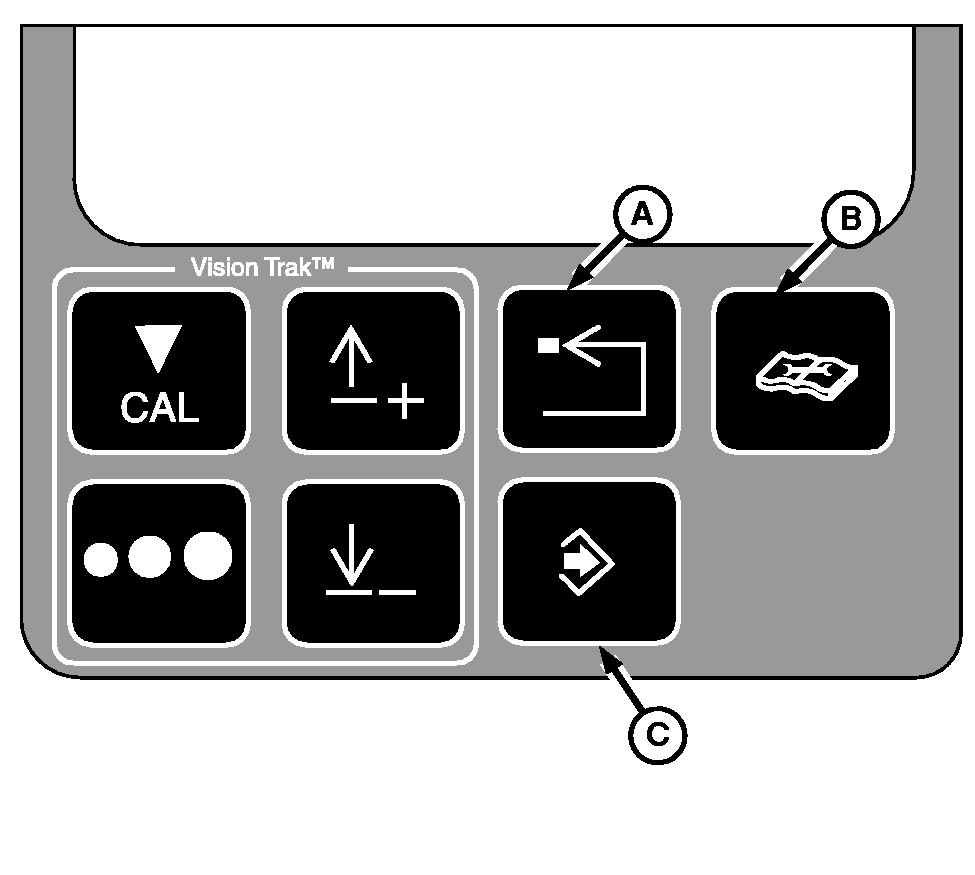
VISIONTRAK Monitor Diagnostic Switches
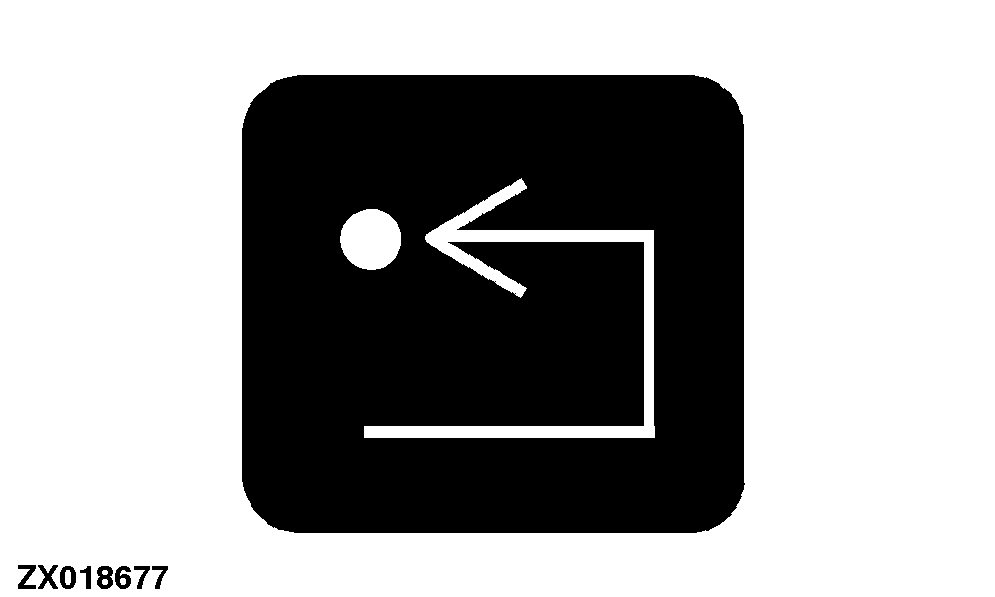
A-Back Arrow Switch
B-Diagnostic Switch
C-Enter Switch
|
|
|
|
OUO6075,000284A -19-18MAR03-1/4
|
Back Arrow Switch
Pressing and releasing the back arrow switch will allow the operator to back out to the previous mode.
|
|
|
|
OUO6075,000284A -19-18MAR03-2/4
|
Diagnostics Switch
Pressing and releasing the diagnostic switch will put the monitor into the diagnostic mode.
|
|
|
|
OUO6075,000284A -19-18MAR03-3/4
|
Enter Switch
Pressing and releasing the enter switch allows entry of data into the memory.
|
|
|
|
OUO6075,000284A -19-18MAR03-4/4
|
|