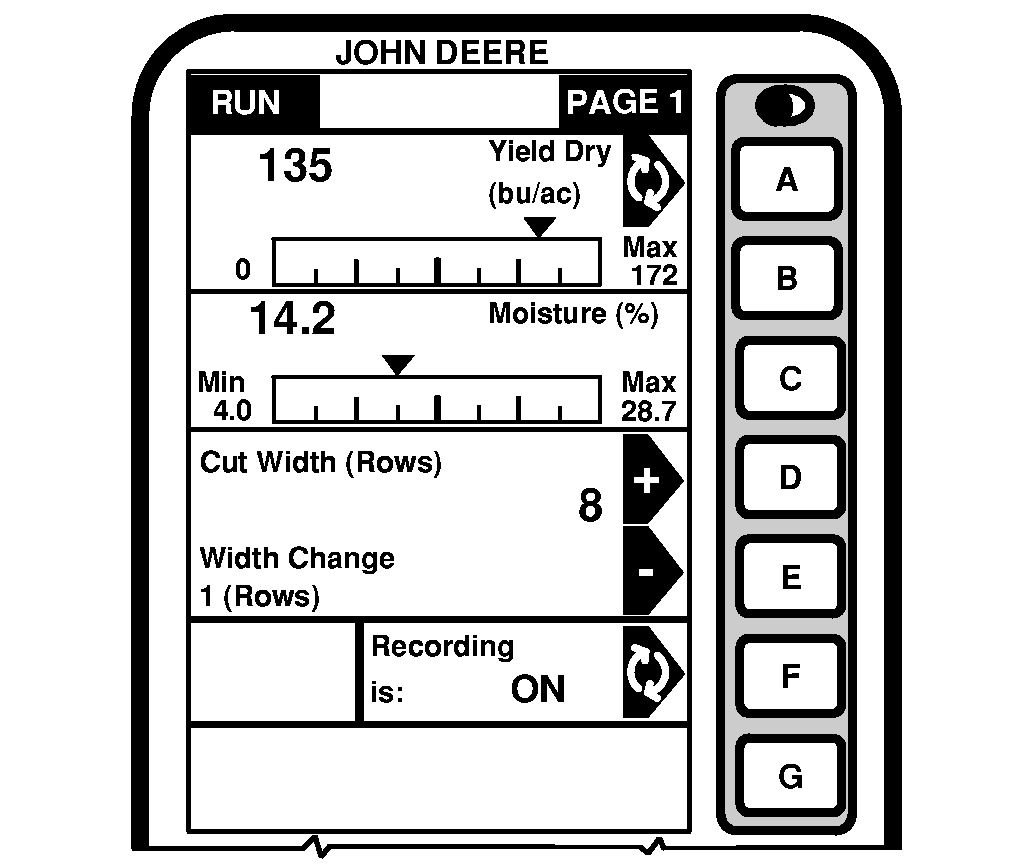
Before You StartNOTE: There is no power ON/OFF switch for the display. Power is applied when combine is turned on. At initial startup, the display will show RUN - PAGE 1 screen. To view additional pages, press PAGE button to advance to the next screen. Each information display cell is either active or inactive. Active cells display information that can be changed and are highlighted by a black arrow. Inactive cells display information that cannot be changed. Pressing the alpha button to the right of an active cell results in one of the following:
|
|
OUO6075,0003012 -19-25AUG03-1/1 |