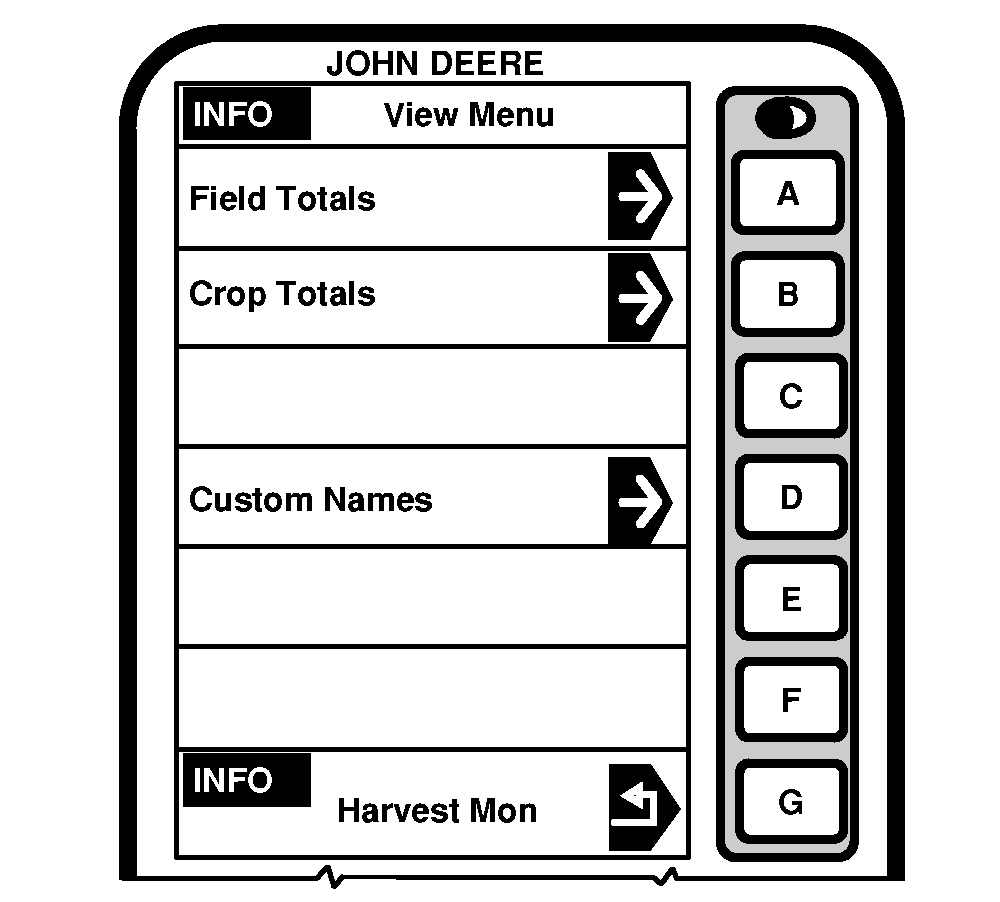
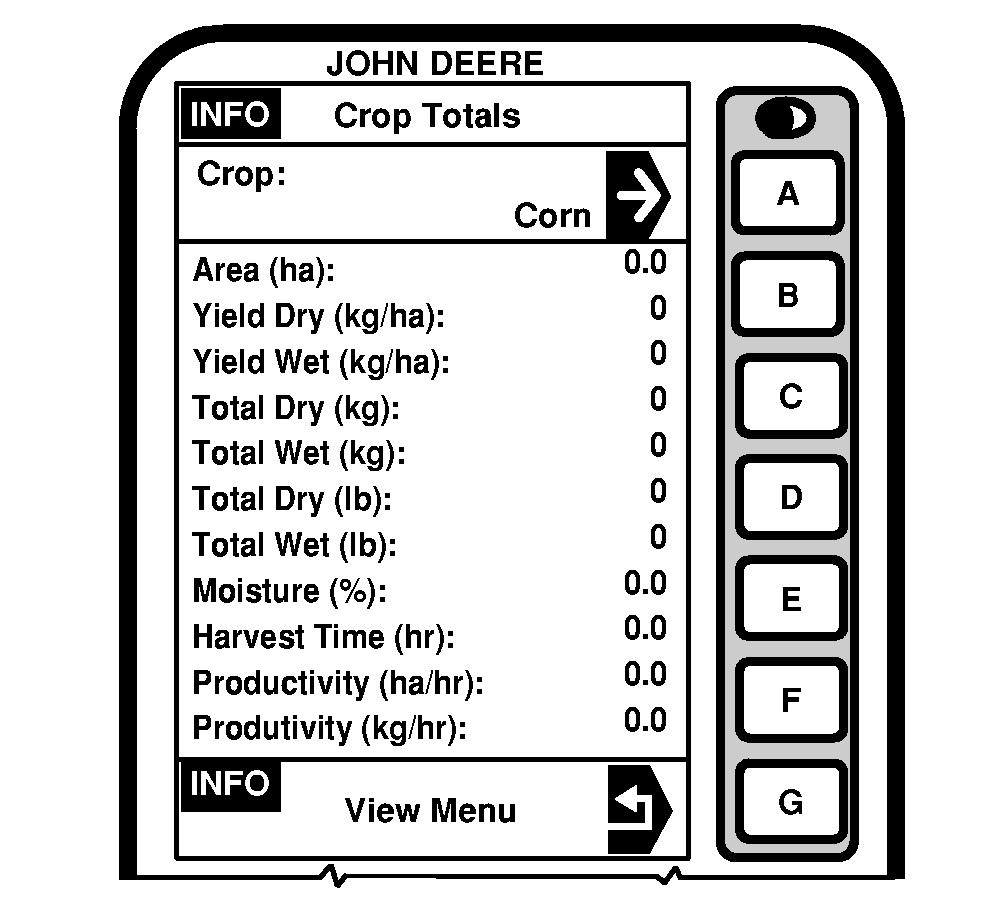
INFO - View Menu - Crop Totals
|
|
|
Press letter button next to "Crop Totals" on INFO - View page and INFO - Crop Totals will appear. This screen displays data acquired for a particular crop. Crop selected in SETUP - Harv Mon - PAGE 1 is displayed along with all its harvest information as shown in the sample display. |
By pressing letter button next to "Crop" the user is able to change which crop totals to view without changing what crop was selected under SETUP - Harv Monitor. |
OUO6075,000302E -19-26AUG03-1/1 |