Reel Position ResumeReel Position Resume allows the operator to select the position of the reel. Activation buttons 1, 2 and 3 located on the multi-function handle are used for selecting three different reel positions. Operation: Reel Position Resume system can be activated only when: 1.
The engine is running.
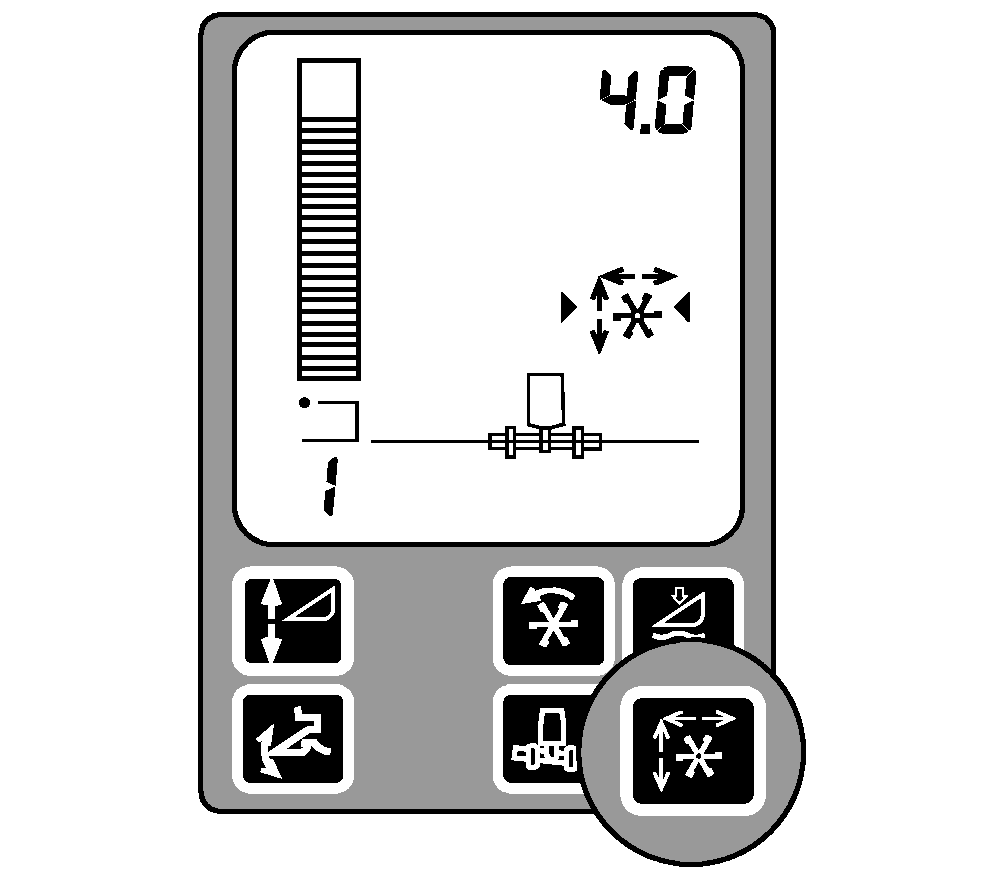
Use switch (A) to obtain desired reel fore-and-aft position and to obtain the reel height position. Press and hold one of the activation buttons 1,2 or 3 on the multi-function lever more than 2 seconds to memorize the reel position. Manually moving the reel with switch (A) on the multi-function handle will turn off the reel position resume function. Pressing the corresponding activation button will re-activate the system and the reel will move to the selected position. When harvesting conditions are such that more than one reel position is required, e.g., one position for down crop and one position for standing crop, the operator can store a reel position for each resume button and move from one reel position to the other by pushing and releasing resume buttons. |
|

OUO6075,0002879 -19-18MAR03-1/1 |