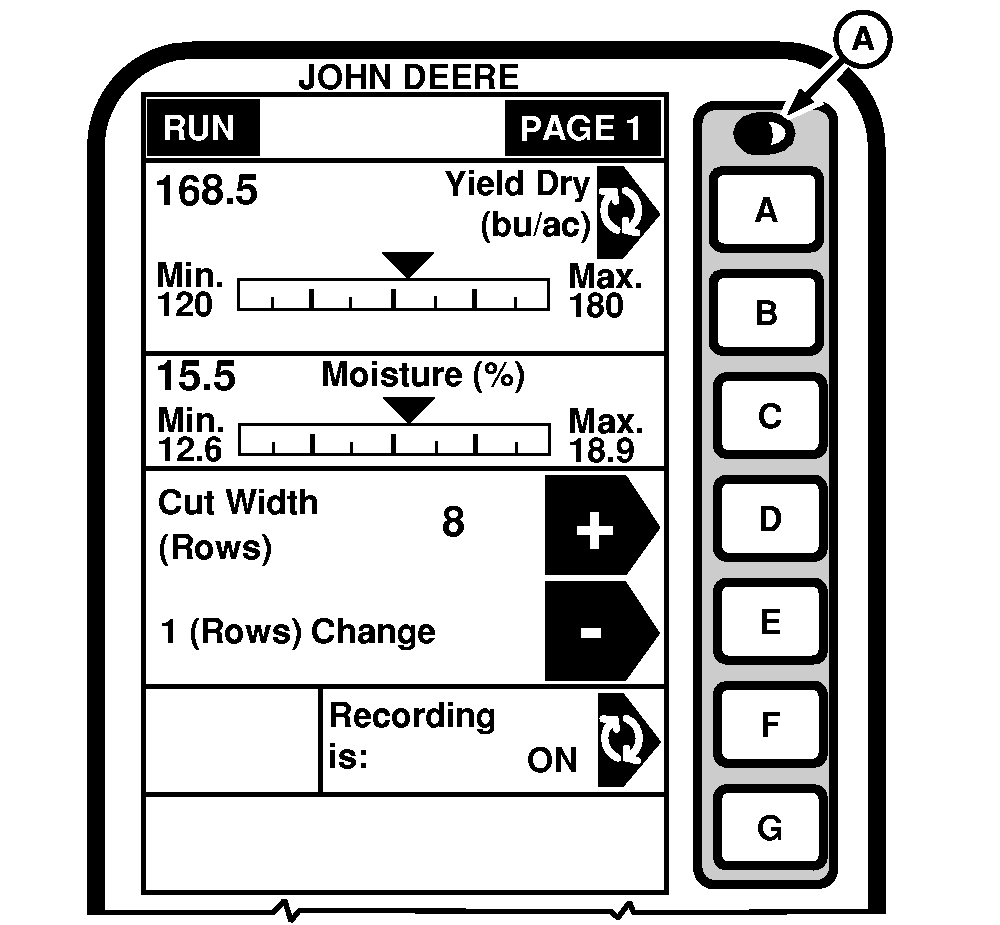
Contrast ButtonContrast button (A) is used to adjust the light level of the display for visibility and clarity. Adjust the contrast by pressing the contrast button and holding the button until the desired contrast level is reached. Back-lighting intensity may also be changed to increase visibility of screen. (See GREENSTAR Display in the GREENSTAR Display Setup section.)
|
|
OUO6075,0003011 -19-25AUG03-1/1 |