GREENSTAR Display
|
|
|
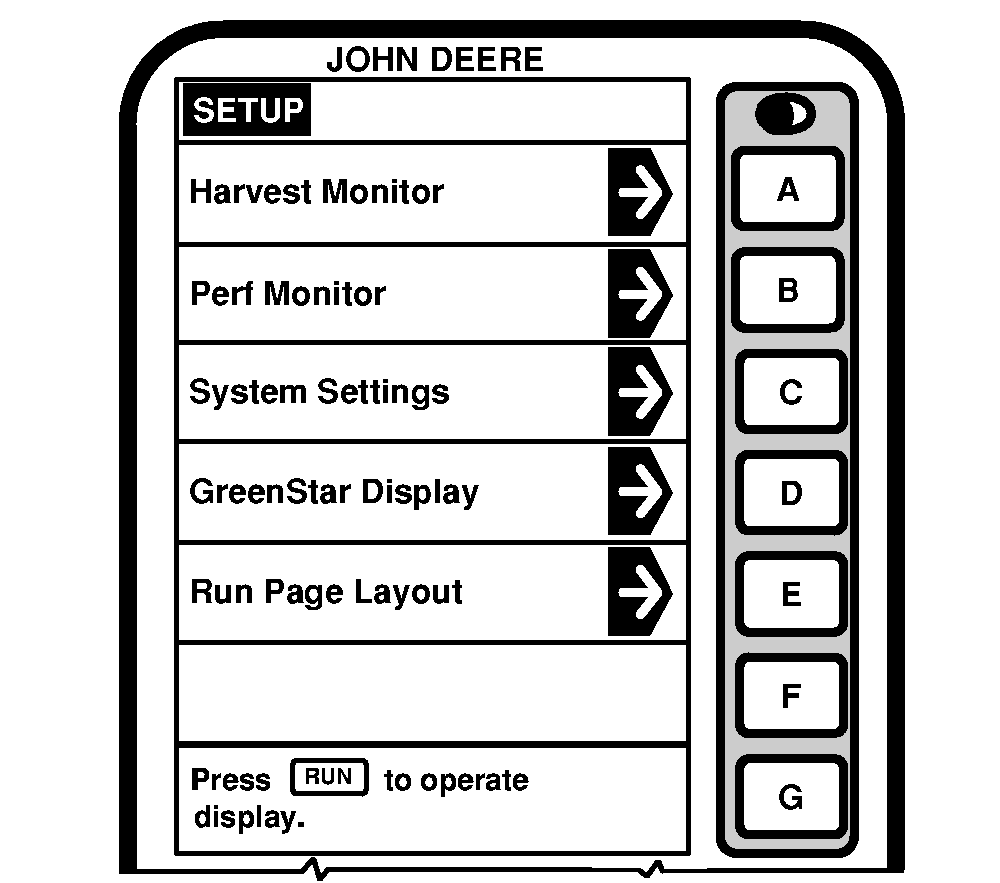
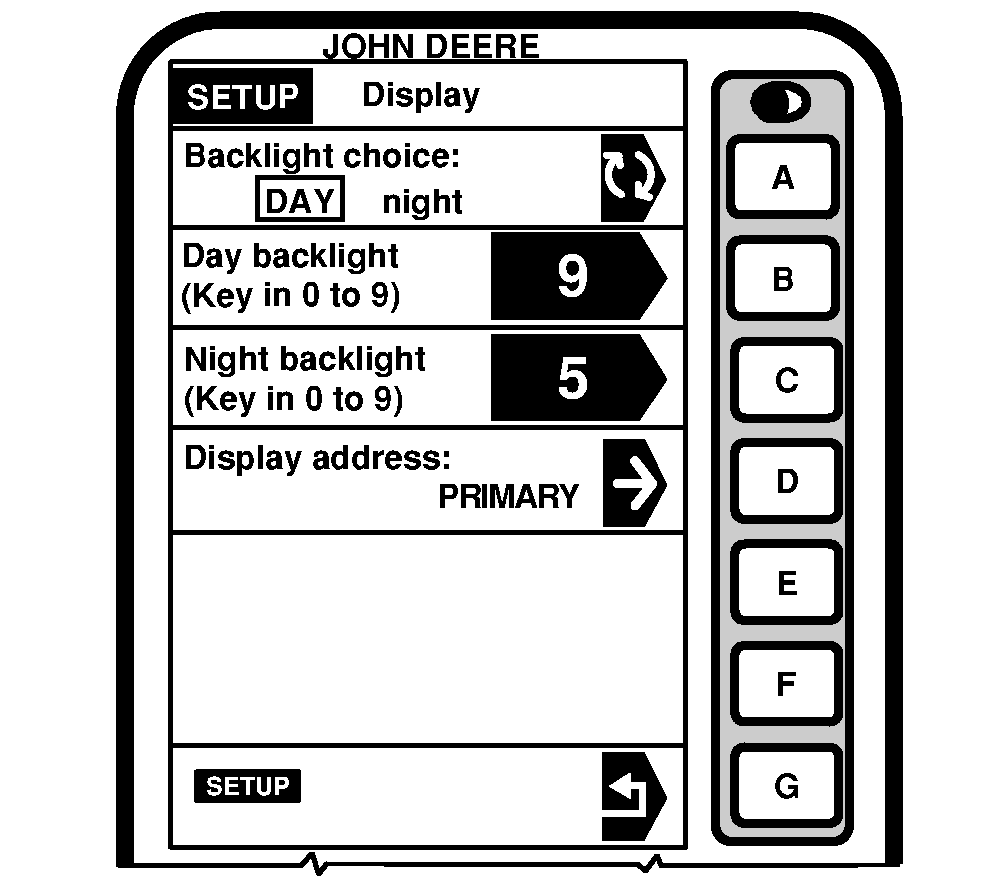
Press letter button next to "GREENSTAR Display" on SETUP screen. SETUP - Display screen will appear. Selections are as follows: Backlight ChoiceTo select Day backlight or Night backlight, press letter button next to "Backlight Choice". Black arrow will toggle between NIGHT and DAY. Day BacklightPress letter button next to "Day Backlight" to change to backlighting level. Using numeric keypad, enter any number from 0 to 9 for intensity level. The higher the number the brighter the screen. |
Night Backlight
Press letter button next to "Night Backlight" to change backlighting level. Using numeric keypad, enter any number from 0 to 9 for intensity level. The higher the number the brighter the screen. Display AddressIMPORTANT: Ensure Display address is set to Primary. Press letter button next to "Display Address". SETUP Display Address screen will appear, select Primary. |
OUO6075,0003117 -19-10OCT03-1/1 |